Playtest screenshots
Swipe or scroll to see all 2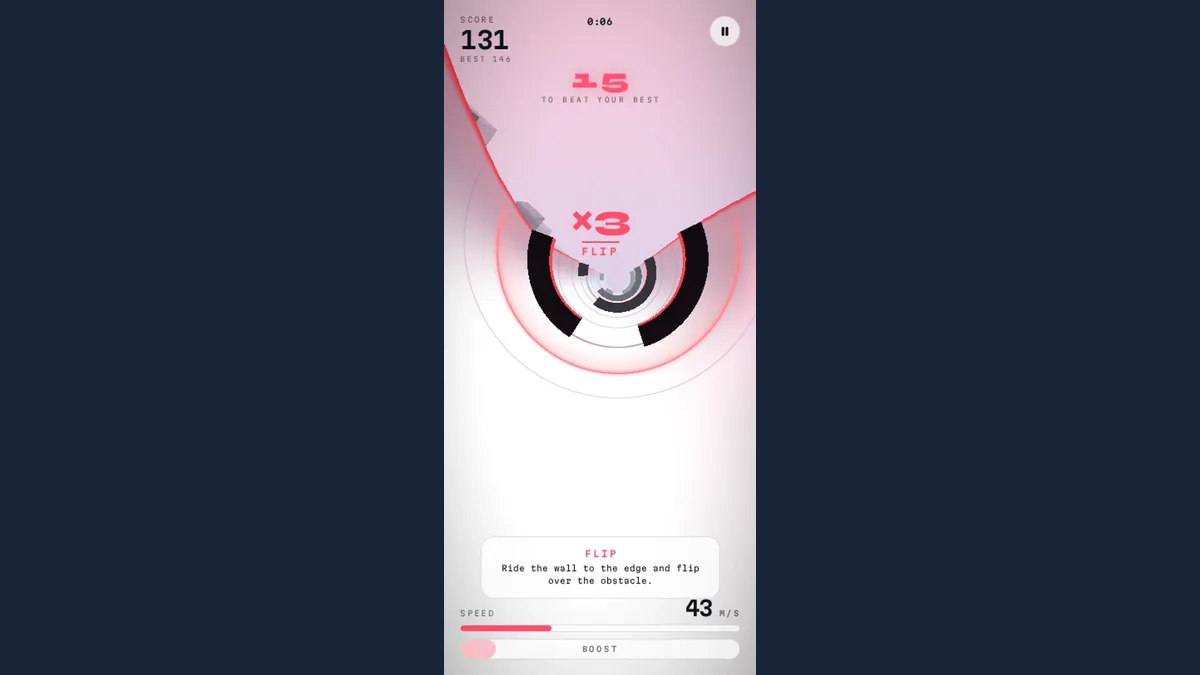
About Flume (V2)
Holding the left arrow in Flume (V2) shifts the crimson sphere along a curved half-pipe. The desktop capture after that hold showed the ball off-centre and the track rotated; a FLIP marker also appeared. A touchscreen hold on the left half produced a similar visible response. Dark obstacles break up the pink track, with score, speed and a boost bar around the playfield.
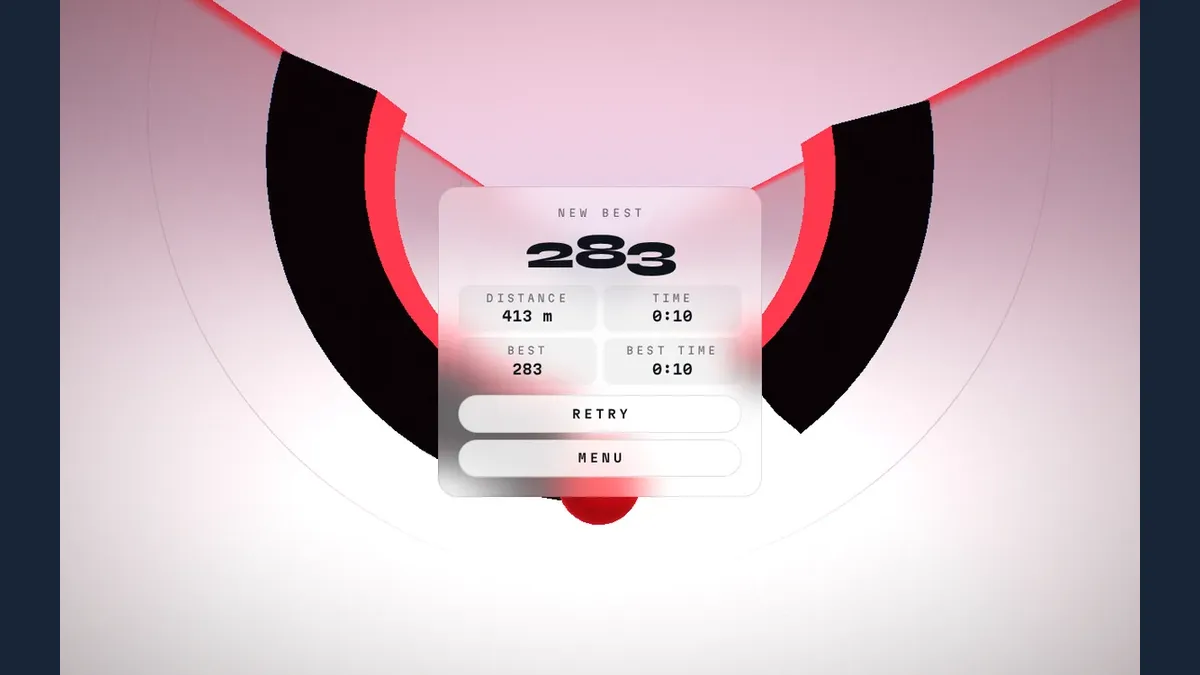
Choose Classic from the menu to try a run. The starting sequence verified here was Play followed by a left hold, with the sphere moving toward the wall. The later mobile result recorded 230 points over 354 metres in eight seconds; desktop reached 283 points over 413 metres in ten seconds. These are individual attempts, not targets or a fixed points-per-flip rule. The early steering tutorial remained on screen during initial attempts, so tutorial completion was not confirmed.
Only left steering was verified during ordinary play. Right steering, boost activation, Hard mode and ball unlocks remain untested. The first canvas drew after about 8.3 seconds in the throttled browser profile; that reading does not measure readiness to play. Advertising SDK requests were blocked throughout testing, leaving the ordinary advertisement experience unverified.
Controls
| Action | Desktop | Mobile |
|---|---|---|
| Steer along the half-pipe | Hold the left arrow key | Hold the left half of the screen |
Why it's Chromebook-friendly
Native left-arrow and left-half touchscreen holds visibly shifted the sphere along the half-pipe during ordinary Classic play, with wall-flip feedback. Recorded attempts ended at 230 and 283 points; these are examples rather than fixed scoring targets. The early tutorial remained incomplete, and boost, right steering and other modes were not verified.
Having trouble? Report a problem. Reloading may reset your progress.