About Deep Drill
The drill is already descending when Deep Drill opens, and its depth and ore counters keep moving while you read the Rig panel. Spend the displayed ore amount by pressing an upgrade row’s price button. The recorded sessions reached Limestone at 180 metres, where the displayed rate fell before upgrades. The choice is which machinery row to improve while mining continues.
Two touch purchases took Drill bit from level 0 to level 2. Its next price changed from 12 to 14, then 17; the row showed speed +30% after the first purchase and +60% after the second. On the narrow phone layout, swiping upward inside the Rig list exposed the complete upgrade row and price button. Both taps worked after the introductory prompts.
Desktop clicks raised Drill bit and Coolant to level 1. Coolant’s label changed from hardness ÷1.00 to ÷1.25, and its next price rose from 45 to 54. Mining continued at 228 metres in the final desktop capture. The remaining upgrade tracks, saved progress and closed-tab earnings were not tested.
Playtest screenshots
Swipe or scroll to see all 3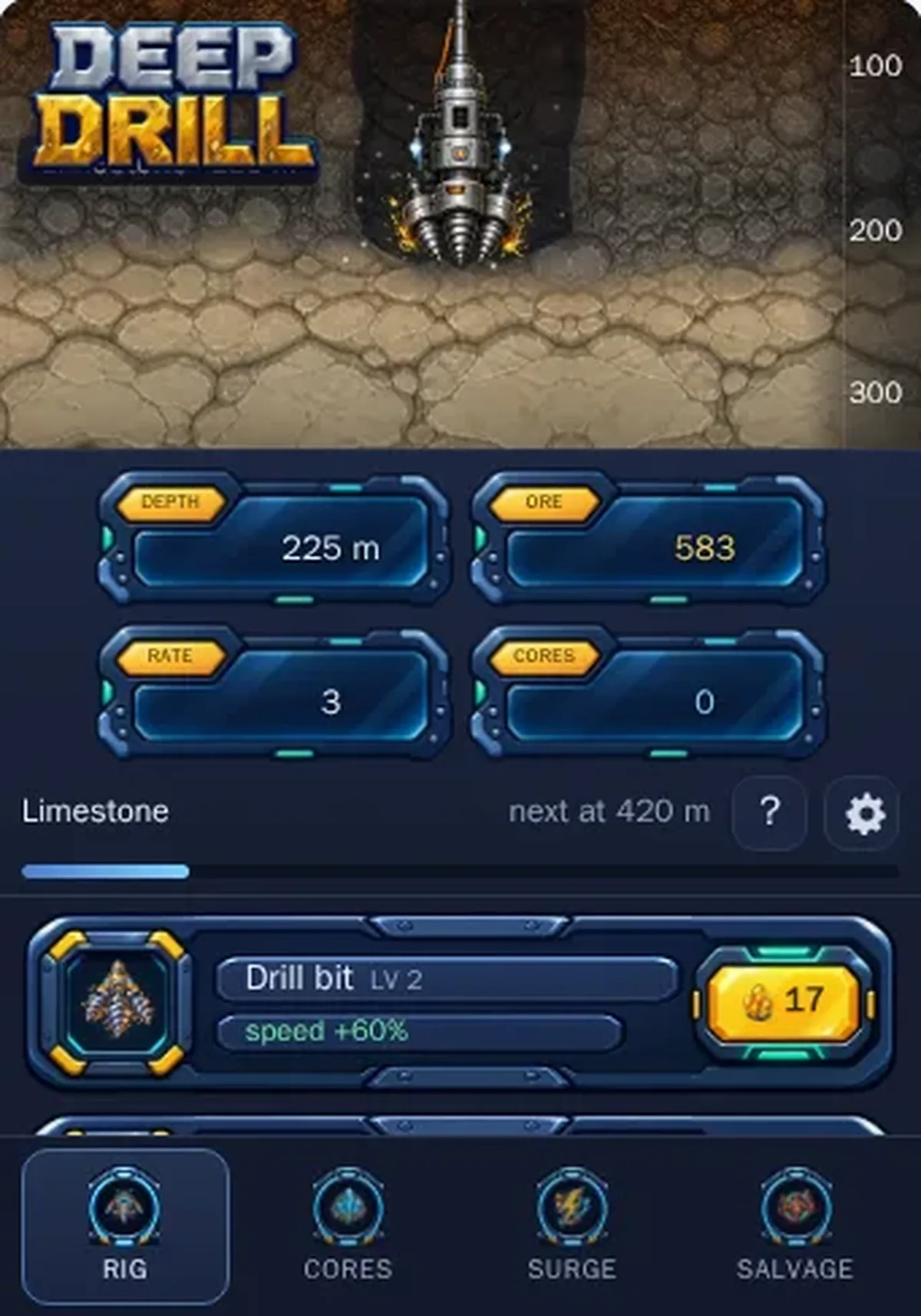
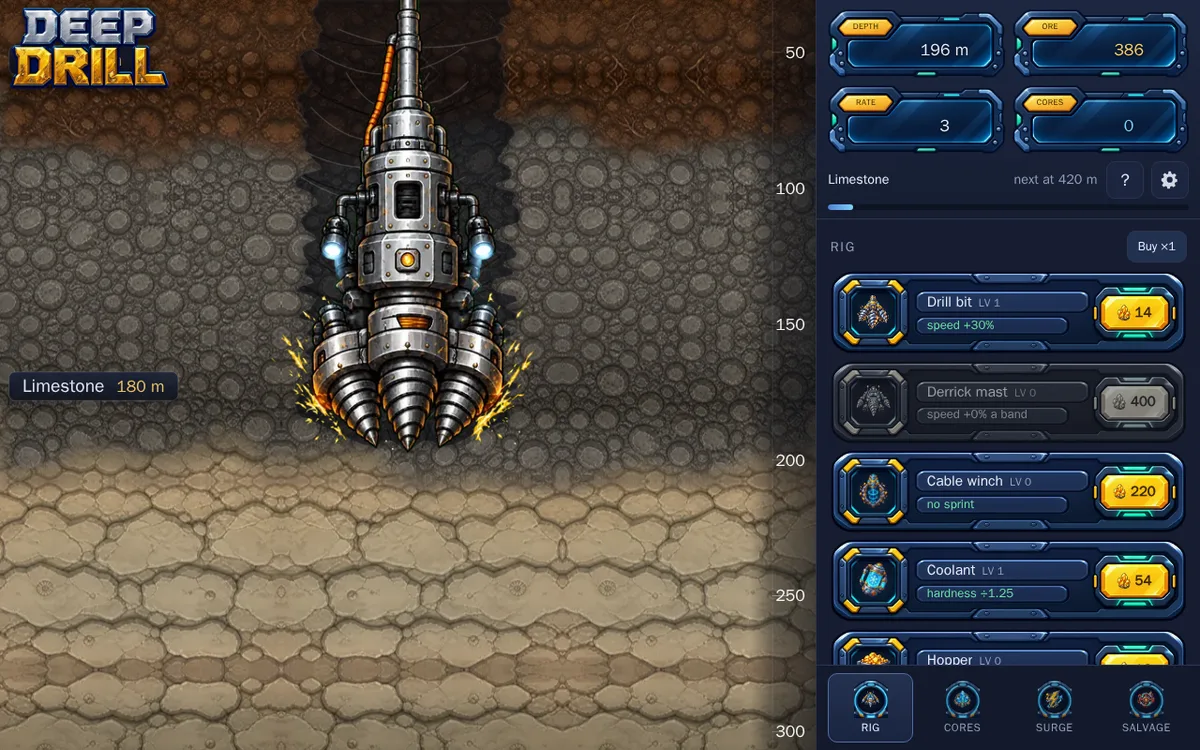
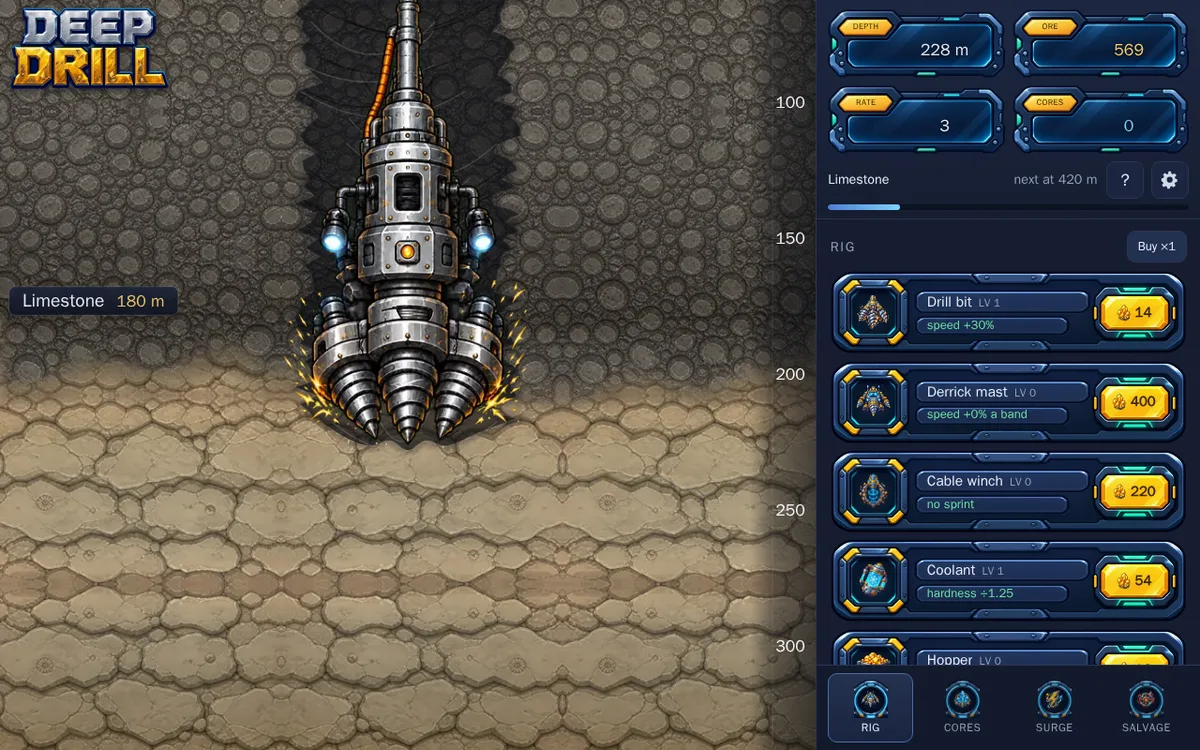
Why it's Chromebook-friendly
The measured entry-referenced core is 0.1 MB. Native touch and mouse input bought visible Rig upgrades: Drill bit reached level 2 on mobile, while desktop verified Drill bit and Coolant at level 1. The mobile Rig list scrolls to expose price buttons. Mining continued into Limestone; the final desktop capture showed 228 metres. Other upgrade tracks, saved progress and closed-tab earnings were not tested.
Controls
| Action | Desktop | Mobile |
|---|---|---|
| Buy a visible Rig upgrade level with the displayed in-game ore price. | Click the price button; Drill bit and Coolant verified. | Tap the price button; two Drill bit purchases verified. Swipe upward within the Rig list to reveal the complete row. |
Having trouble? Report a problem. Reloading may reset your progress.