About Flippy Bottle
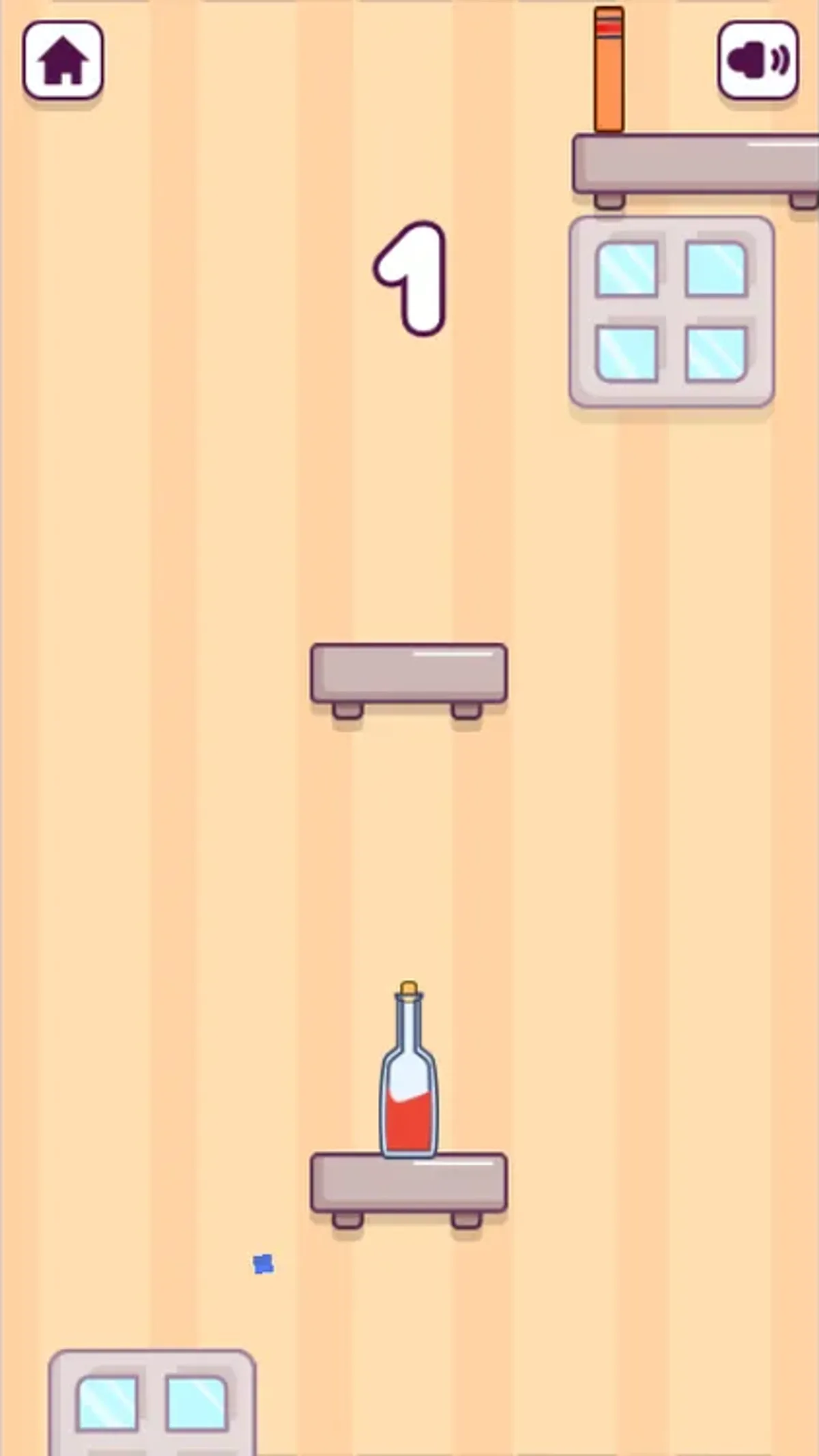
Click the game area in Flippy Bottle and the red-and-white bottle rotates toward another shelf. In the recorded desktop sequence, it rose at score 0, landed upright on a new shelf, and the counter changed to 1. Peach wall stripes, small windows and staggered shelves frame the narrow playfield. Touchscreen taps also produced rotation and a mobile score of 2.
Start from the visible continue or play prompt, then use a tap or click inside the canvas for the flip. The starting move verified on desktop was one click from the bottle's shelf: the next captures showed it airborne, then upright on the new platform. Shelf positions change as the view scrolls. The tests did not establish an optimal timing rule or a second-jump control.
Completed attempts showed a score screen with a circular retry arrow. Selecting that arrow returned to the title menu; selecting Play began another attempt at 0. The mobile menu retained BEST 6 within that session, but saving after a reload was not checked. Desktop play leaves black margins around the portrait game. Advertisement-related requests were blocked during testing, so the captures do not establish how ads behave during ordinary play.
Playtest screenshots
Swipe or scroll to see all 2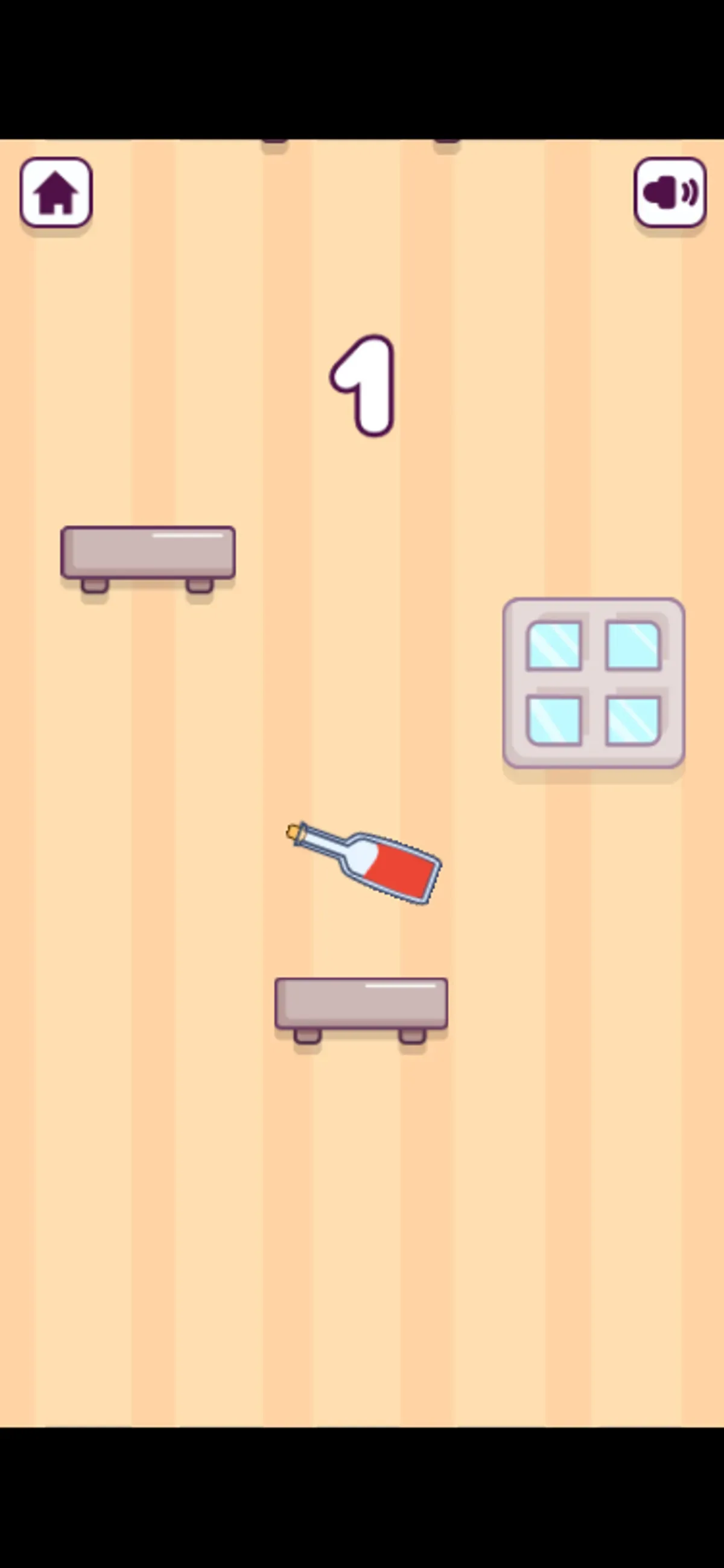
Why it's Chromebook-friendly
Mouse clicks and touchscreen taps rotated the bottle during the controlled tests. A desktop click led to an upright shelf landing and a score increase from 0 to 1; mobile play reached score 2. Captured attempts showed score screens, and the retry arrow plus Play started new attempts. The portrait playfield leaves black margins on desktop. Reload saving, optimal flip timing and ordinary advertising behavior were not established.
Controls
| Action | Desktop | Mobile |
|---|---|---|
| Start or continue an attempt | Click the visible continue/play prompt. | Tap the visible continue/play prompt. |
| Flip the bottle toward the next shelf | Click inside the playing canvas; the tested click is followed by rotation and a successful upright landing with score increasing from 0 to 1. | Tap inside the playing canvas; the tested taps are followed by rotation and later score/landing states. |
| Retry after the score screen | Click the circular retry arrow, then the play prompt; a new score-0 attempt follows. | Tap the circular retry arrow, then the play prompt; a new score-0 attempt follows. |
More to explore
A tap or click flipped the bottle toward another shelf; retries after a result screen were also recorded.
The stored scan marked this title Chromebook-friendly; its playtest included both required viewports and recorded mouse, touch controls.
Having trouble? Report a problem. Reloading may reset your progress.