Playtest screenshots
Swipe or scroll to see all 2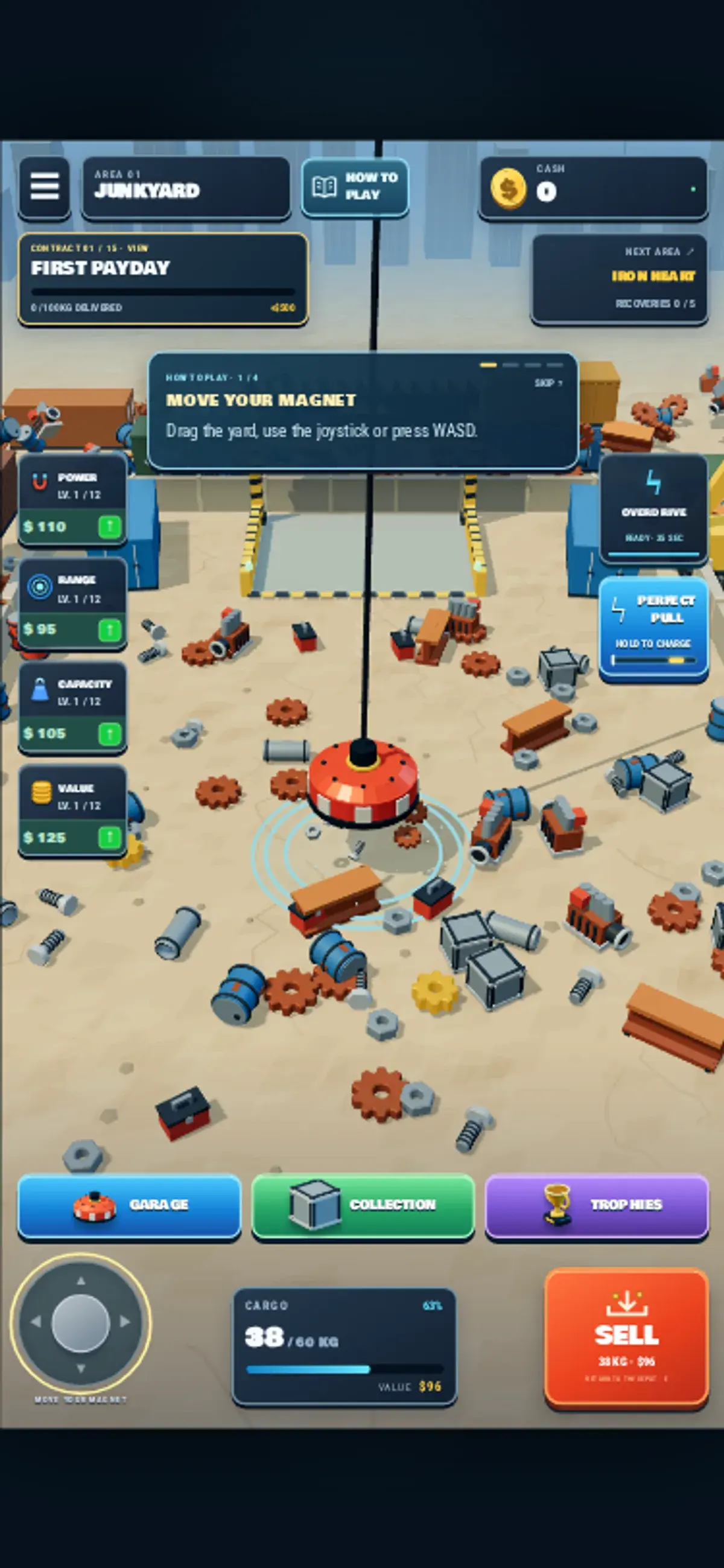
About Magnet Master 3D
The first gameplay view already showed 38 of 60 kg in the magnet’s cargo meter. Below it, bolts, gears and metal blocks lay across a junkyard floor, with a striped SELL bay ahead. That starting load was visible before we tested movement; the session does not prove we picked it up by hand.
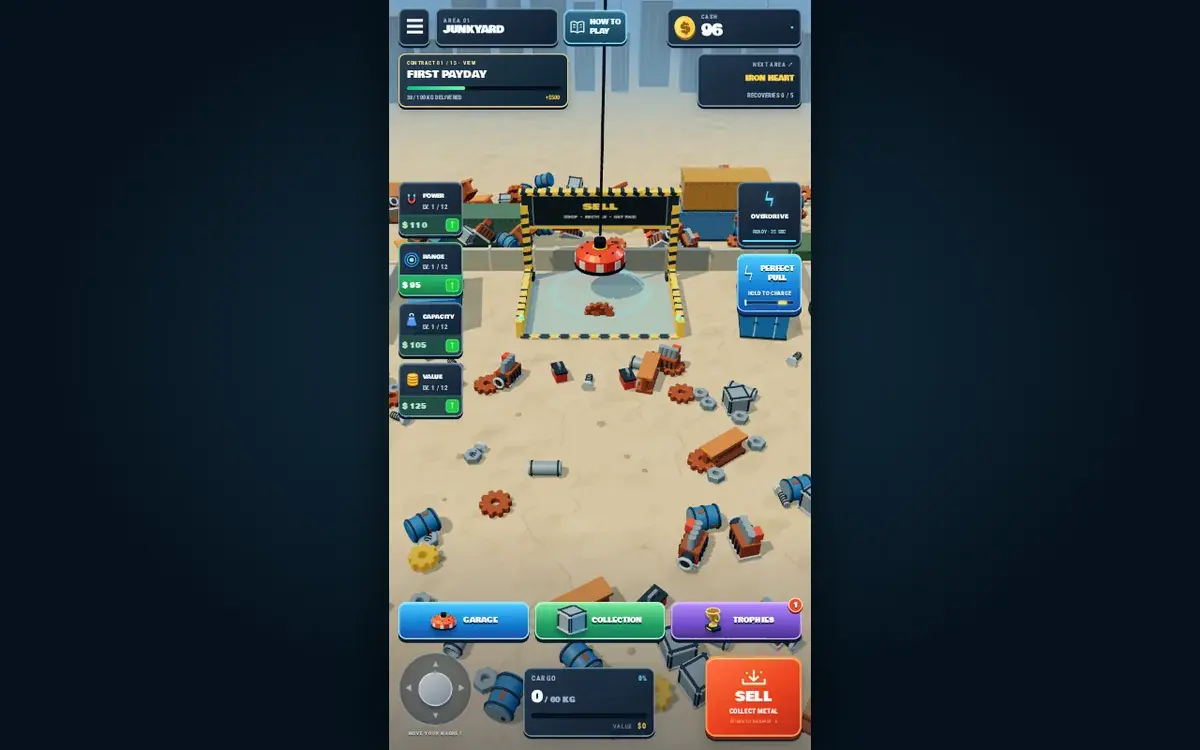
On a phone-sized screen, holding the virtual joystick moved the red magnet into the bay. Holding W moved it there on desktop. After the load cleared, each session showed cash rise from 0 to 96 and the First Payday contract advance to 38 of 100 kg delivered. The cargo meter returned to 0 of 60 kg.
Power, Range, Capacity and Value upgrades were visible with prices, but we did not buy any. A How to Play panel explained movement and the pull control. Neither run needed a sign-in or download to reach the sale; the next area and full contract remained untested.
Controls
| Action | Desktop | Mobile |
|---|---|---|
| Move the magnet toward the SELL bay | Hold W while the yard is visible | Touch-hold the visible virtual joystick toward the bay |
Why it's Chromebook-friendly
Both guarded sessions started with 38 of 60 kg already in the magnet's cargo meter. The tested mobile joystick and desktop W input moved the magnet into SELL; the meter then showed 0 of 60 kg, cash 96, and First Payday 38 of 100 kg delivered. We did not verify how the starting cargo was collected, buy an upgrade, or reach the next area.
Having trouble? Report a problem. Reloading may reset your progress.