Why it's Chromebook-friendly
ArrowRight keyboard holds moved the truck through the opening mountain course and increased its coin counter in both tested viewport sizes. Native touch was verified for phone-sized menu controls and a restart that returned to count 0; touch-only driving remains untested. The vehicle tipped upside down on a steep slope in the supplement, and restart allowed another attempt. No winning screen, later unlocks, saved progress after reload or desktop restart was established. Portrait play is letterboxed, and ordinary ad behavior was not assessed because ad requests were blocked.
About Monster Truck Mountain Climb
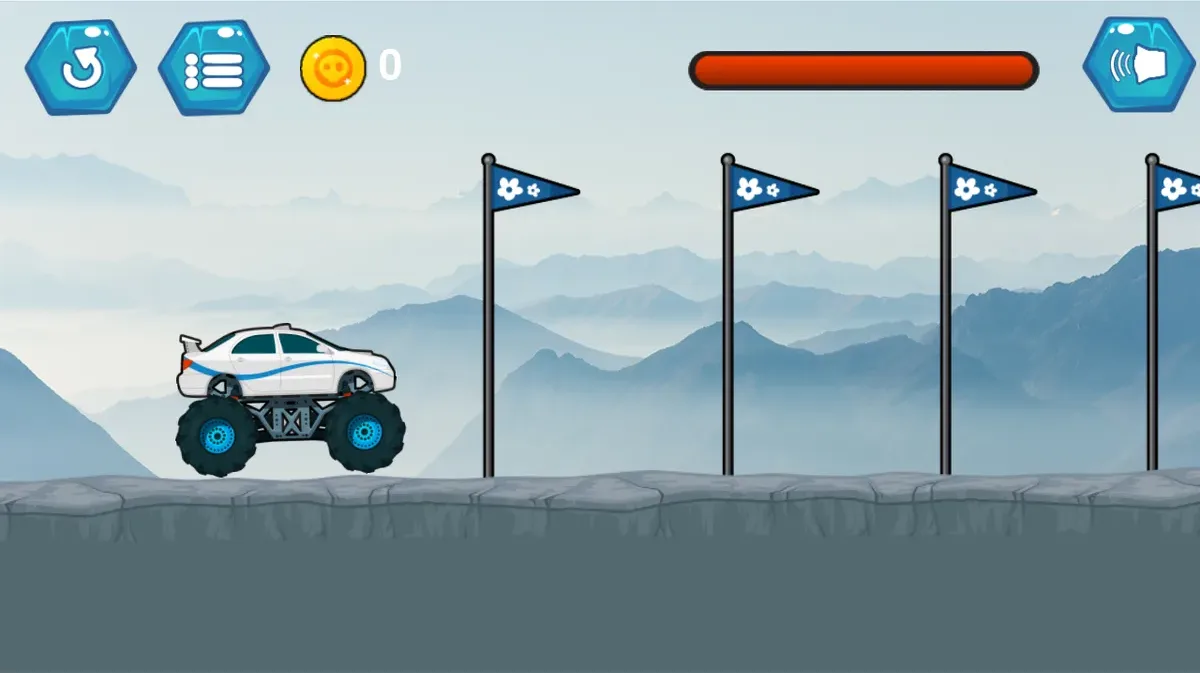
Hold ArrowRight to drive in Monster Truck Mountain Climb. The white-and-blue truck rolls from a flag onto a gray mountain slope, with oversized wheels beneath its body. A desktop hold moved it up the first incline and changed the coin counter from 0 to 6. The same keyboard input worked in the phone-sized viewport, where the truck tilted sharply nose-up on that slope.
Select the visible Play icon and then level 1 before driving. The first move verified in both views was an ArrowRight hold from the opening section; it advanced the truck and the counter without another menu action. Steeper ground can tip the vehicle: an extended attempt left it upside down with 12 coins visible. The tests did not establish a balancing technique or the precise function of ArrowUp.
In the phone-sized supplement, tapping the circular restart arrow returned the truck to the opening flag and reset the counter to 0. Driving again reached 12. A finish screen, later unlocks and progress saved after reloading were not verified. Touch input was used for menus and that restart, while driving relied on the keyboard; touch-only driving remains untested. The wide course is letterboxed on a portrait screen. Advertisement-related requests were blocked, so ordinary ad behavior was not assessed.
Controls
| Action | Desktop | Mobile |
|---|---|---|
| Enter level 1 | Click the play icon, then the visible level-1 button. | Tap the play icon, then the visible level-1 button. |
| Drive forward through the course | Hold ArrowRight on a keyboard; the tested course advances with coin counter increasing. | At the mobile-size viewport use ArrowRight on a keyboard; touch-only driving was not verified. |
Playtest screenshots
Swipe or scroll to see all 2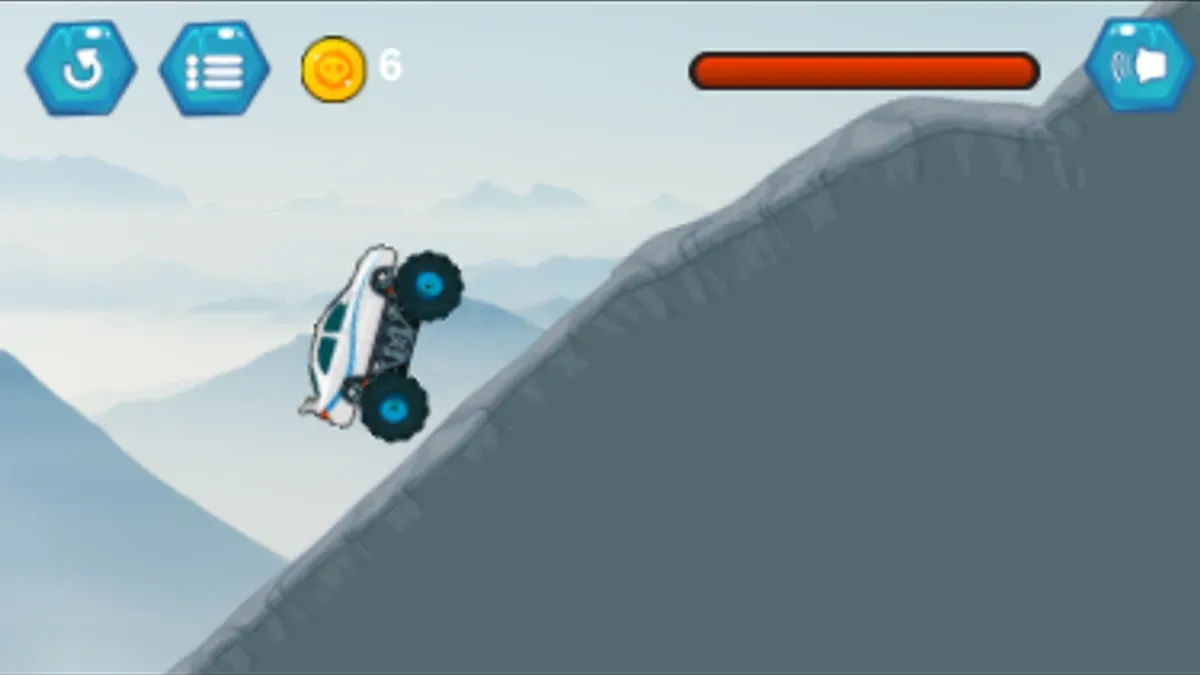
More to explore
The stored scan marked this title Chromebook-friendly; its playtest included both required viewports and recorded keyboard controls.
Holding ArrowRight moved the truck and increased the coin counter from 0 to 6 in both viewports; menus were entered with touch or mouse, and ArrowUp’s effect remains unverified.
Having trouble? Report a problem. Reloading may reset your progress.