Playtest screenshots
Swipe or scroll to see all 2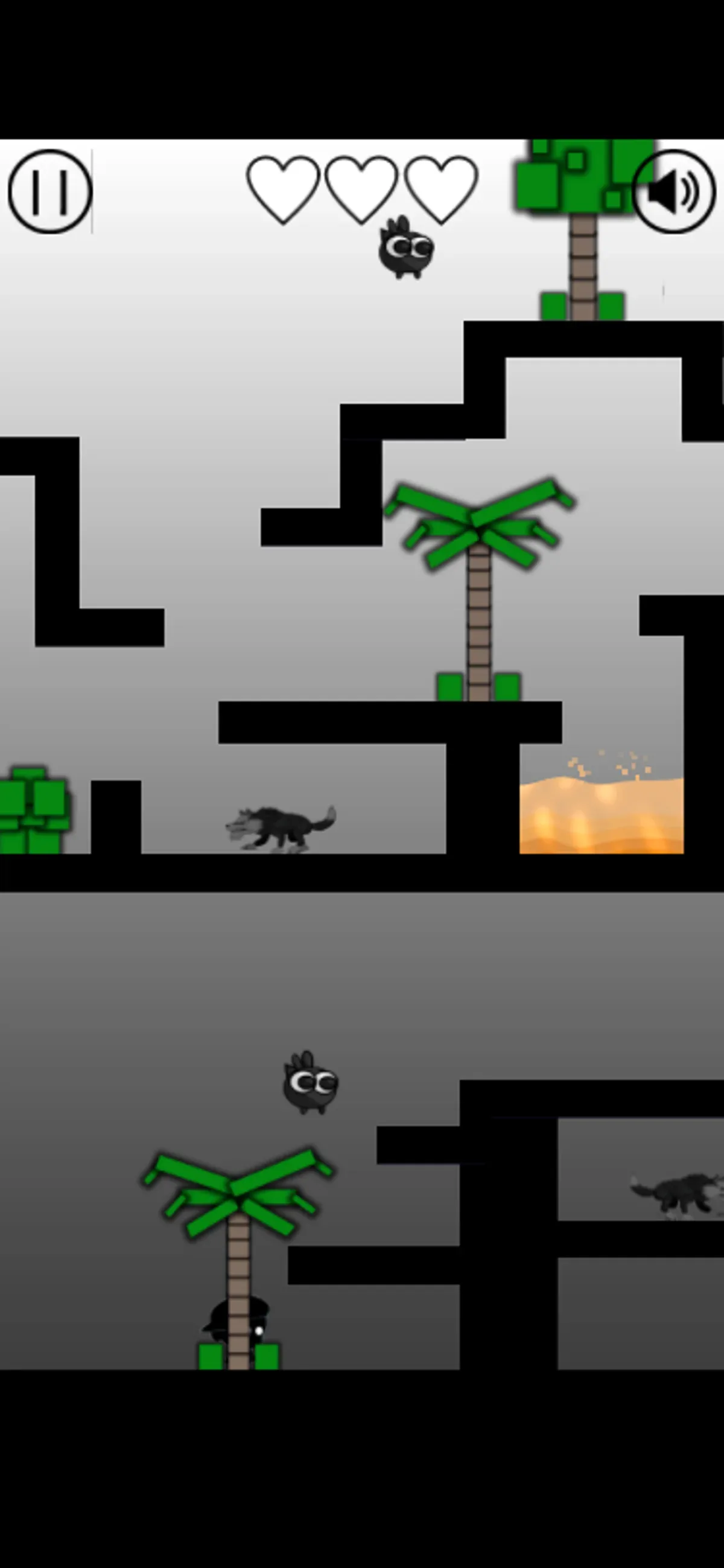
About Maze Survivor Platform Adventure Game
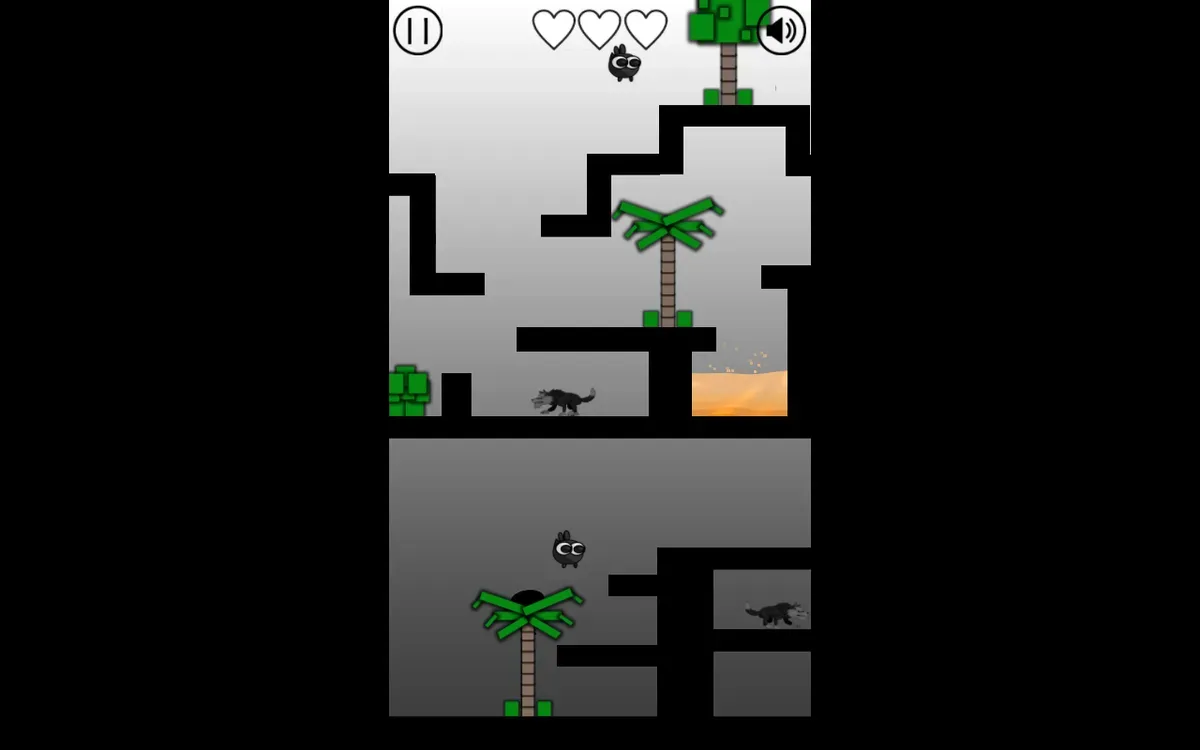
Hold right from the bottom-left floor to bring your character toward the palm tree in Maze Survivor. Its trunk partly hides the small black figure after that move. A later centre tap raised the figure on mobile, and the desktop up-arrow test also showed a jump. This is a useful first sequence to practise before moving farther into the maze.
On mobile, hold the right side of the playfield to move and tap near the centre to jump. Use the right arrow for movement and the up arrow for jumping on desktop. Both input methods produced the opening sequence. We checked rightward movement rather than every direction, so the control table lists only that movement and the jump.
The grey playfield contains black platforms, wolf-like animals in separate corridors, round flying creatures and a recessed orange lava pocket on the right. The observed moves worked with sound muted. This test stayed in the opening area; collisions, the key, exit and later levels remain untested.
Controls
| Action | Desktop | Mobile |
|---|---|---|
| Move right. | Hold the ArrowRight key. | Hold on the right side of the screen. |
| Jump. | Press ArrowUp. | Tap near the center of the screen. |
Why it's Chromebook-friendly
The opening maze responded to rightward movement and jump inputs on touch and keyboard in our simulated Chromebook profile. The measured direct entry core is 0.1 MB. We checked one opening route; the key, exit, and later levels have not been tested.
Having trouble? Report a problem. Reloading may reset your progress.