Why it's Chromebook-friendly
The tested Construct 3 game loaded in the throttled browser without sign-in or a download. A phone tap and a desktop click each started a run and lifted the figure over brick platforms. Both captured attempts ended with a return to the menu; a successful landing, cleared gap, final score and later levels remain unverified. Portrait phone play is letterboxed and a high desktop jump briefly clips the figure at the top.
Known quirks
- On the 375×812 phone viewport, the 375×214 game canvas is vertically centered with substantial letterboxing above and below.
- A desktop jump frame transiently clips the top of the airborne figure; a later frame shows the full figure.
About Run Stickman Run
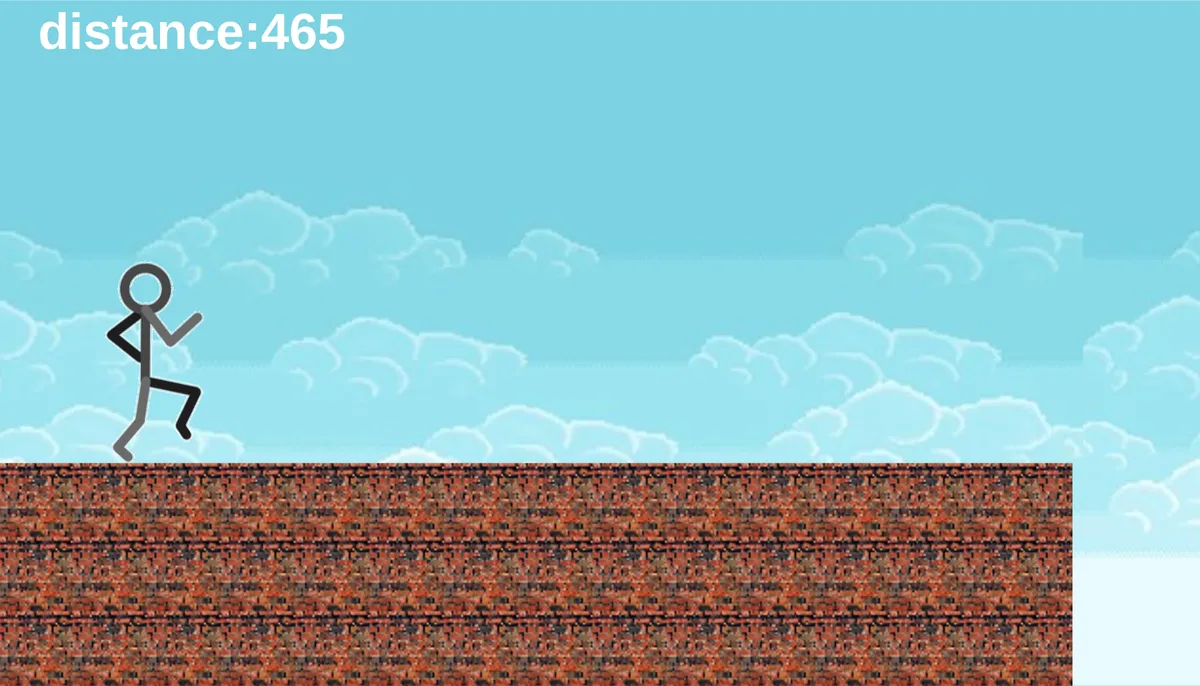
Tap Play in Run Stickman Run to start a dash across brick platforms. A stick figure runs beneath pale blue clouds while a distance counter climbs above it. In the phone-sized test, one tap lifted the runner from a brick stretch; the counter moved from 360 to 410, then to 605 while the figure was still airborne. A mouse click produced the same visible jump on desktop.
The useful move we verified is simple: start with the green play icon, then tap or click the game area while there is still brick under the runner. That input sent the figure upward before a gap in both tests. One mobile capture shows a taller platform beyond the opening break. We did not establish a successful landing or any second jump control, and the controller icon on the menu was left untested.
Both recorded attempts ended with the figure descending beside a raised platform, a brief sky-only view, and a return to the menu. This establishes a short restart loop, not a final score, checkpoint, or cleared level. On a portrait phone, the wide playfield leaves large bands above and below it. A high desktop jump briefly pushes the figure past the top of the game view before it comes back into sight.
Controls
| Action | Desktop | Mobile |
|---|---|---|
| Start a run from the visible green play icon | Click the play icon; a running distance frame followed. | Tap the play icon; a running distance frame followed. |
| Jump while running | Click the tested canvas center at CSS (640,400); the next captured state is airborne with rising distance. | Tap the tested canvas center at CSS (188,405); the next captured state is airborne with rising distance. |
Playtest screenshots
Swipe or scroll to see all 2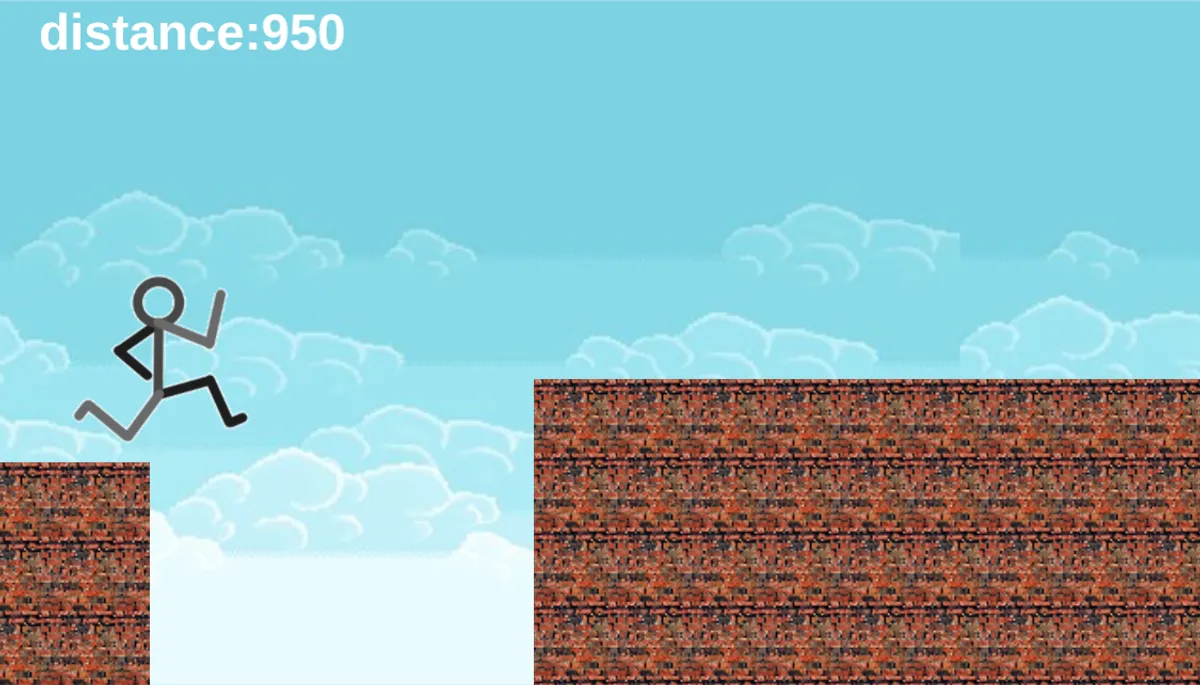
More to explore
The stored scan marked this title Chromebook-friendly; its playtest included both required viewports and recorded mouse, touch controls.
The latest stored technical scan recorded a 1.4 MB core package, below the 5 MB collection threshold.
Having trouble? Report a problem. Reloading may reset your progress.