Playtest screenshots
Swipe or scroll to see all 2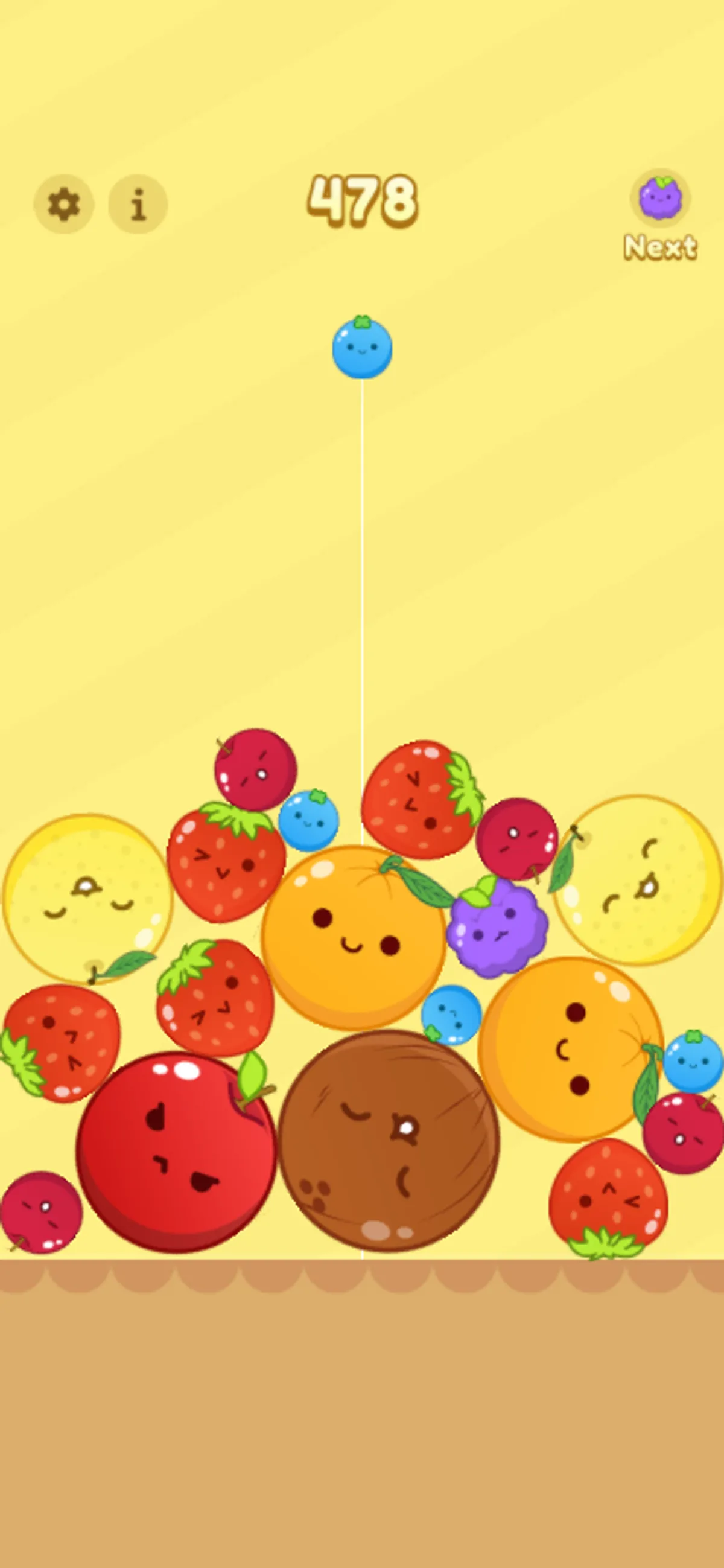
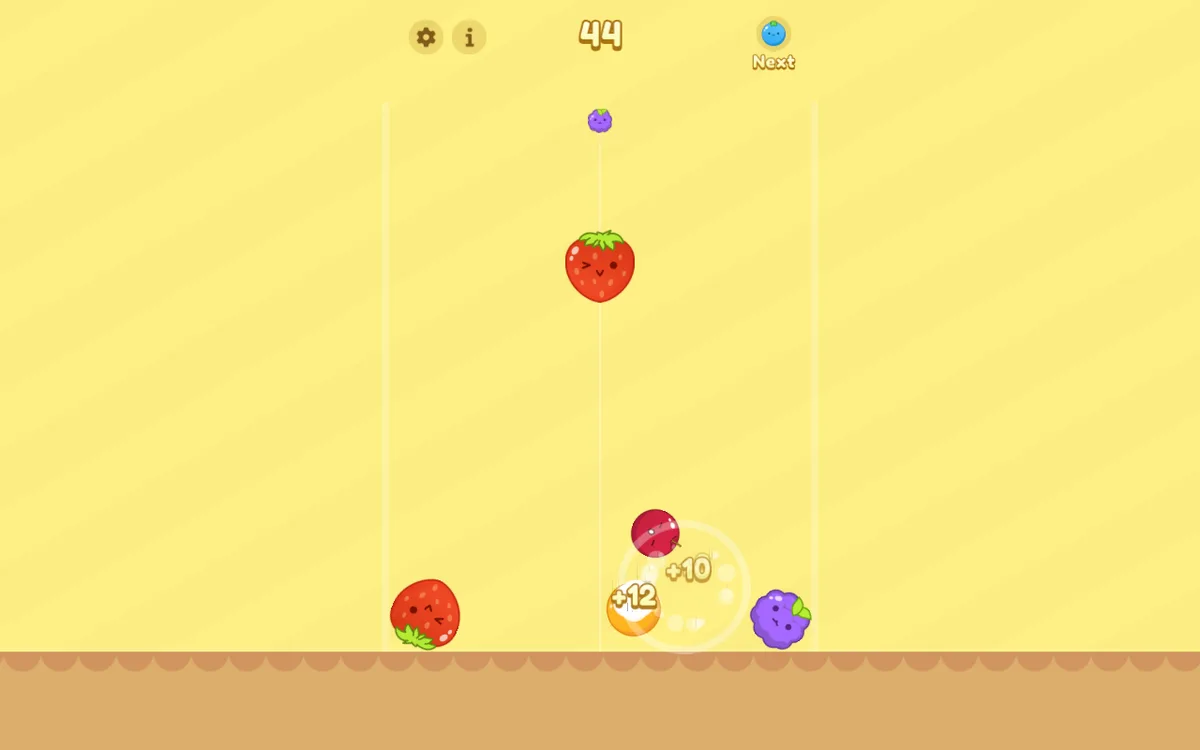
About Watermelon Fruit 2048
Clicking the centre of the playfield releases the current fruit above the pile. In our two runs, the score sat at the top, a vertical guide marked the tested drop line, and the Next preview appeared in the upper-right corner. The 30-second desktop capture showed +10 and +12 score bubbles. Across later captures, the mobile score moved from 10 to 220 and then 478, while the desktop score moved from 44 to 132 and then 412. Larger fruit also appeared as the pile developed.
Repeated centre drops kept the score moving, but they built an uneven, crowded stack by the end of the mobile run. That makes the clearest tested lesson simple: watch how much space remains beneath the centre line before releasing another fruit. The Next preview identifies the upcoming piece, though we did not verify a broader placement strategy or lateral control.
The first canvas draw signal arrived at 6.324 seconds on mobile and 5.991 seconds on desktop. The first completed input-effect sample finished by 34.436 seconds under our constrained profile; that is an upper bound, not an exact readiness time. Native touch, the loss condition, saving and restart were not verified. Ad-related requests were blocked by the test harness, so the session does not show whether ads would appear during ordinary play.
Controls
| Action | Desktop | Mobile |
|---|---|---|
| Drop the current fruit | Click in the playfield; repeated centre clicks were verified | Pointer clicks were verified at 375×812; native touch remains unverified |
Why it's Chromebook-friendly
Pointer drops produced continuing score and stack progression at both tested viewport sizes. Native touch, lateral strategy, the loss condition, saving and restart remain unverified.
More to explore
The stored scan marked this title Chromebook-friendly; its playtest included both required viewports and recorded mouse controls.
The latest stored technical scan recorded a 2.1 MB core package, below the 5 MB collection threshold.
Having trouble? Report a problem. Reloading may reset your progress.