About Curve Free Kick
Drag and release the kicker to send a shot in Curve Free Kick; on a phone, aiming is followed by a separate tap on SHOOT. The dotted guide points toward a goalkeeper behind a wall, while the power and curve readouts give you a reference as you line up.
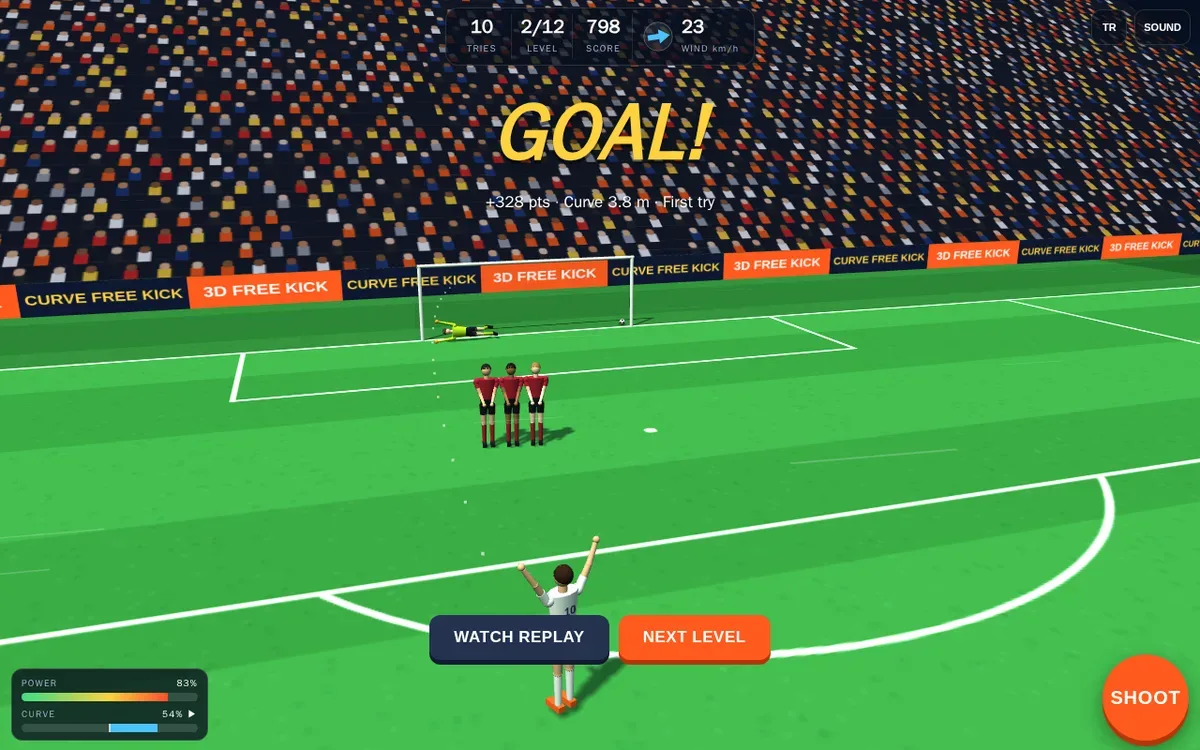
In our first two levels, the phone session produced a goal and a post; desktop play recorded a top-corner finish and another goal. A goal unlocked Next Level, while Try Again returned the phone game to its second level after the post. The outcomes are examples from these sessions, not fixed results.
Play Curve Free Kick online to try the free kick aiming for yourself. This review covers only two of 12 levels in muted browser sessions; later stages, sound, replay and leaderboard were not assessed. On the phone layout, the opening hint partly sat beneath the top controls, though aiming and SHOOT remained usable.
Playtest screenshots
Swipe or scroll to see all 2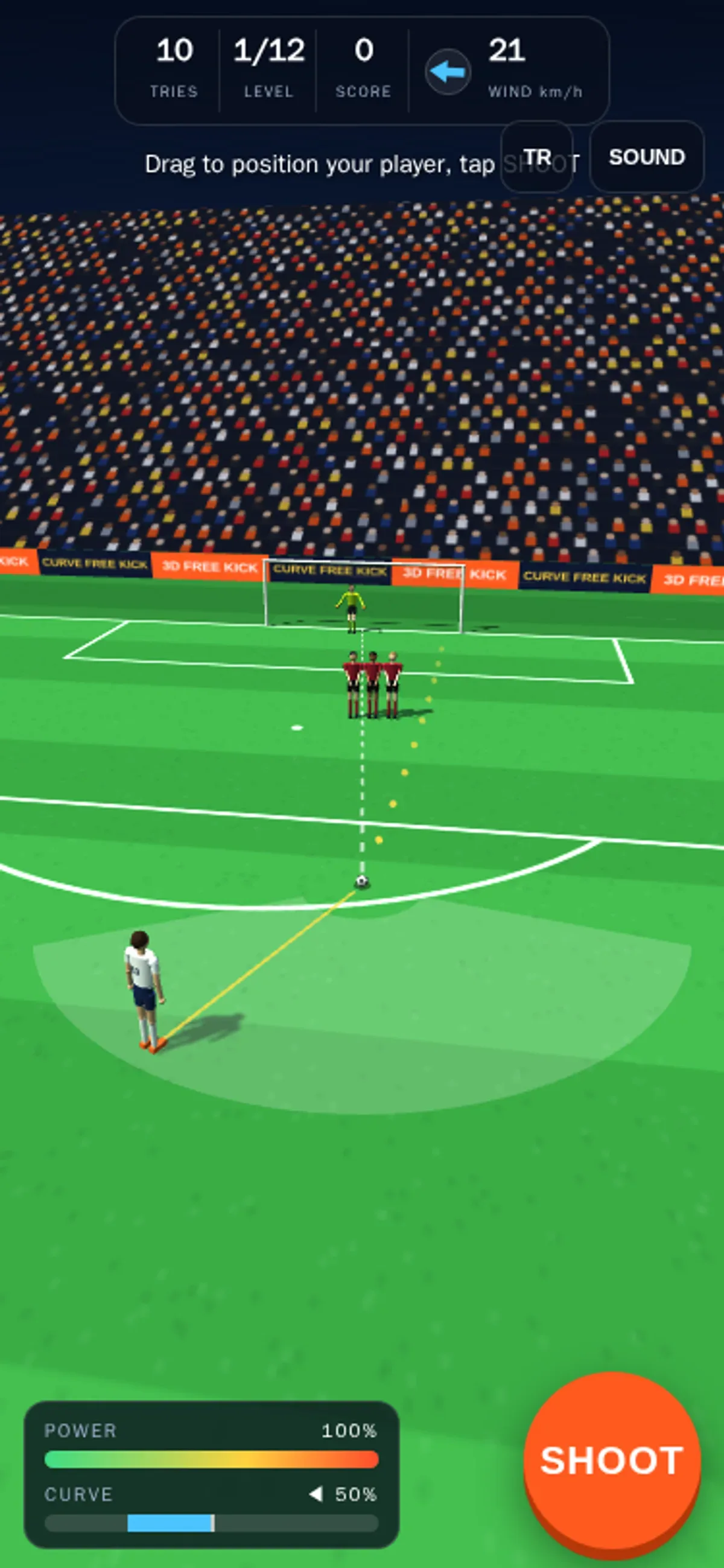
Why it's Chromebook-friendly
In our mobile and desktop sessions, the opening two of 12 levels worked with touch and mouse controls. On phone, the opening hint partly overlapped the top controls, though aiming and SHOOT remained usable. Later levels, replay, leaderboard and sound were not assessed; sessions were muted, so audio was not evaluated.
Controls
| Action | Desktop | Mobile |
|---|---|---|
| Position the kicker, then shoot | Mouse-drag the kicker and release to shoot | Touch-drag the kicker, then tap the visible SHOOT button |
| Use the in-game buttons to continue or retry | Native Next Level and result buttons were clicked | Native Next Level and Try Again buttons were tapped |
More to explore
Tested 2026-10-19. Drag and release the kicker to send a shot in Curve Free Kick; on a phone, aiming is followed by a separate tap on SHOOT.
Having trouble? Report a problem. Reloading may reset your progress.