Playtest screenshots
Swipe or scroll to see all 2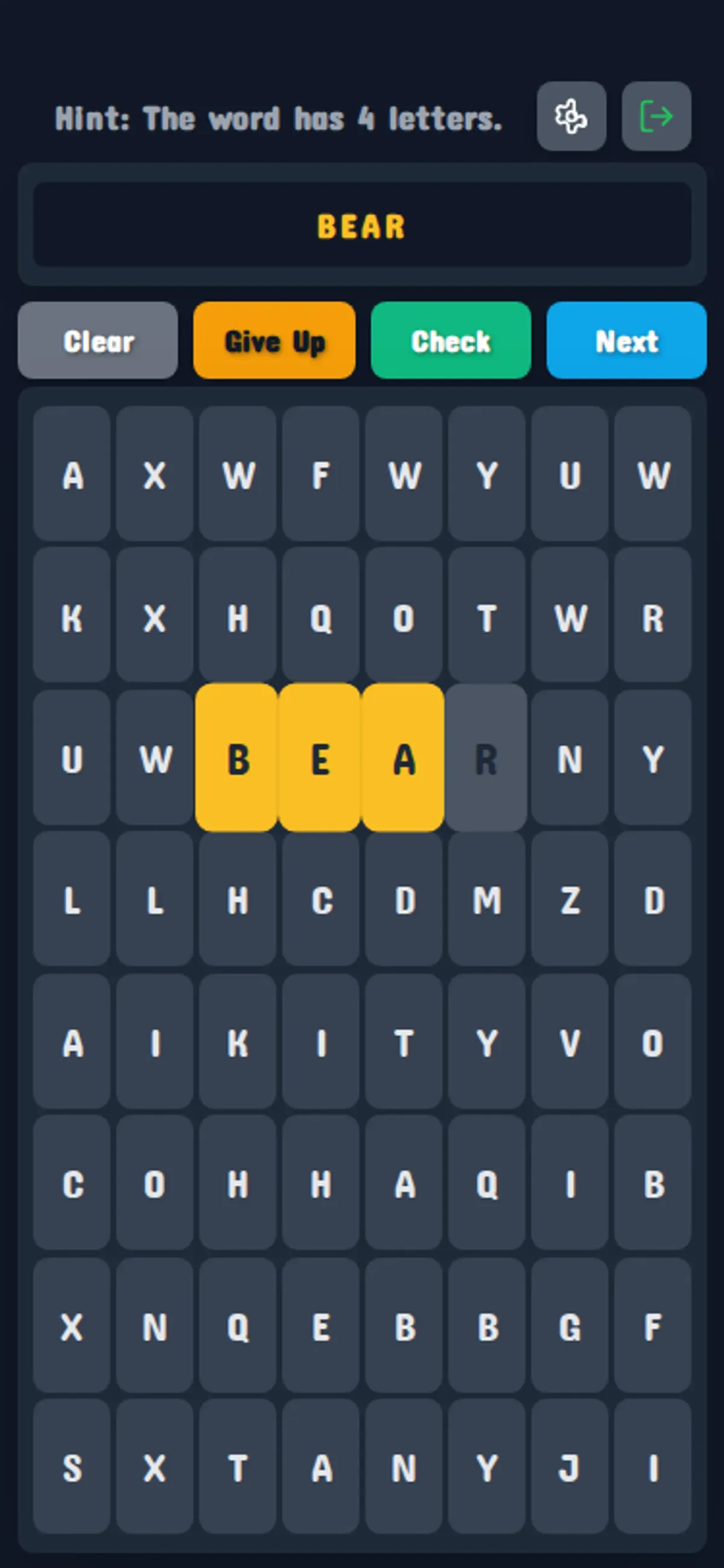
About Hidden Word Puzzle
Spelling a real word is not enough in Hidden Word Puzzle. On the 8×8 mobile board, BEAR ran across one row and matched the four-letter hint, yet Check returned a red Wrong message. The game asks for a particular secret word, so a familiar word of the right length can still be rejected.
Tap letters individually on a phone, or click them with a mouse, and watch the selection box above the buttons. Swiping across BEAR did not select it in the mobile test; separate taps built B, BE, BEA, then BEAR. Checking that growing text lets you confirm each letter before submitting. After the rejected check, the selection cleared while the same grid remained.
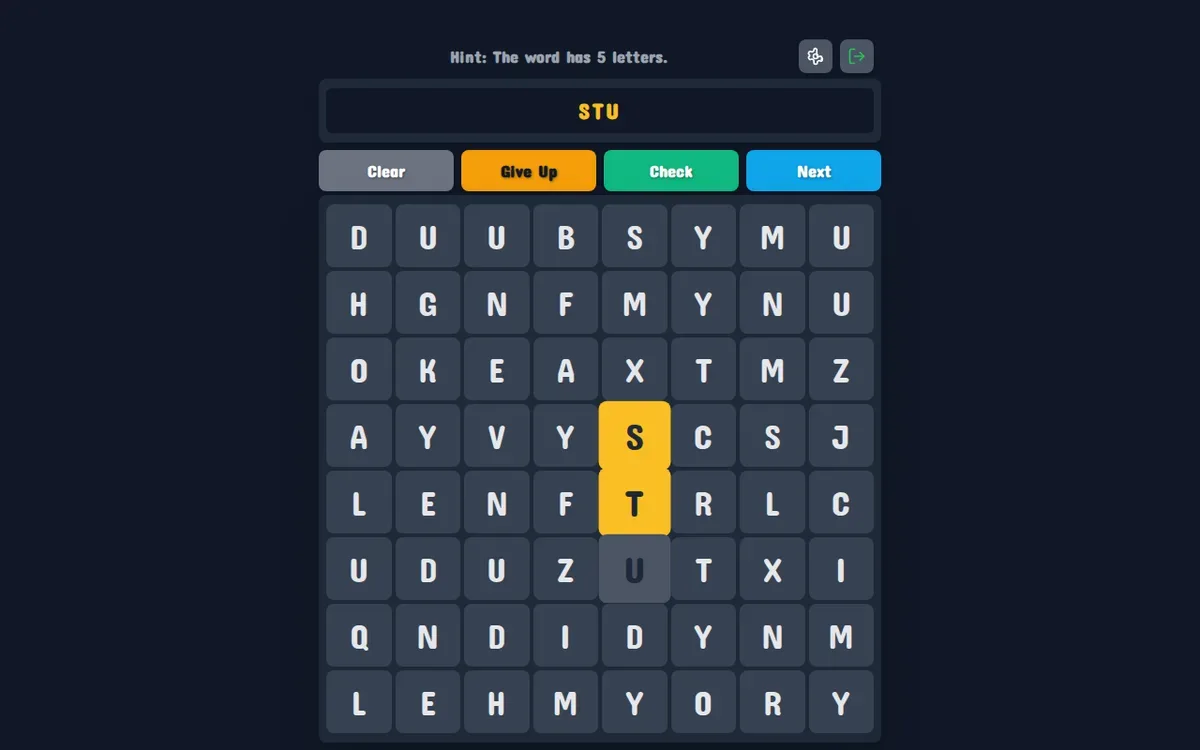
The opening menu offers four grid sizes, from 8×8 to 15×15, alongside named tasks. Both sessions used 8×8. On desktop, clicks built STU beneath a five-letter hint, but that selection was not submitted. A winning word, larger boards and the settings options remain untested.
Controls
| Action | Desktop | Mobile |
|---|---|---|
| Select a grid size | Click the 8x8 menu button | Tap the 8x8 menu button |
| Build a letter selection | Click individual letter cells | Tap individual letter cells |
Why it's Chromebook-friendly
Hidden Word Puzzle uses individual mouse clicks and touch taps. Both fixed mobile and desktop observation windows completed without a blocking fault. Only the 8×8 board was played; no winning word was verified.
Having trouble? Report a problem. Reloading may reset your progress.