Playtest screenshots
Swipe or scroll to see all 2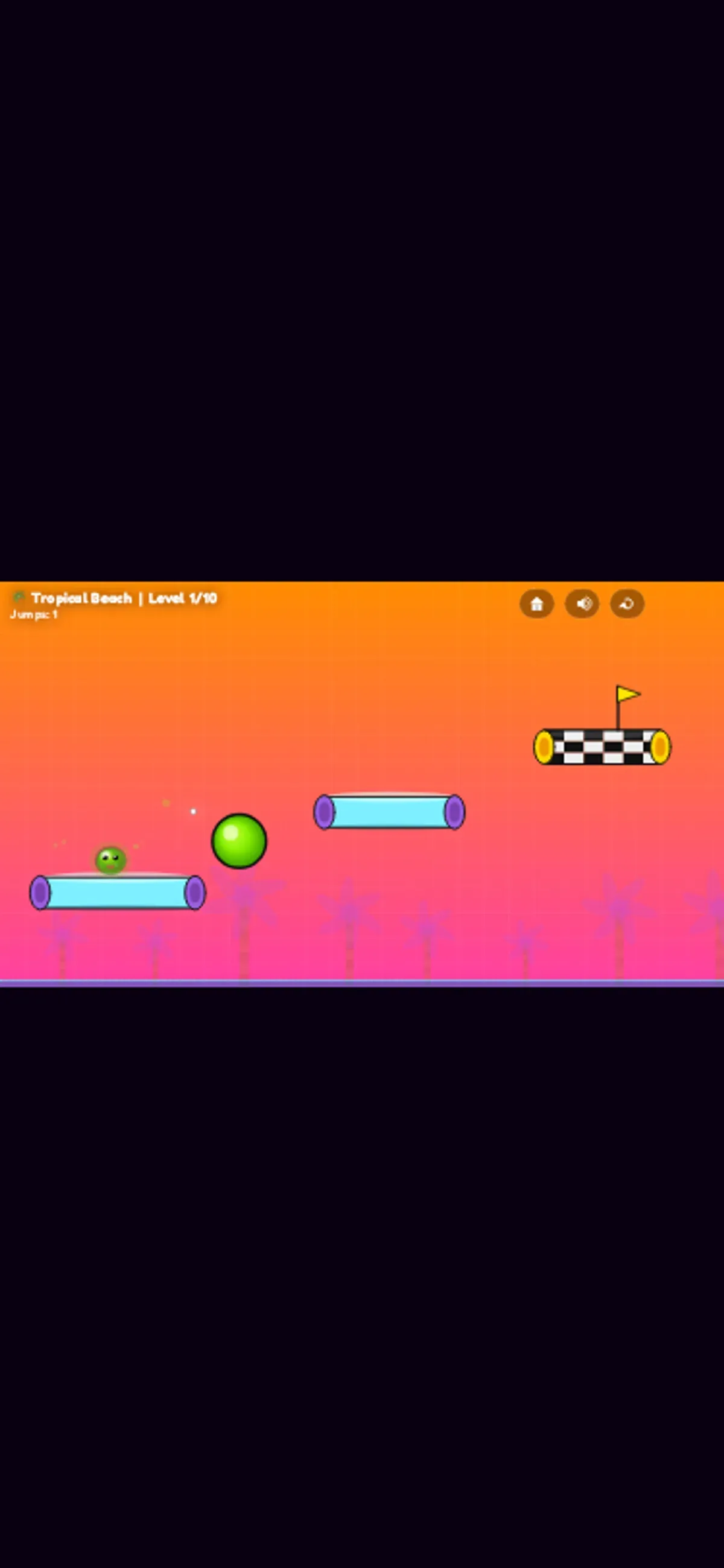
About Slime Jelly Bouncer
Slime Jelly Bouncer puts a small green jelly on a cyan platform above a tropical beach. Another cyan platform and a checkered goal sit across the gap, with a round green obstacle nearby. Palm trees and water frame the sunny course. In the mobile-sized touch viewport, use a hold-and-drag gesture; on desktop, hold the mouse and release to jump. The on-screen tutorial says longer holds charge the jump and describes aiming, but one outcome per viewport cannot establish how charge or aim changes a landing.
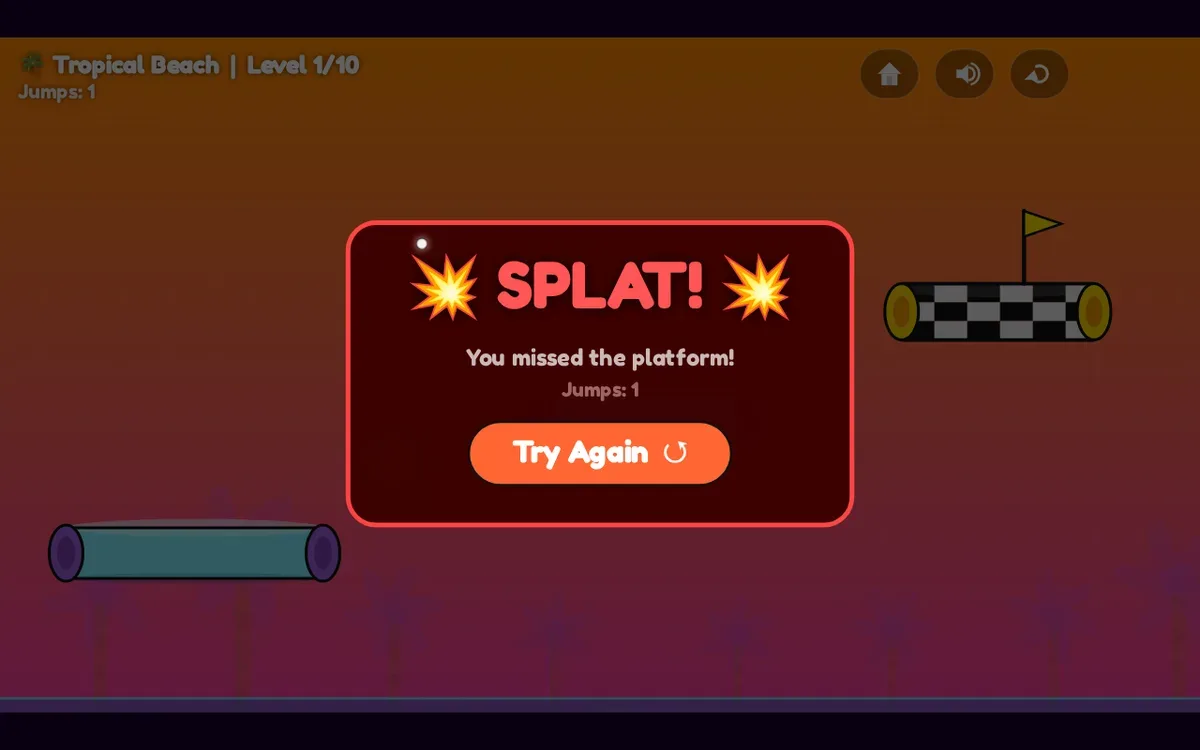
After one touch-drag, the jump counter changed from 0 to 1; the jelly remained on its starting platform. In the desktop run, a mouse hold preceded a counter change from 0 to 1 and an airborne frame. The jelly missed the next platform, and the screen showed “You missed the platform!” Those moments give a glimpse of one jump in each viewport, not a complete route through the course.
On desktop, the game spans the viewport width with black bars above and below. The mobile-sized portrait viewport shows a small centered 16:9 playfield with broad black bands. The sessions covered only the opening stage; neither attempt reached the checkered goal. No later stage or successful landing appears in these observations.
Controls
| Action | Desktop | Mobile |
|---|---|---|
| Navigate the opening menus and attempt one opening jump | Native mouse clicks and one 3000 ms hold/release | Native touch taps and one touch-drag |
Why it's Chromebook-friendly
The opening beach stage gives you a green jelly, separated cyan platforms and a checkered goal. One touch-drag changed the jump counter; a desktop hold launched the jelly but ended at the missed-platform screen. Aim and charge come from the tutorial; we did not establish a successful landing or a repeatable route. The small centered playfield in the portrait viewport is a presentation limitation.
Having trouble? Report a problem. Reloading may reset your progress.