Why it's Chromebook-friendly
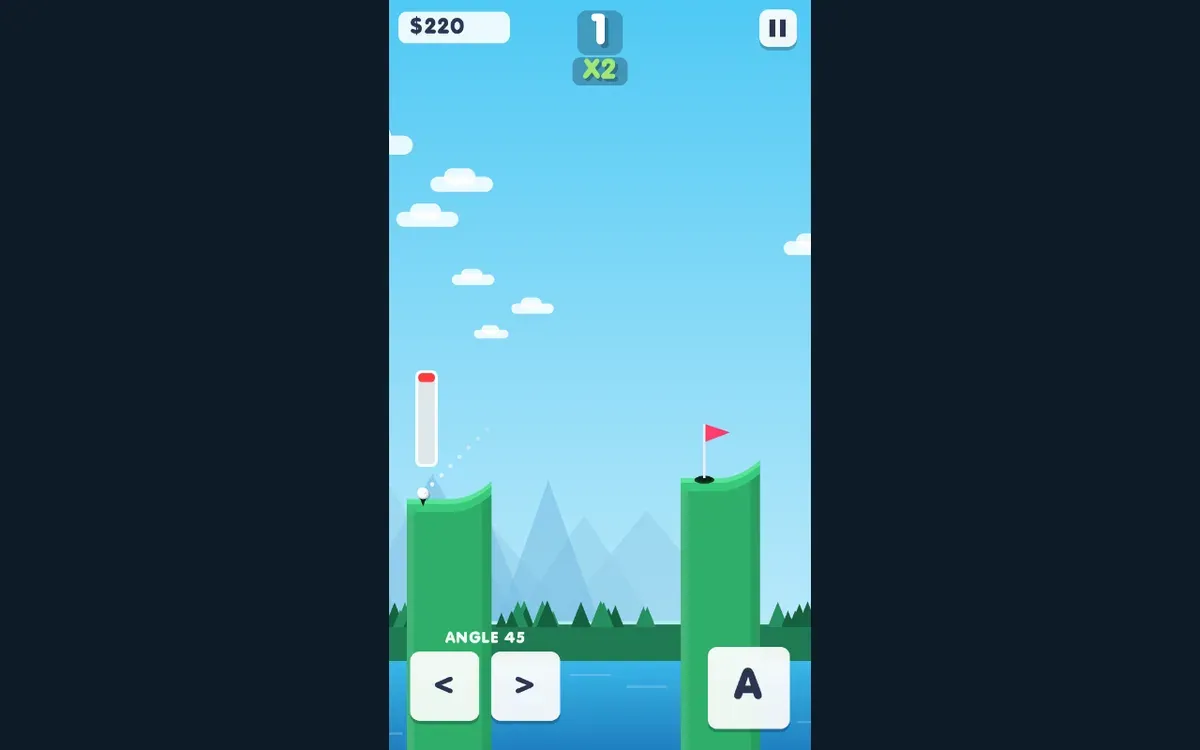
Both controlled sessions reached HOLES 1 on the opening green: the mobile HUD then showed $240, and the desktop HUD showed $220. Holding the on-screen A control preceded the observed shots. The next gap was visible, but later holes and any fixed cash reward were not verified.
About Infini Golf
A white ball starts on a green ledge, facing a flagged platform across a gap. Infini Golf displays an angle readout, left and right buttons, a large A control, and a slim power meter. In our mobile session, holding A preceded a shot and the counter later changed from HOLES 0 to HOLES 1.
The mobile cash display showed $20 before that result and $240 afterward. On desktop, holding the on-screen A button with the pointer preceded a visible ball flight; that session also reached HOLES 1, with $220 displayed. The two amounts are recorded outcomes, not a fixed reward.
After the first hole, another gap appears immediately. The pause control remains in the upper corner. Neither session needed a login or download to reach the observed result.
Controls
| Action | Desktop | Mobile |
|---|---|---|
| Charge and release a shot using the on-screen A control | Hold the visible A button with the pointer, then release | Touch-hold the visible A button, then release |
Playtest screenshots
Swipe or scroll to see all 2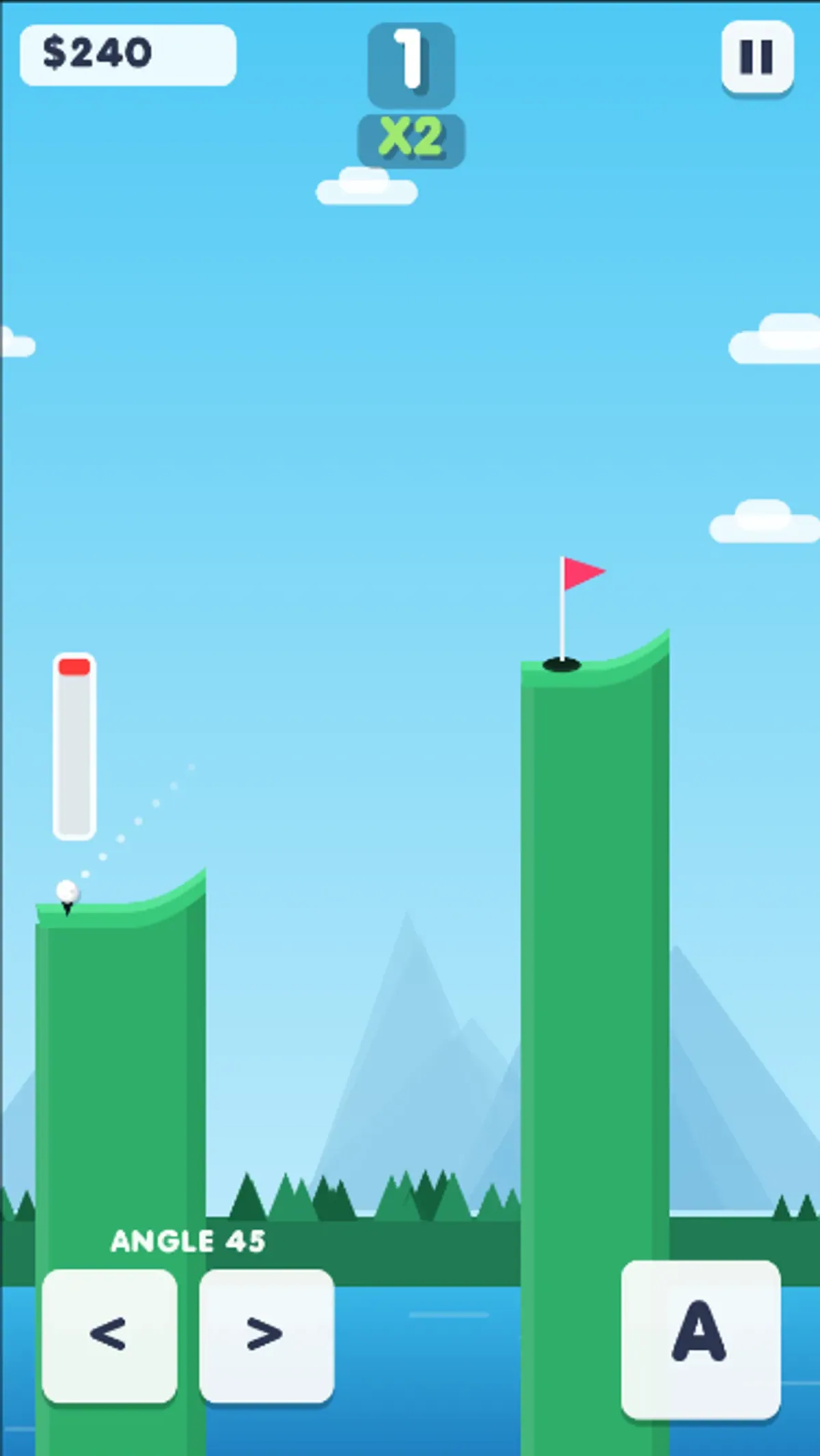
Having trouble? Report a problem. Reloading may reset your progress.