Playtest screenshots
Swipe or scroll to see all 2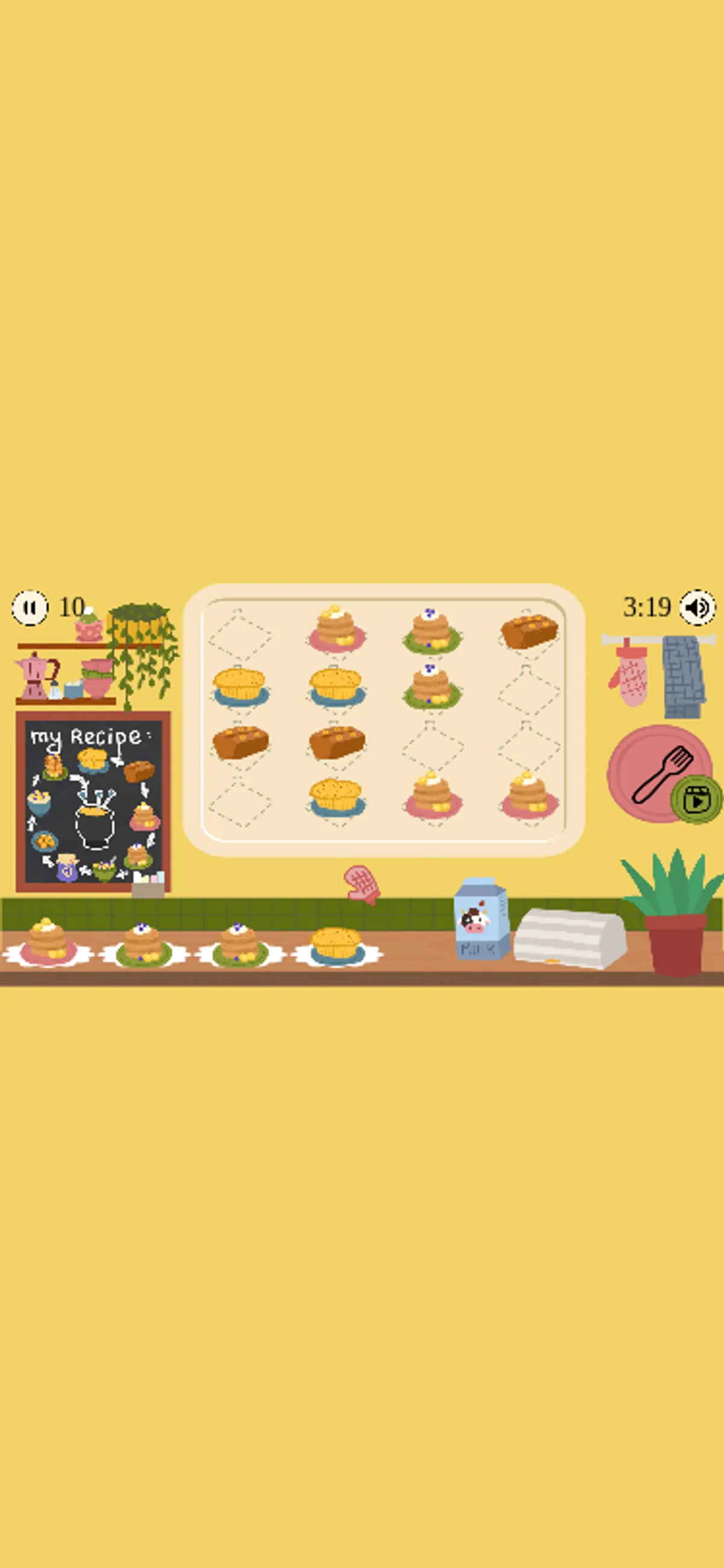
About Cozy Kitchen Merge
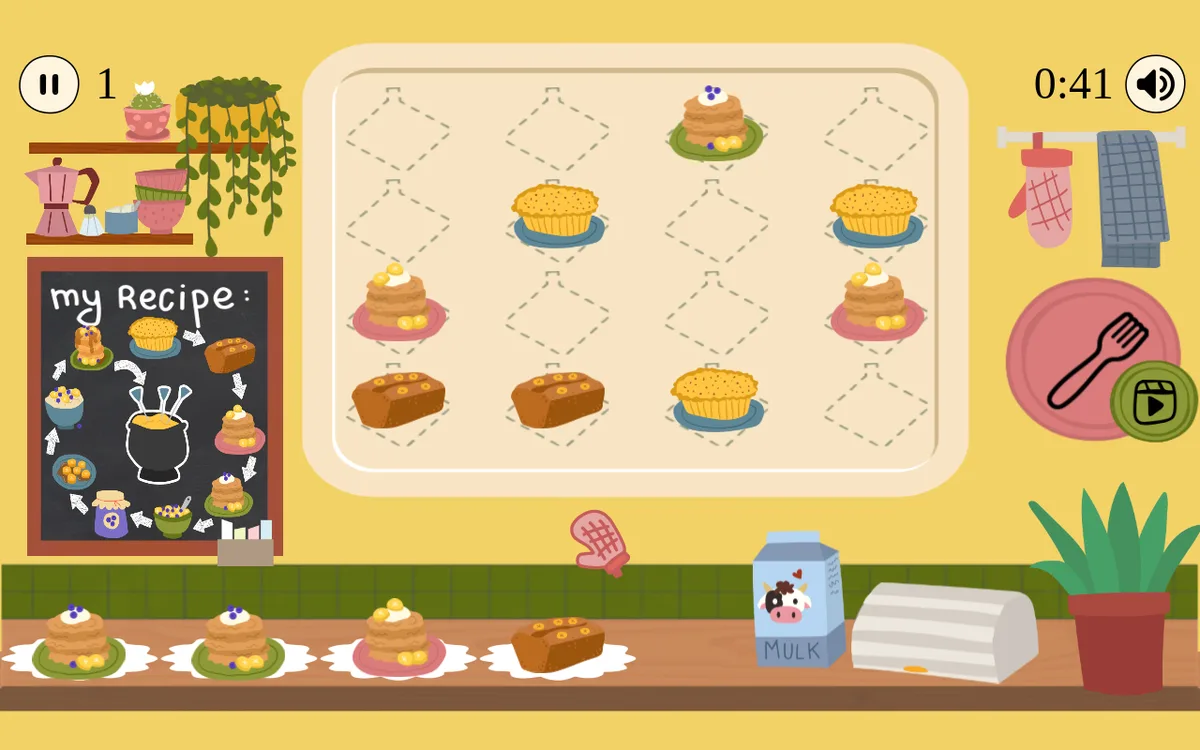
Put a third brown piece beside the two already on the tray: in the recorded desktop session, that placement produced a pink-plated cake and freed the pair’s previous cells. Cozy Kitchen Merge uses a kitchen tray with marked spaces for cakes and pastries. A recipe diagram sits to its left, while a line of food pieces runs along the counter below. The score and timer remain visible above the board.
Tap an empty tray cell on a touchscreen, or select it with the mouse. Both methods placed pieces in the tested sessions. The desktop merge provides a concrete starting move when two matching brown pieces are adjacent and another is available. The settled score reached 9 after that sequence; a later pink-plated piece took it to 12. Those snapshots do not establish a fixed score for every merge. Starting arrangements differed, so the recorded placement is an example rather than a solution to every opening board.
On the mobile viewport, four targeted taps added pieces to the tray and the final capture showed a score of 10. Occupied cells left fewer places for the following piece. The review covers that opening play and the desktop combination; board-full failure, restarting and the complete recipe sequence remain untested.
Controls
| Action | Desktop | Mobile |
|---|---|---|
| Place a piece in a tray cell | Click a tray cell; placement and subsequent merging visually observed | Tap a tray cell; placement visually observed, targeted merge completion not independently demonstrated |
Why it's Chromebook-friendly
Native touch taps placed food pieces into tray cells. Desktop placement beside two matching brown pieces was followed by their replacement with a pink-plated cake. Later placement changed the score from 9 to 12. Full-board loss, restart, audio and the complete recipe progression were not evaluated.
More to explore
The stored scan marked this title Chromebook-friendly; its playtest included both required viewports and recorded mouse, touch controls.
The latest stored technical scan recorded a 1.7 MB core package, below the 5 MB collection threshold.
Having trouble? Report a problem. Reloading may reset your progress.