About Balloon Boom
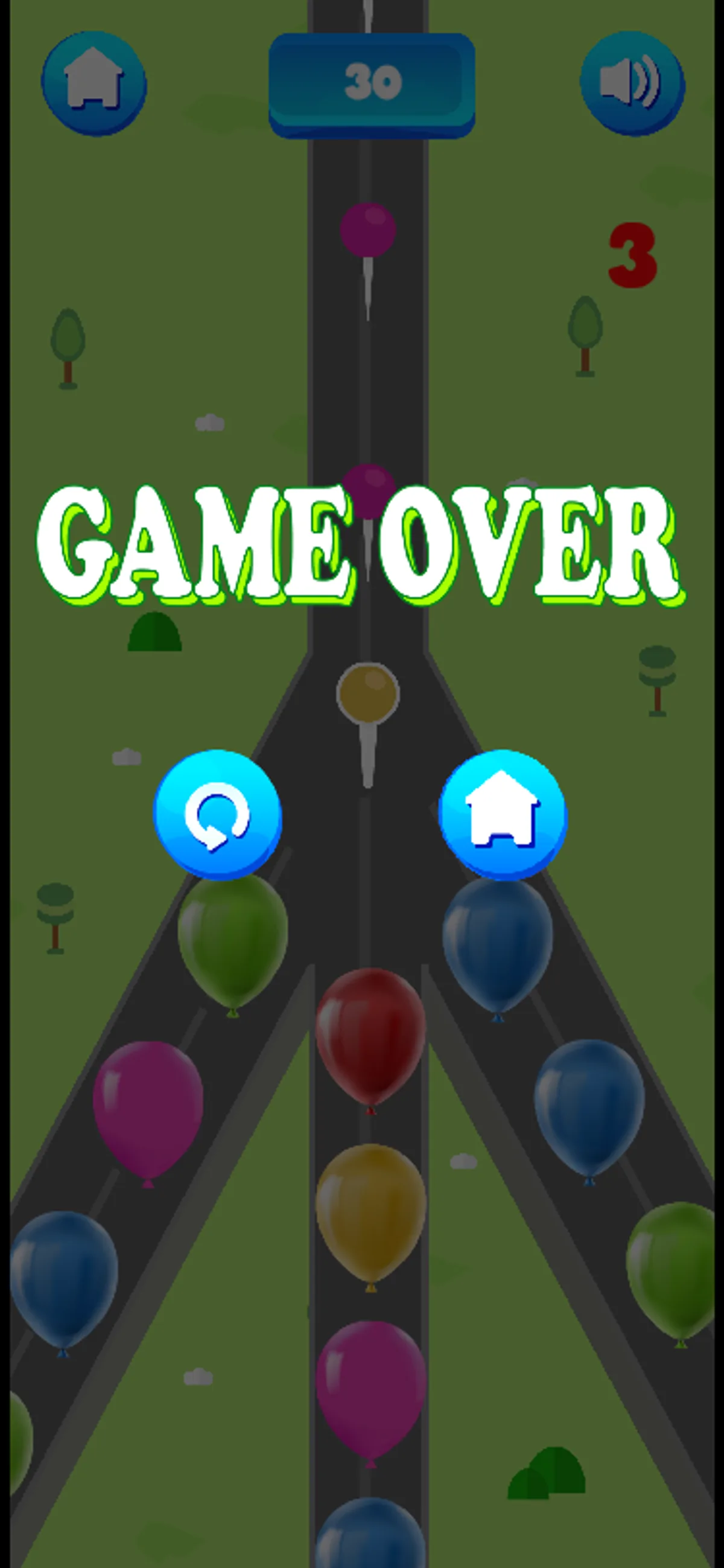
Look at the pin color before selecting a balloon in Balloon Boom. The opening screen showed a yellow pin above balloons of several colors, a score of 0 and a red indicator displaying 3. The on-screen instructions say to match a balloon to the pin's color. In our phone-size session, a native tap on a visible yellow balloon was followed by the score rising from 0 to 30. In a separate desktop session, a mouse click on a visible yellow balloon was followed by a rise from 0 to 20.
Those two observations establish a usable touch and mouse action, but they do not establish a fixed number of points for each balloon. The red 3 was still visible after both selections, so we cannot identify it as a life counter or say when it changes. The captured frames also showed a Game Over message after the tested actions. We did not establish what caused either round to end, and the different scores do not show that the game uses different scoring rules on phones and desktop computers.
Start by finding a balloon with the same color as the displayed pin and selecting it with a tap or click. The screenshots below show the opening board and the recorded phone result, including the score change. We did not test a wrong-color selection, a second round or the replay control. The tested actions worked without signing in or downloading an app; the full scoring and ending rules remain open questions.
Playtest screenshots
Swipe or scroll to see all 2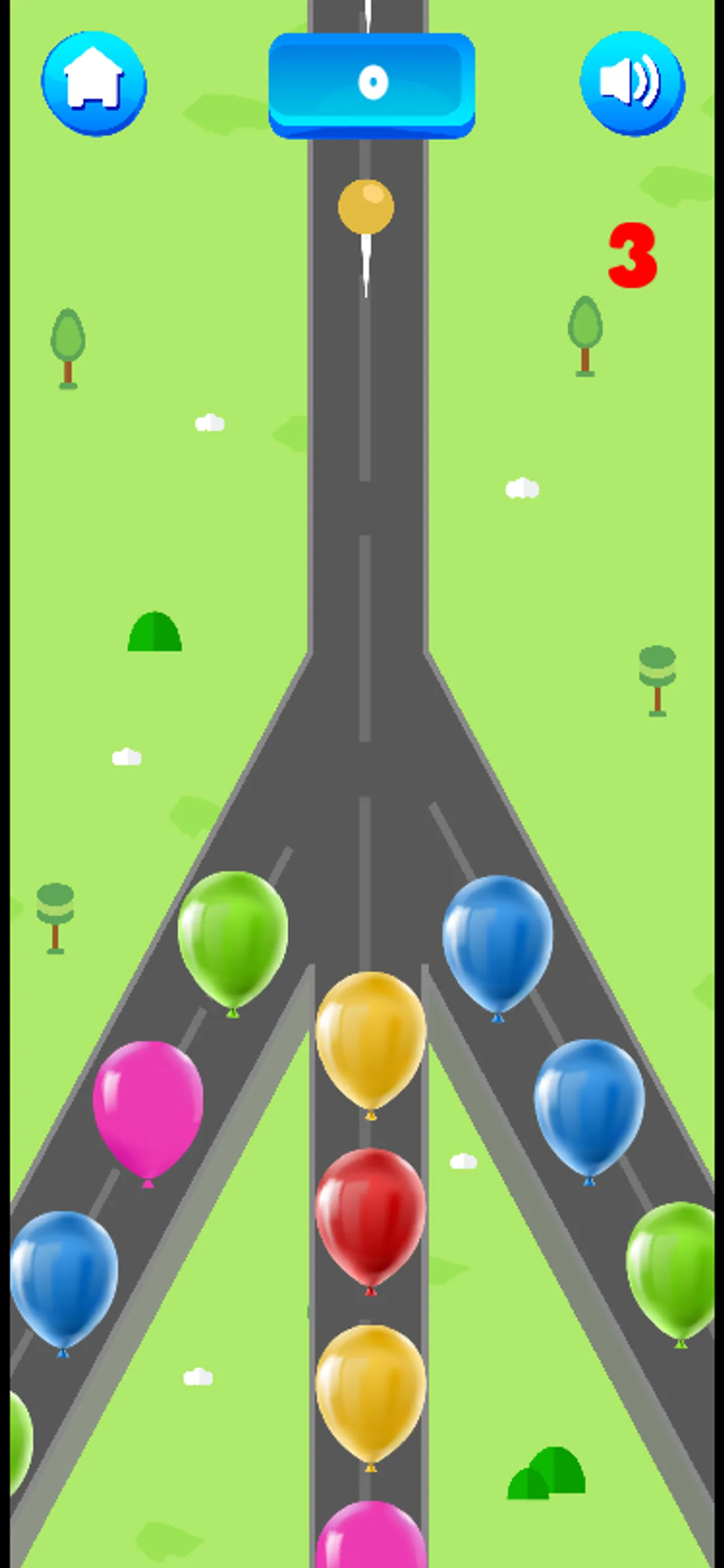
Why it's Chromebook-friendly
The measured Construct 3 core is 1.4 MB. One yellow-balloon selection worked with native touch and mouse in the recorded sessions, with visible score changes and no login or separate download. Game Over appeared, but its cause remains unverified.
Controls
| Action | Desktop | Mobile |
|---|---|---|
| Select a balloon matching the displayed pin color | Click a yellow balloon when the pin is yellow, as tested | Tap a yellow balloon when the pin is yellow, as tested |
More to explore
A tested match started with a yellow pin and balloon; the visible score changed from 0 to 30 on mobile and 0 to 20 on desktop.
The stored scan marked this title Chromebook-friendly; its playtest included both required viewports and recorded mouse, touch controls.
Having trouble? Report a problem. Reloading may reset your progress.