Playtest screenshots
Swipe or scroll to see all 2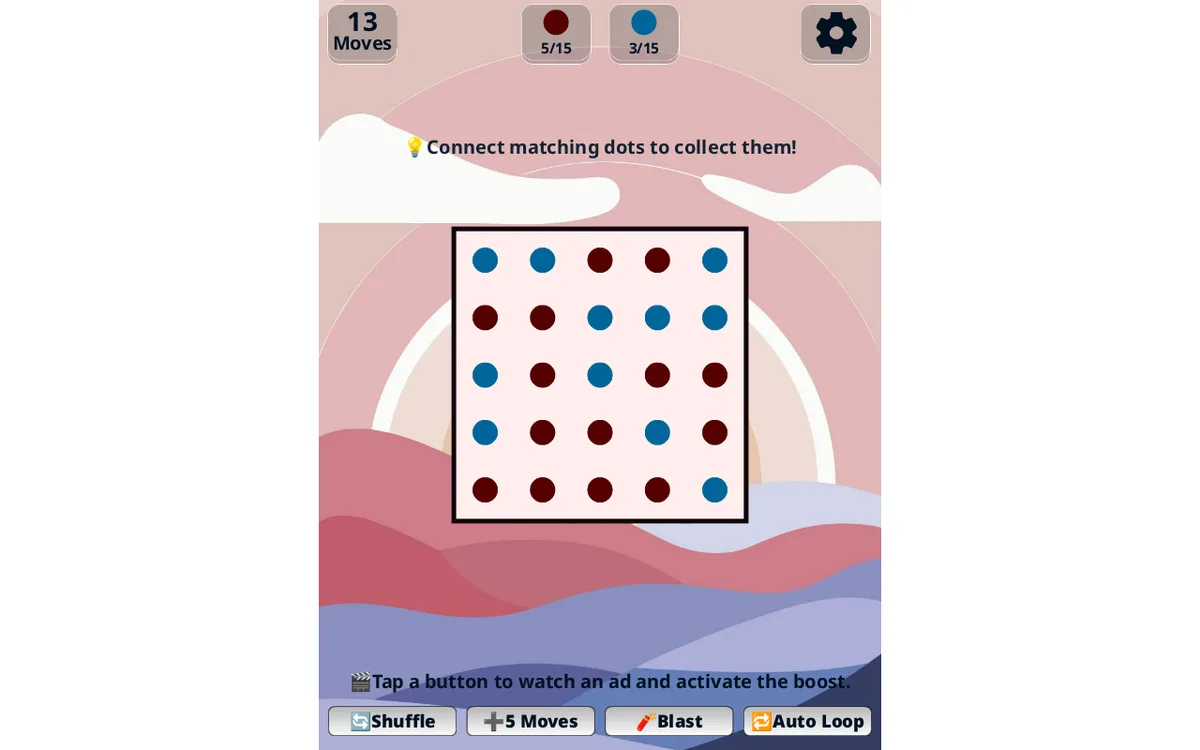
About Dots Master
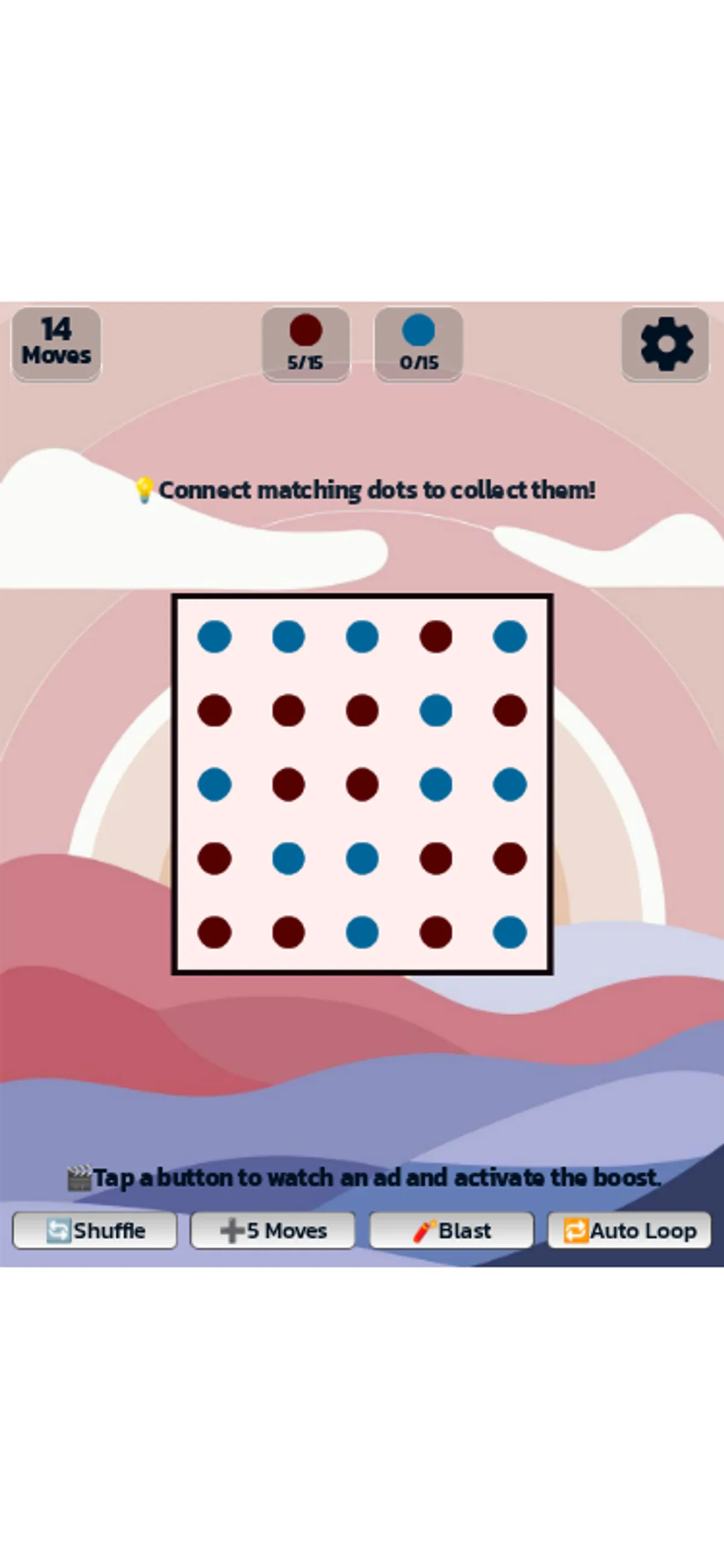
Drag through five matching dots and the board refills while the move counter drops by one. In Dots Master, a vertical swipe collected five red dots on the phone-size screen; a horizontal mouse drag collected five blue dots on desktop. Both actions moved the matching color counter from 0/15 to 5/15, leaving 14 moves.
The opening puzzle has a five-by-five grid, separate red and blue targets, and 15 moves to work with. The tested five-dot paths each collected several dots in a single move. Starting arrangements differed between runs, so the screenshots show examples of the board rather than a fixed solution. A later desktop capture records both colors progressing: five red dots and three blue dots collected, with 13 moves left.
Below the grid, Shuffle, +5 Moves, Blast and Auto Loop are labeled as ad-backed boosts. We left those buttons untouched. Straight horizontal and vertical connections worked with the tested mouse and touch controls; squares, loops and clearing an entire level were not verified. The opening board remained playable during resource-loading errors, and sound was not evaluated.
Controls
| Action | Desktop | Mobile |
|---|---|---|
| Connect adjacent matching dots | Mouse drag verified at 1280×800 from CSS (517,523) to (763,523) | Native touch drag verified at 375×812 from CSS (111,330) to (111,483) |
Why it's Chromebook-friendly
Mouse dragging and native touch both collected matching dots and updated the opening board counters in the constrained test. The grid remained playable despite resource-load errors. Complete levels, loops, optional ad-backed boosts and sound were not evaluated.
More to explore
A tested drag connected five same-color dots, changing the counter from 0/15 to 5/15 and moves from 15 to 14.
The stored scan marked this title Chromebook-friendly; its playtest included both required viewports and recorded mouse, touch controls.
Having trouble? Report a problem. Reloading may reset your progress.