Playtest screenshots
Swipe or scroll to see all 2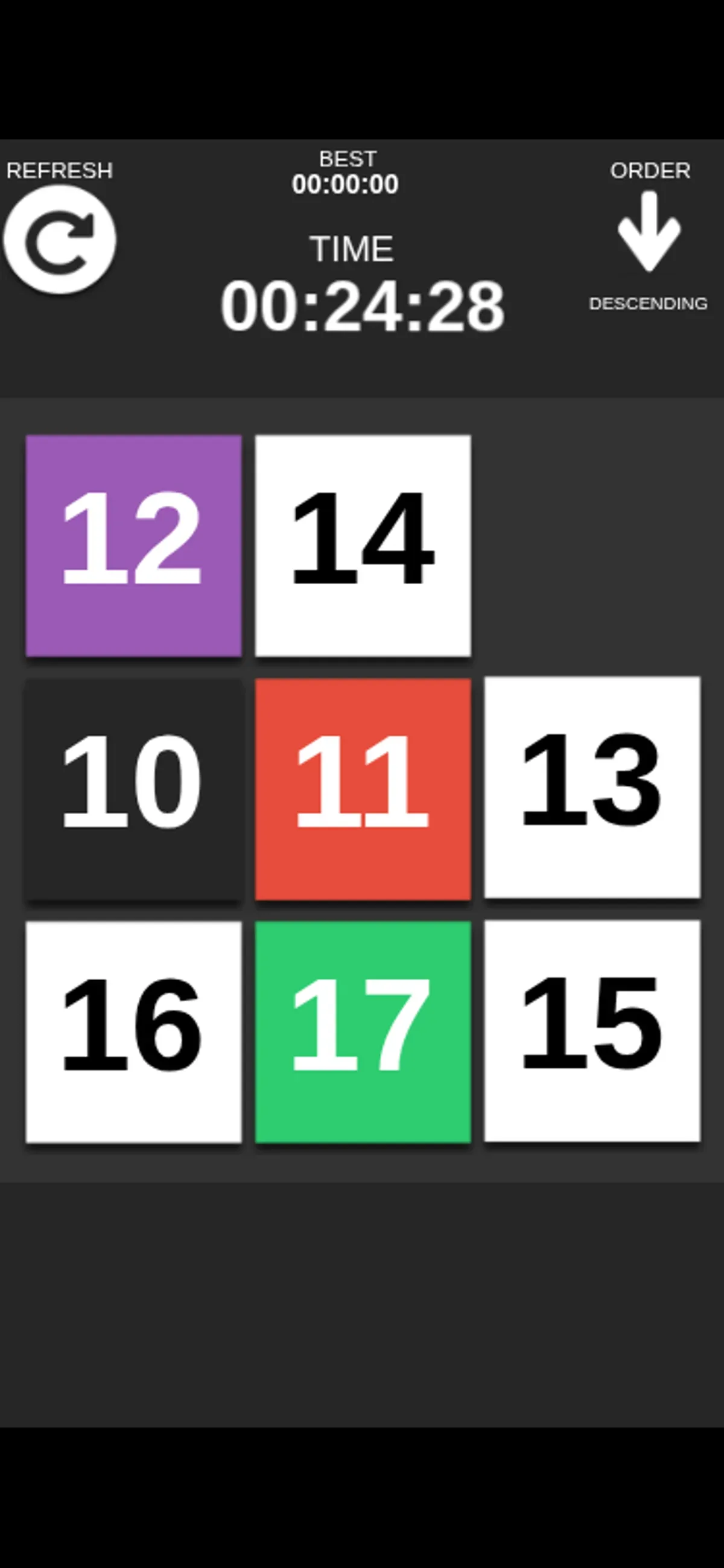
About Number Slide
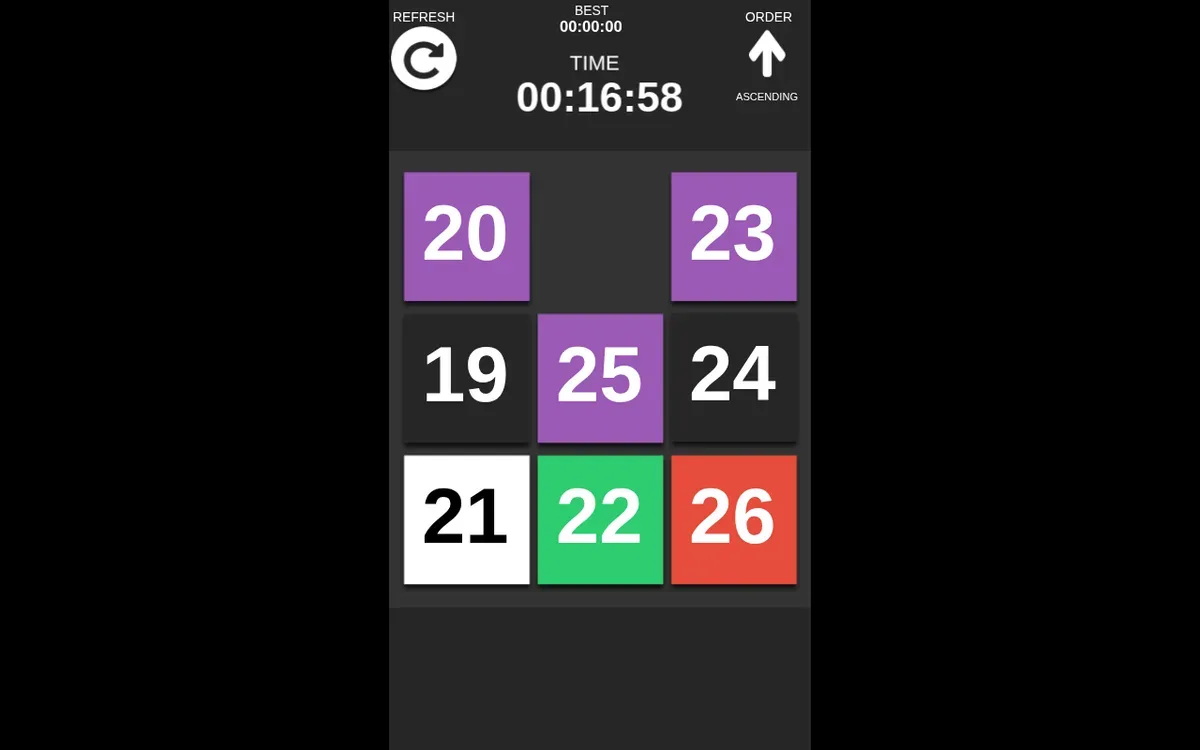
To move a tile in Number Slide, tap it on a phone or click it on desktop when it sits beside the empty cell. In one mobile sequence, 15 moved into the bottom-right gap; on desktop, 24 moved into a gap at middle-right. After each move the opening shifted to the tile’s old position, making that new gap the next place to inspect.
Keep the ORDER label in view as you arrange numbers. The mobile board showed DESC with tiles 10–17; the desktop board showed ASC with 19–26. Those were separate boards, so they don’t establish a shared number set or fixed solution. A later mobile tap moved 13 from the top-right into the middle-right gap, and a desktop click moved 23 from top-middle to top-right. Checking the tiles beside the open cell gives you a grounded next move to consider.
The two tested viewports each showed two successful tile moves, but neither session reached a completed puzzle.
Controls
| Action | Desktop | Mobile |
|---|---|---|
| Move a numbered tile into an adjacent empty cell. | Click a tile next to the empty cell. | Tap a tile next to the empty cell. |
Why it's Chromebook-friendly
Number Slide is a tile puzzle where a neighboring number moves into an empty cell. The saved opening playtest showed two moves on both phone and desktop layouts; neither session completed the puzzle.
Having trouble? Report a problem. Reloading may reset your progress.