About Fruit Bubble Pop
Tap or click a column in Fruit Bubble Pop to drop the fruit waiting above its five-lane board. The NEXT preview shows what follows the current fruit. New fruit pushes upward from below every ten seconds, changing the stacks while you decide. The countdown continues between drops, so the board can shift before you make your next choice.
In the tested opening, a touch tap sent a crowned yellow fruit into the second column and brought a pink fruit into the waiting position. On desktop, an orange fruit settled above a crowned yellow one in the fourth column. The next fruit appeared above the board after each placement. Score changes also occurred automatically between inputs, so they cannot all be credited to the drops.
The phone session reached Game Over, while the desktop session ended on an active board. These observations cover only the opening board and its rising stacks under a throttled browser profile. Retry, rewarded revive and rankings were not tested, and no Chromebook hardware was used.
Playtest screenshots
Swipe or scroll to see all 2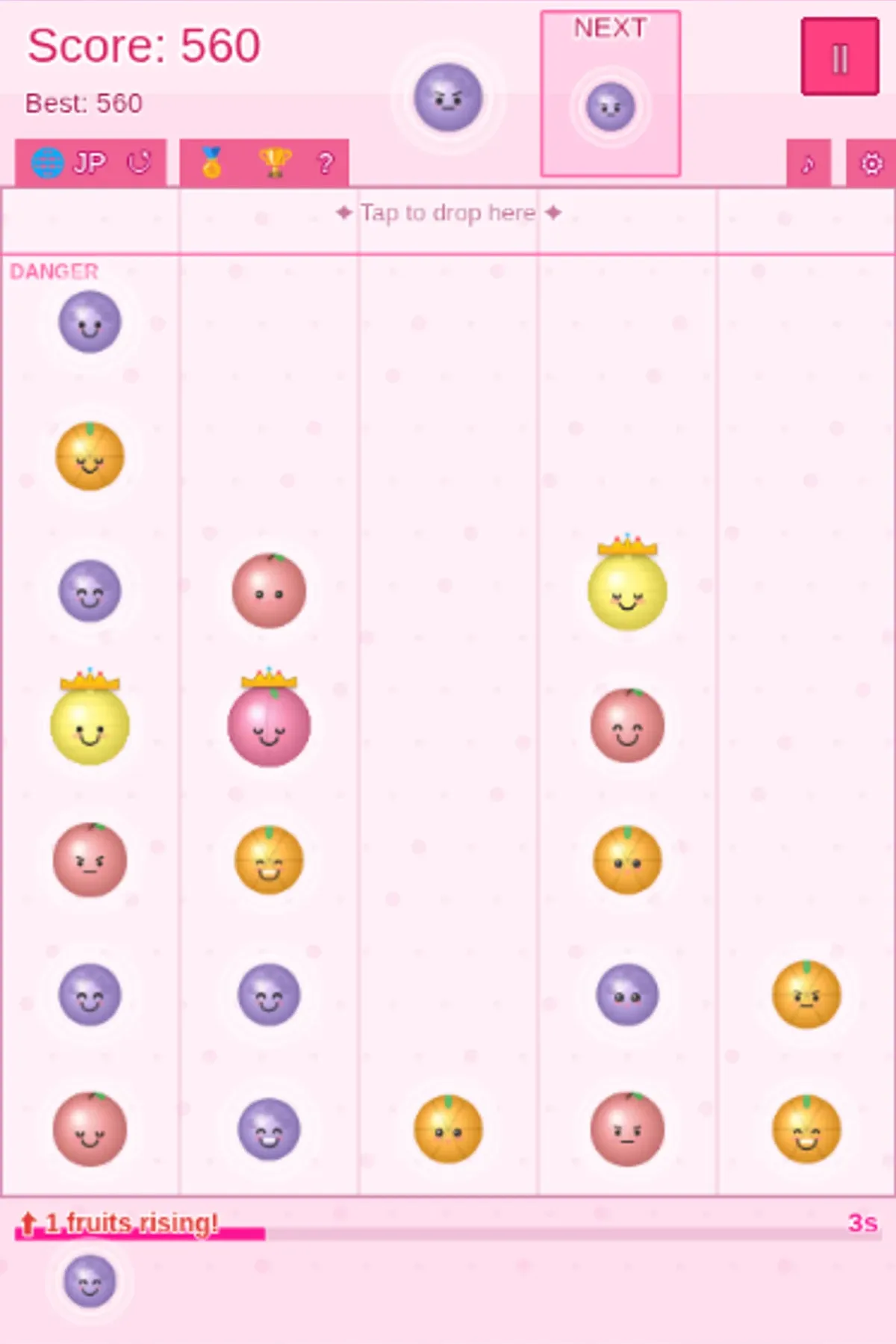
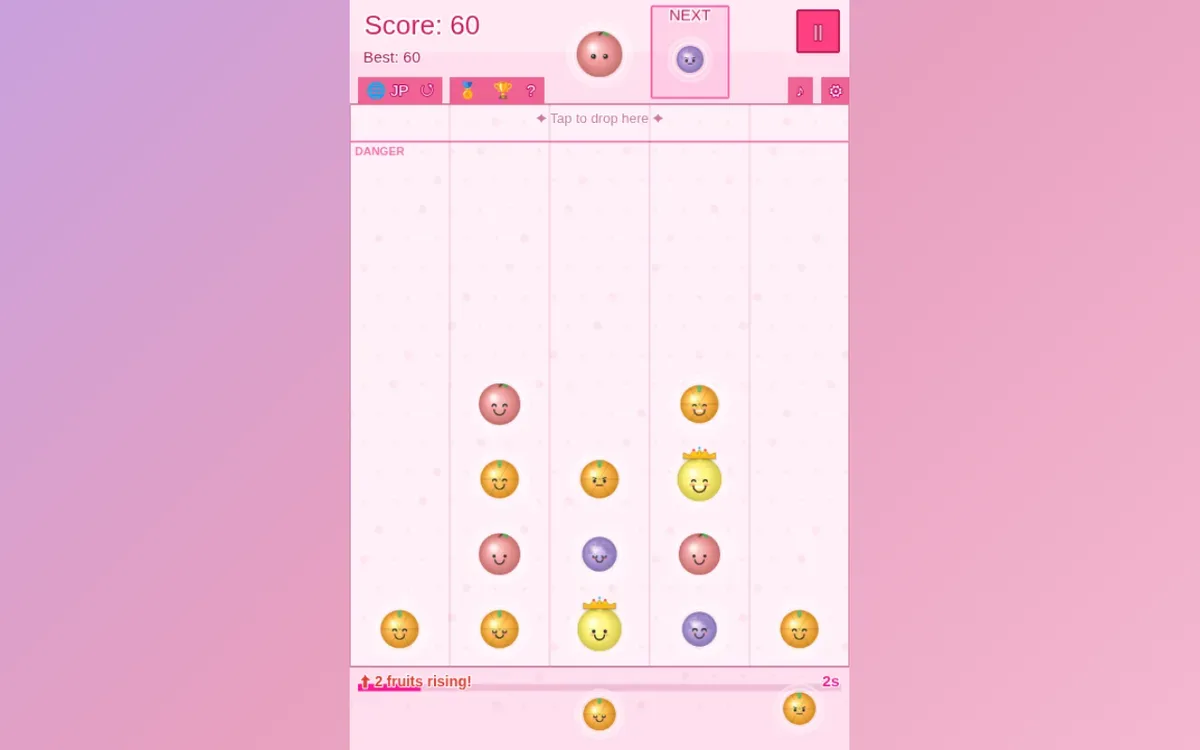
Why it's Chromebook-friendly
The measured JavaScript core is 1.3 MB. Native touch taps and mouse clicks placed fruit in selected columns on the tested opening board under our throttled browser profile. Chromebook hardware, Retry and optional revive were not tested.
Controls
| Action | Desktop | Mobile |
|---|---|---|
| Drop fruit into a column | Click the chosen column below the header | Tap the chosen column below the header |
More to explore
Tested 2026-10-19. Tap or click a column in Fruit Bubble Pop to drop the fruit waiting above its five-lane board.
Having trouble? Report a problem. Reloading may reset your progress.