Why it's Chromebook-friendly
The opening board worked with mouse drags and touch swipes in our simulated Chromebook profile. The measured core download is 1.8 MB. We checked a tile merge on each device layout; later boards and a full playthrough have not been tested.
About Merges Numbers
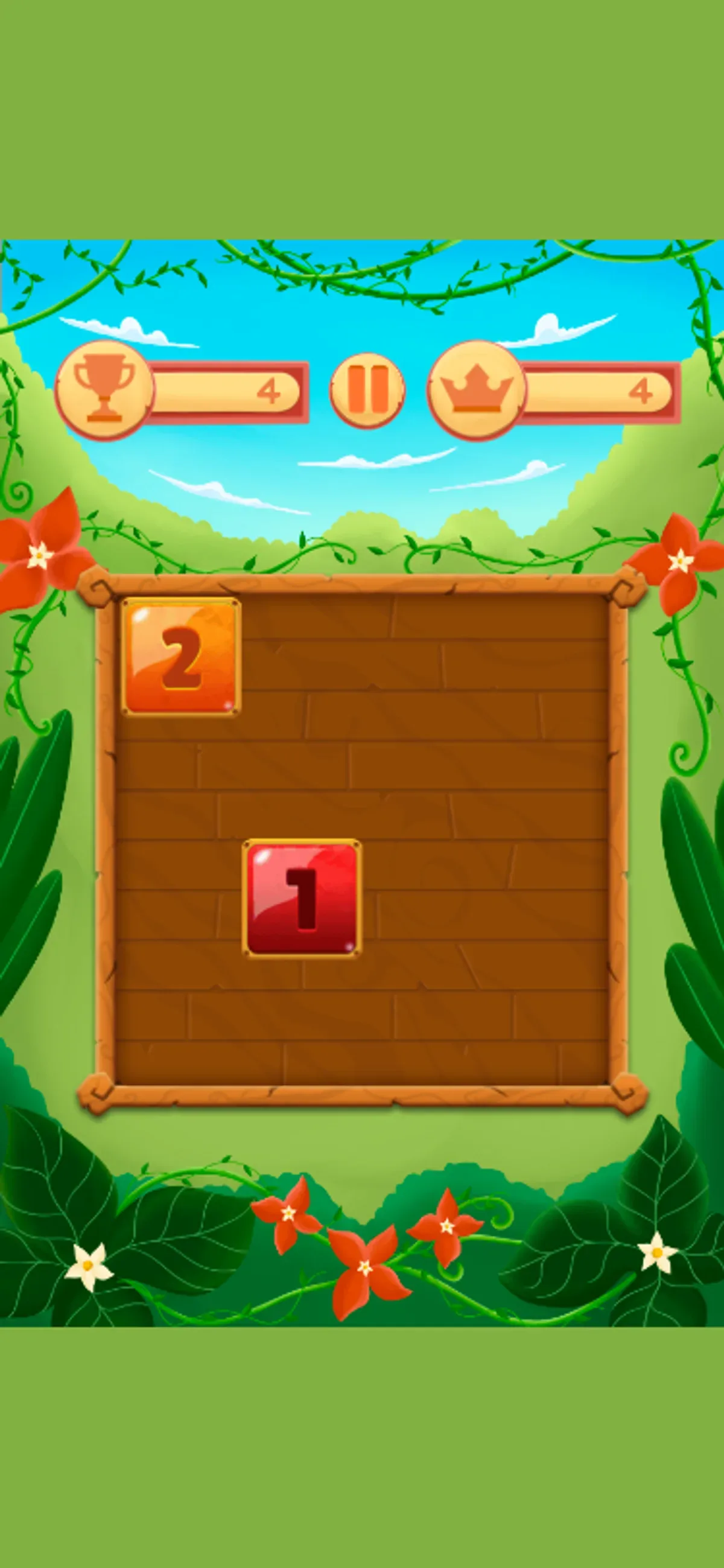
At the center is a 4-by-4 grid of numbered tiles. The portrait board has a wood frame, with green bands, foliage and blue sky around it. Two red 1 tiles sat side by side along the top row in the captured opening arrangement. A left swipe changed the first cell to an orange 2, placed a red 1 in row three, column two, and moved both counters from 0 to 4.
Watch the whole grid when tiles change: the new red 1 appeared away from the original pair, so checking only those cells would miss part of the result. Read the printed numbers as well as the colors; red marked the 1 tiles and orange marked the 2 in the captured board.
For another merge puzzle, try Cozy Kitchen Merge, where food pieces sit on a kitchen tray. Merges Numbers uses numbered tiles on a portrait grid.
Controls
| Action | Desktop | Mobile |
|---|---|---|
| Move a tile left across the board. | Hold the mouse button and drag left across the board. | Swipe left across the board. |
Playtest screenshots
Swipe or scroll to see all 2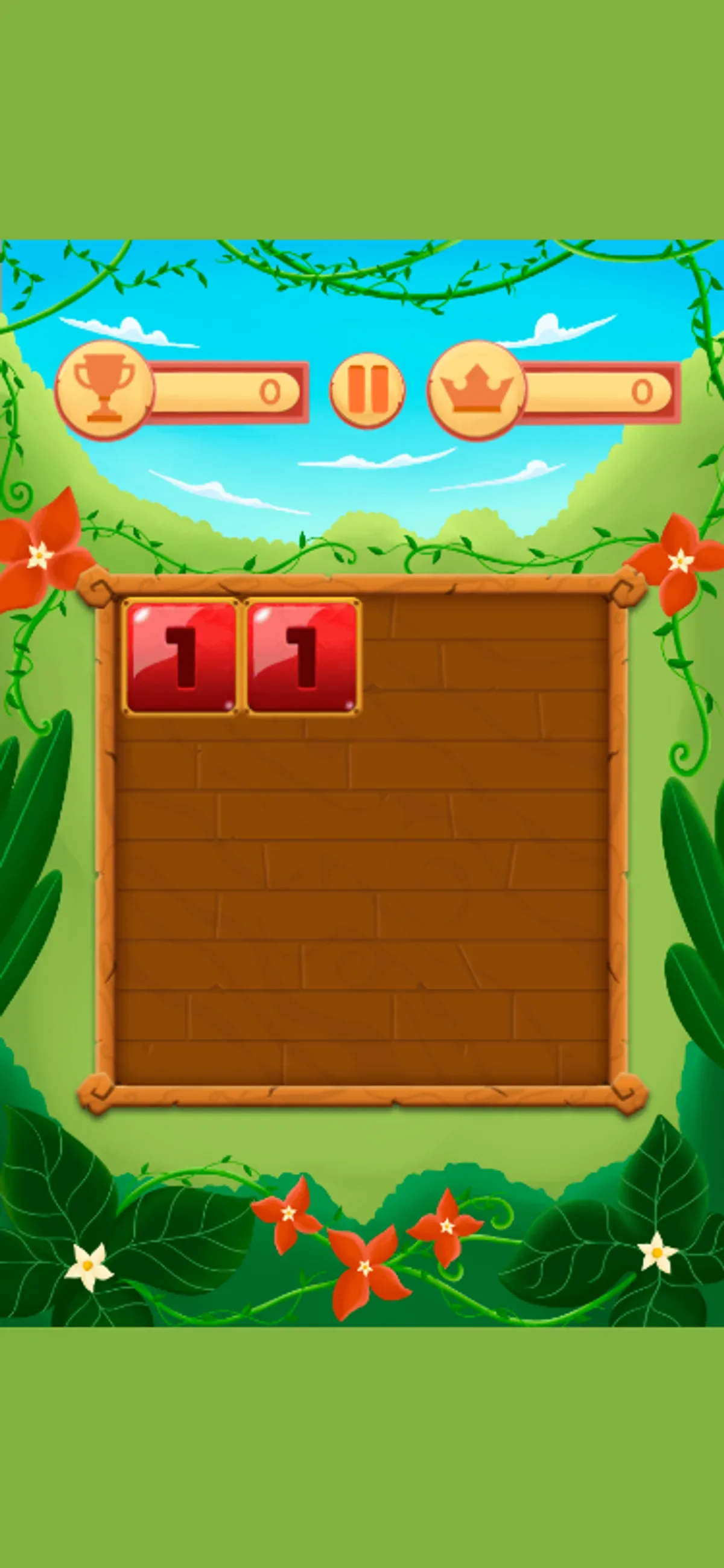
Having trouble? Report a problem. Reloading may reset your progress.