Why it's Chromebook-friendly
The measured entry files meet our Chromebook-friendly technical criteria. Mouse clicks completed an opening order; native touch assembled and moved a bowl in the phone-sized viewport. The landscape board is small on a narrow display, and later recipes and normal advertising behavior were not tested.
About Ice Cream Vendor
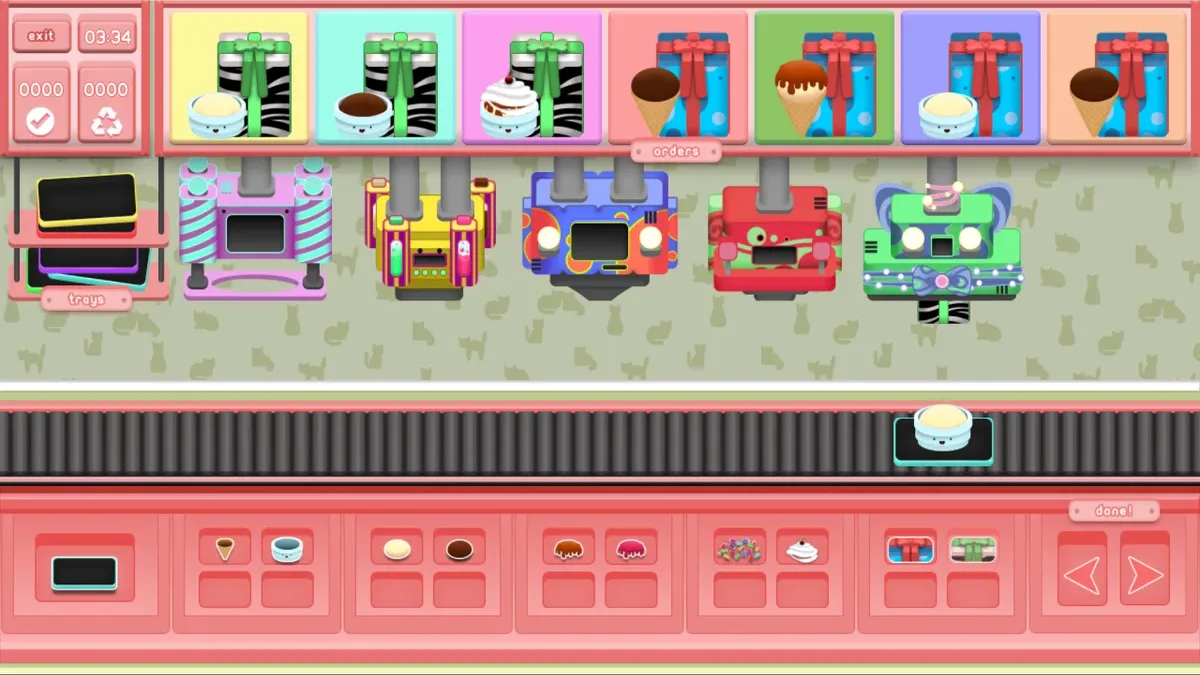
Start with a tray, choose a bowl and add a pale ice-cream scoop. In Ice Cream Vendor, the left and right arrows move that tray between ingredient stations on a conveyor. The order pictures across the top show the requested container, ice cream and wrapping. Our desktop run completed a bowl with one pale scoop and green wrapping: after delivery, the first order picture disappeared and the completed-order counter changed to 0001.
That simple order gave us a useful starting sequence. Select the tray, bowl and scoop at their stations, then move past the coating and topping stations when the pictured order does not require them. Choose the matching green wrapping and advance to delivery. We tested these steps with mouse clicks. Touchscreen taps also created the tray and bowl, added a scoop and moved the assembly along the conveyor in the phone-sized viewport, but that session did not reach delivery.
The landscape board occupies a short strip on a narrow screen, with large black areas above and below it. Only the opening shop and one completed order were tested; recycling, complex recipes and later shops remain unverified. Sound stayed muted during these actions. Advertising requests were blocked in our controlled tests, so those tests do not establish normal advertising behavior.
Controls
| Action | Desktop | Mobile |
|---|---|---|
| Drop a tray | Click the tray icon | Tap the tray icon |
| Move tray between stations | Click left/right arrow | Tap left/right arrow |
| Select bowl and pale scoop | Click ingredient icon at matching station | Tap ingredient icon at matching station |
Playtest screenshots
Swipe or scroll to see all 2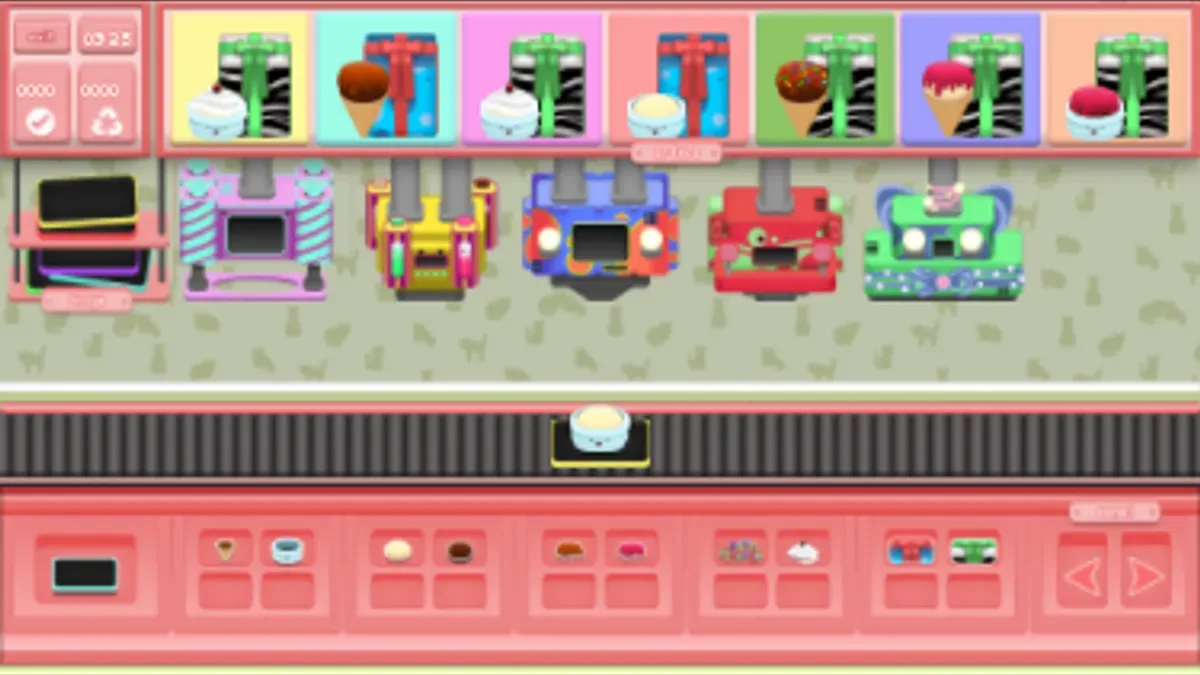
Having trouble? Report a problem. Reloading may reset your progress.