About Blockify
An eight-by-eight board leaves plenty of space until a large square needs nine cells together. Blockify’s first level starts with a two-minute timer and a 500-point target. Drag shapes from the lower tray onto vacant cells; both mouse and native touch dragging placed pieces in our tests.
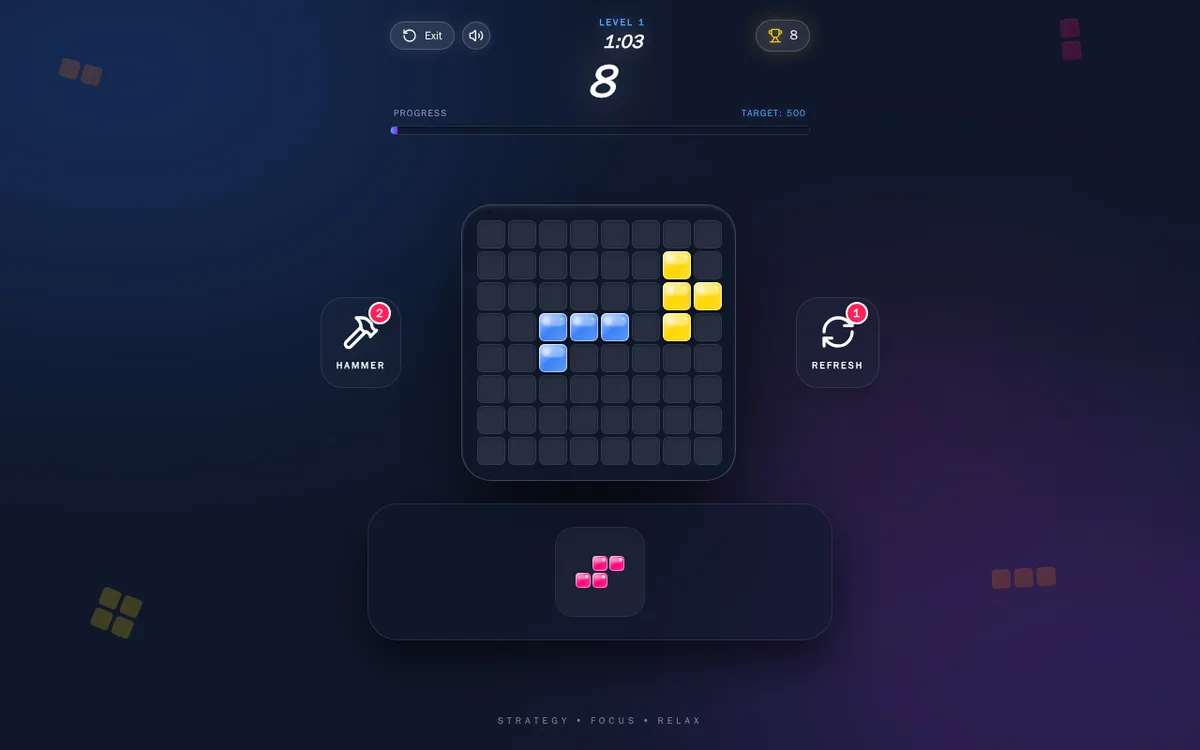
On mobile, a blue three-cell strip across the top-left edge took the score to three. A pink three-by-three square then fitted farther right, taking it to twelve. Both shapes disappeared from the tray after placement. Desktop supplied different shapes: a blue L and a separate yellow piece brought the displayed score to eight.
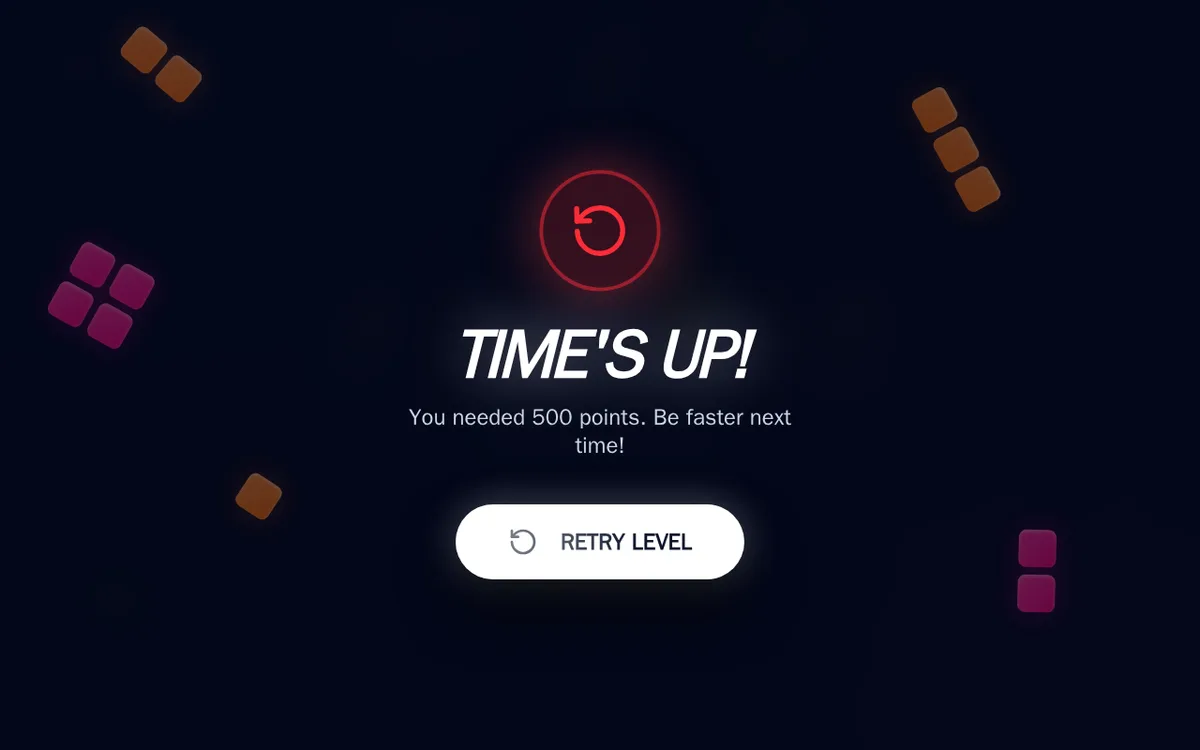
The desktop countdown ended with Time’s Up and a Retry Level button. We did not test retrying, line clears, power-ups or later levels. The mobile level map partly clips its goal label, while the target remains readable during play.
Playtest screenshots
Swipe or scroll to see all 3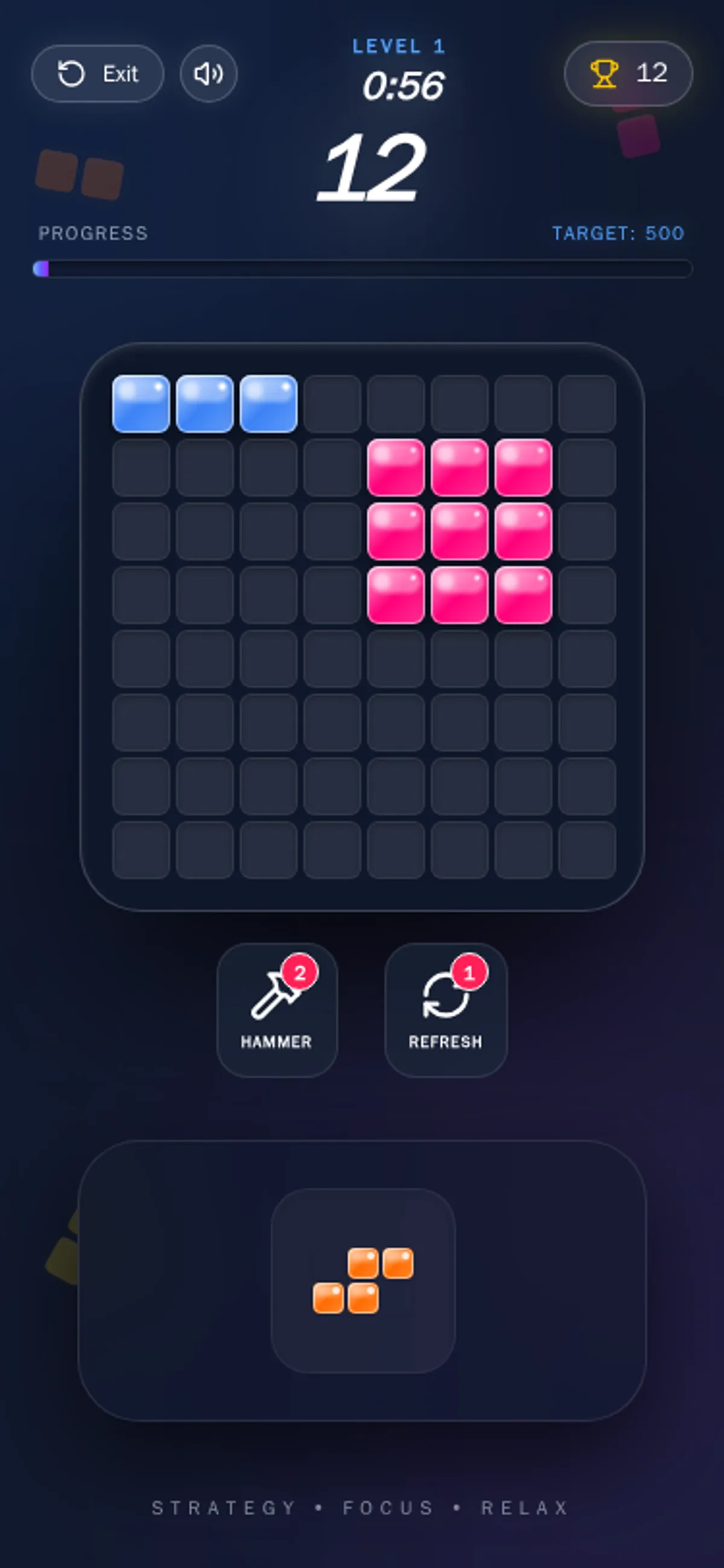
Why it's Chromebook-friendly
Blockify’s measured HTML-referenced core is 0.4 MB. Mouse and touch dragging both placed shapes on its eight-by-eight board. Level 1 uses a two-minute timer and a 500-point target. The mobile level map partly clips its goal label; the target remains readable during play. Later levels and power-ups were not tested.
Known quirks
- On a 375 px screen, the level map partly clips the first card’s goal text. The target remains readable on the game board.
Controls
| Action | Desktop | Mobile |
|---|---|---|
| Place a block shape in free grid cells | Drag a tray shape onto open board cells with the mouse, then release. | Touch and drag a tray shape onto open board cells, then release. |
Having trouble? Report a problem. Reloading may reset your progress.