Why it's Chromebook-friendly
The measured entry-referenced core is 0.8 MB. Native phone taps and a desktop click removed individual arrow-marked blocks in the opening puzzle; camera rotation and a full-level clear were not verified. Three minor interface issues remain recorded from the strict font-denied test profile.
Known quirks
- Some icons display their text names, such as play_arrow and emoji_events, in the tested browser profile.
- On the 375×812 viewport, the in-game settings button is clipped at the right edge.
- The bottom BOMB SEQUENCE and helper labels overlap on both tested viewports.
About The Block Escape
The Block Escape starts with a 3D cluster of arrow-marked blocks over a mountain-and-coast backdrop. Level 1 and a counter appear in the corner. Select PLAY, then choose a visible block and check whether it disappears from the cluster.
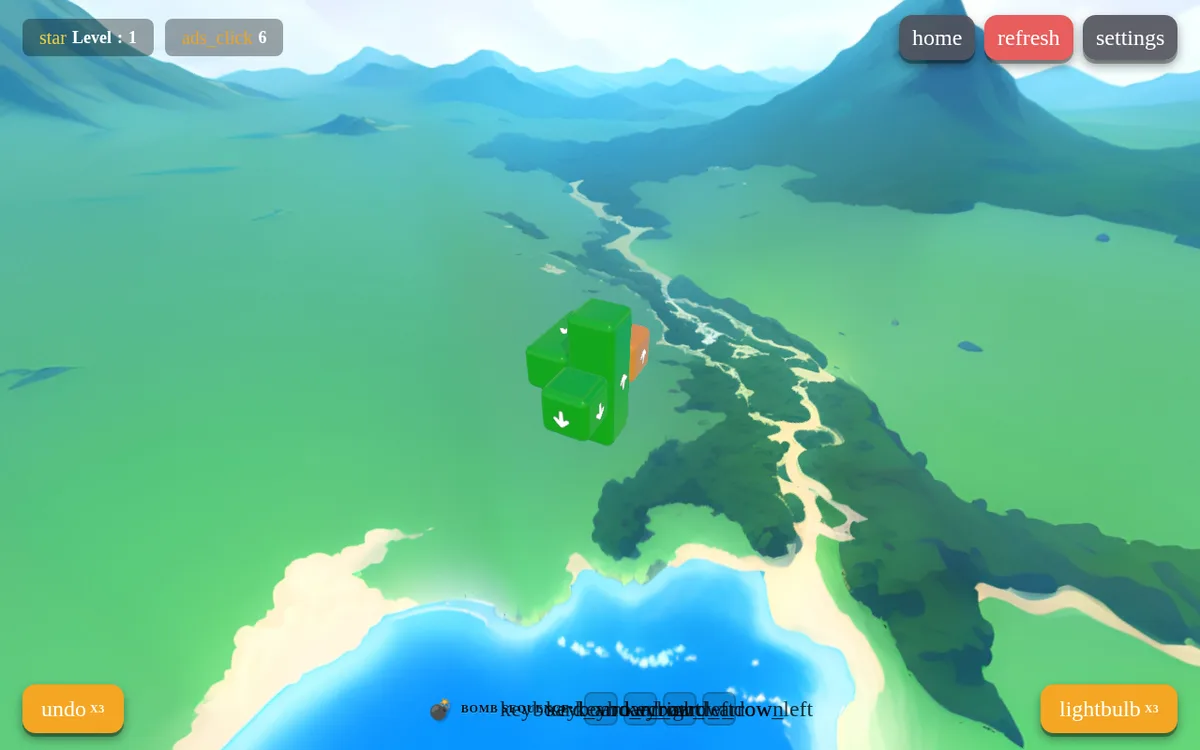
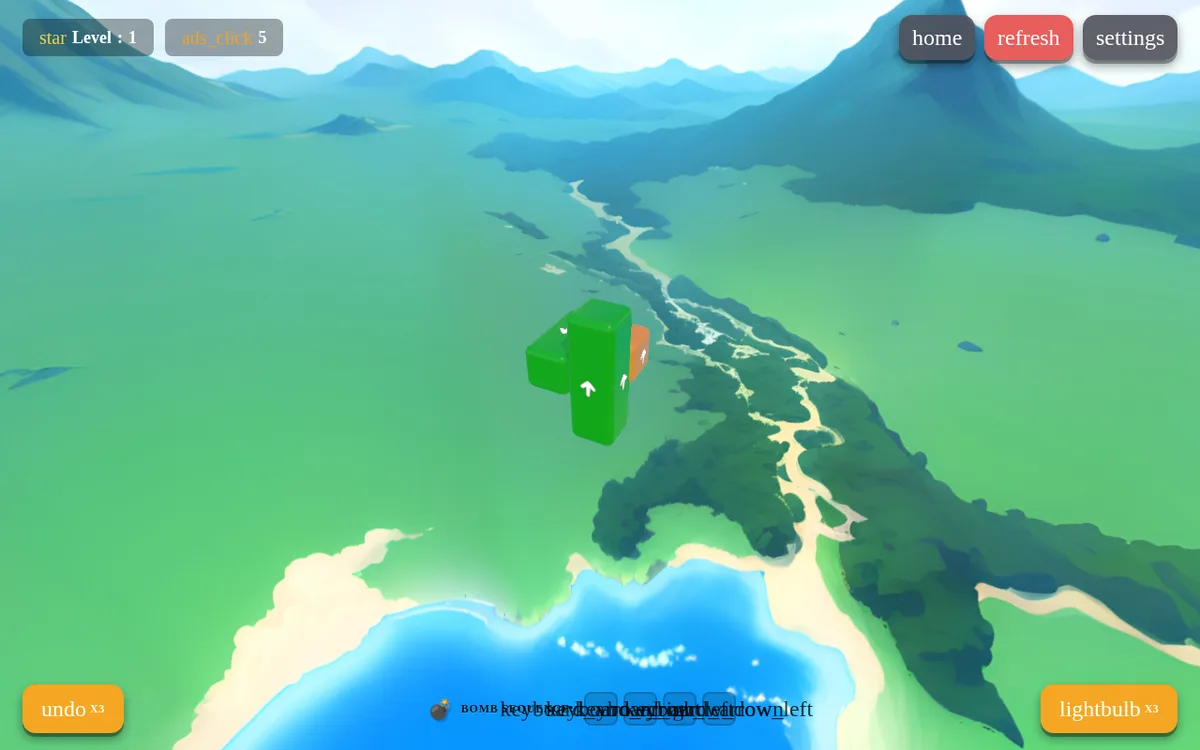
In our phone-sized session, tapping the upper cyan block removed it and changed the count from six to five. A second tap removed the exposed blue block, bringing the count to four. On desktop, clicking the front lower green block removed it and uncovered an upward arrow on the green piece behind it. Watch for those newly exposed faces before choosing your next piece.
Touchscreen taps and mouse clicks both removed blocks. The counter began at six, although not every block was visible from the recorded viewpoint: the desktop move exposed a piece behind another. These are opening-puzzle examples, not a route through later levels. We verified individual removals; clearing the whole cluster, camera rotation and the next level remain untested.
Controls
| Action | Desktop | Mobile |
|---|---|---|
| Select a visible arrow block to try to remove it in its arrow direction. | Click the arrow block. | Tap the arrow block. |
Playtest screenshots
Swipe or scroll to see all 3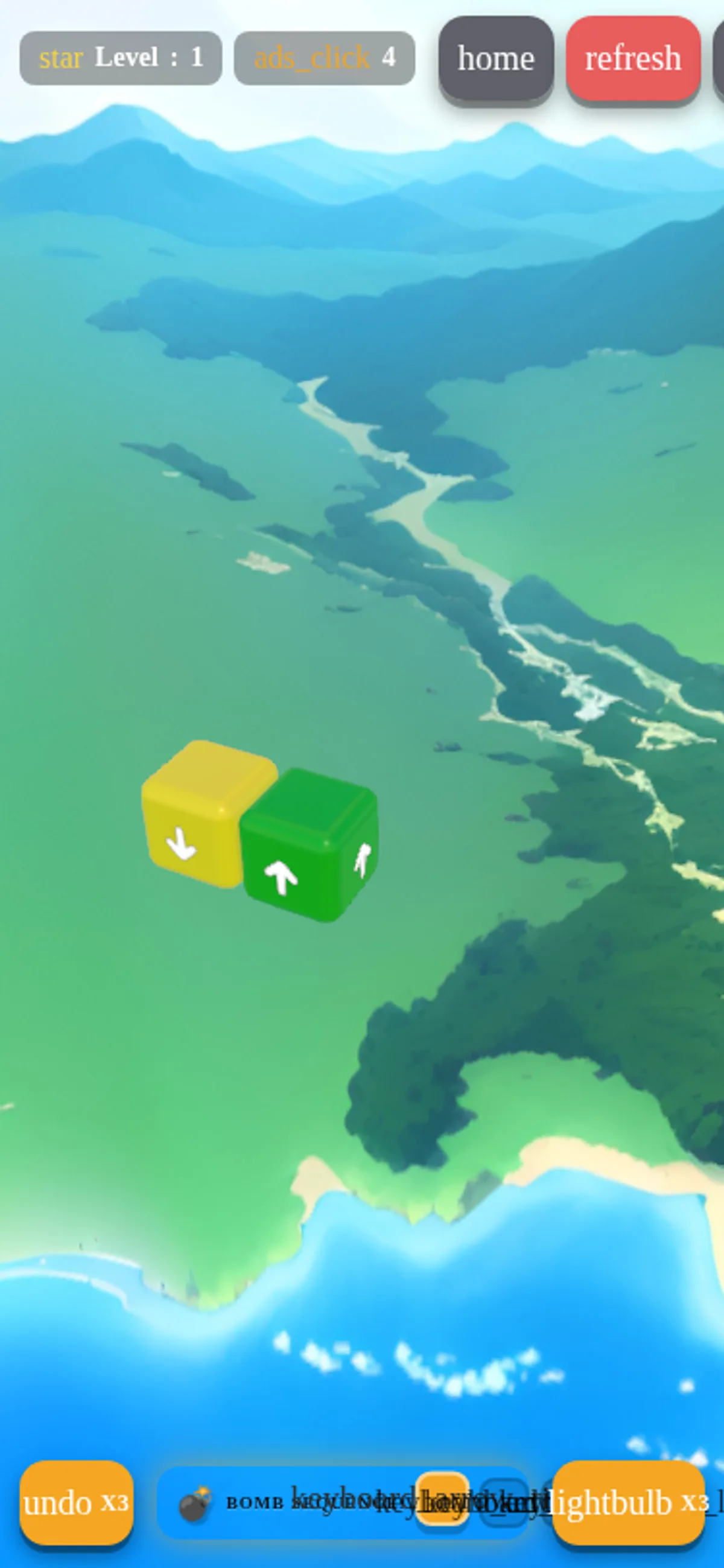
Having trouble? Report a problem. Reloading may reset your progress.