Playtest screenshots
Swipe or scroll to see all 3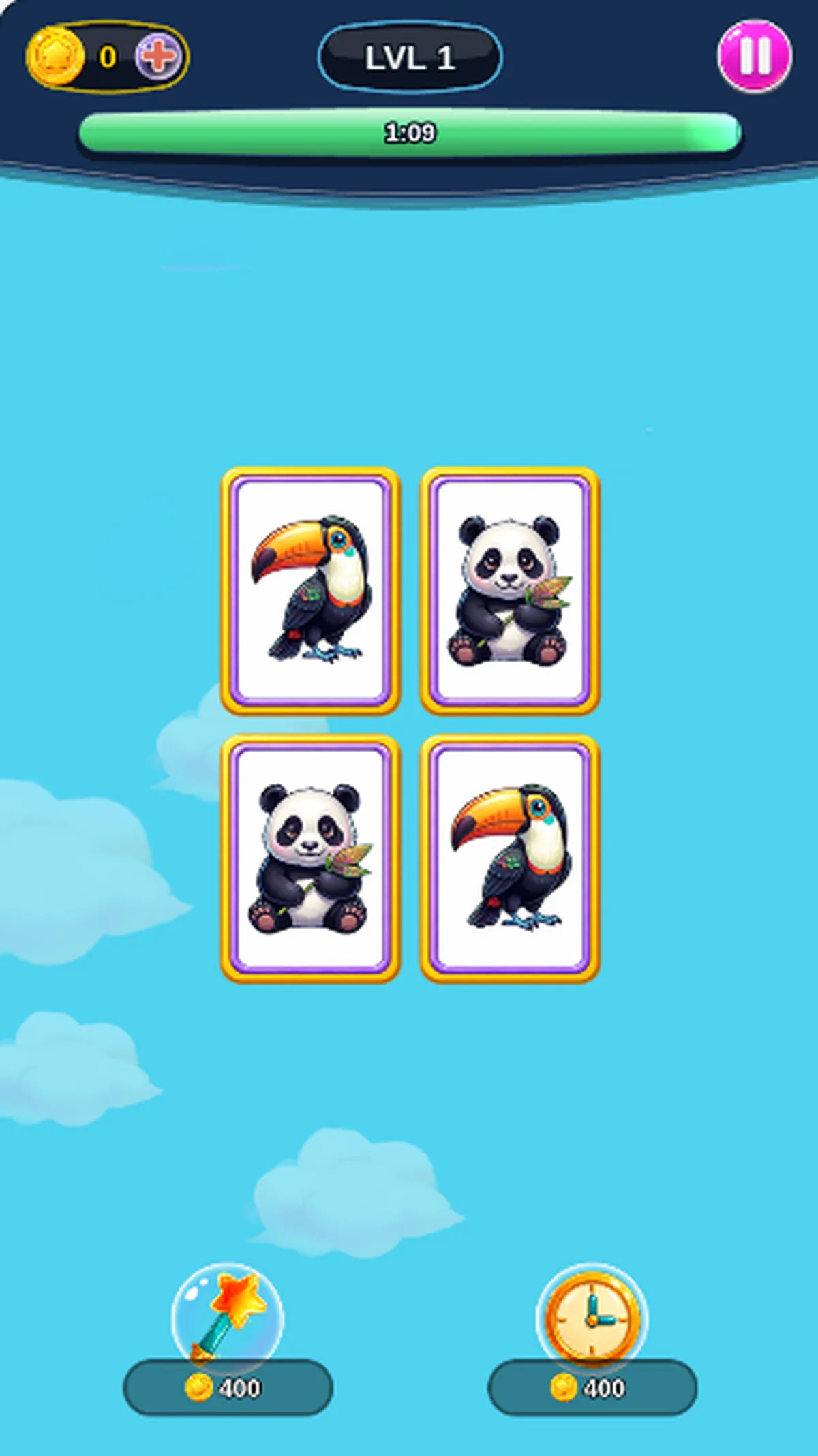
About Mischievous Pairs
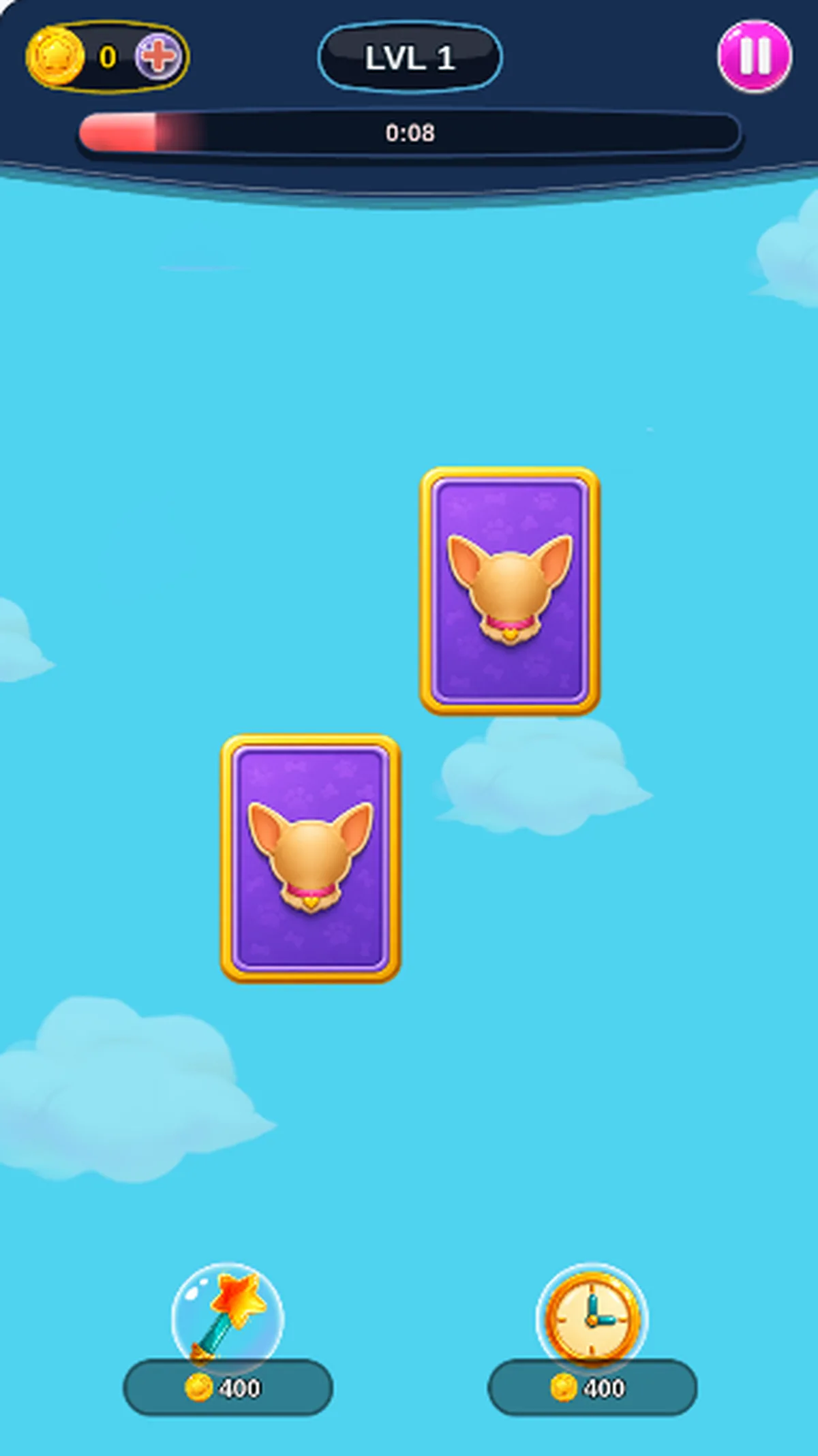
Remember where an animal appeared, then select its matching card in Mischievous Pairs. Level 1 presented four cards in the recorded opening. On the phone, tapping the upper-left toucan and then its lower-right match removed both cards, leaving two purple backs. Their empty positions showed that the pair had cleared; the board was still unfinished.
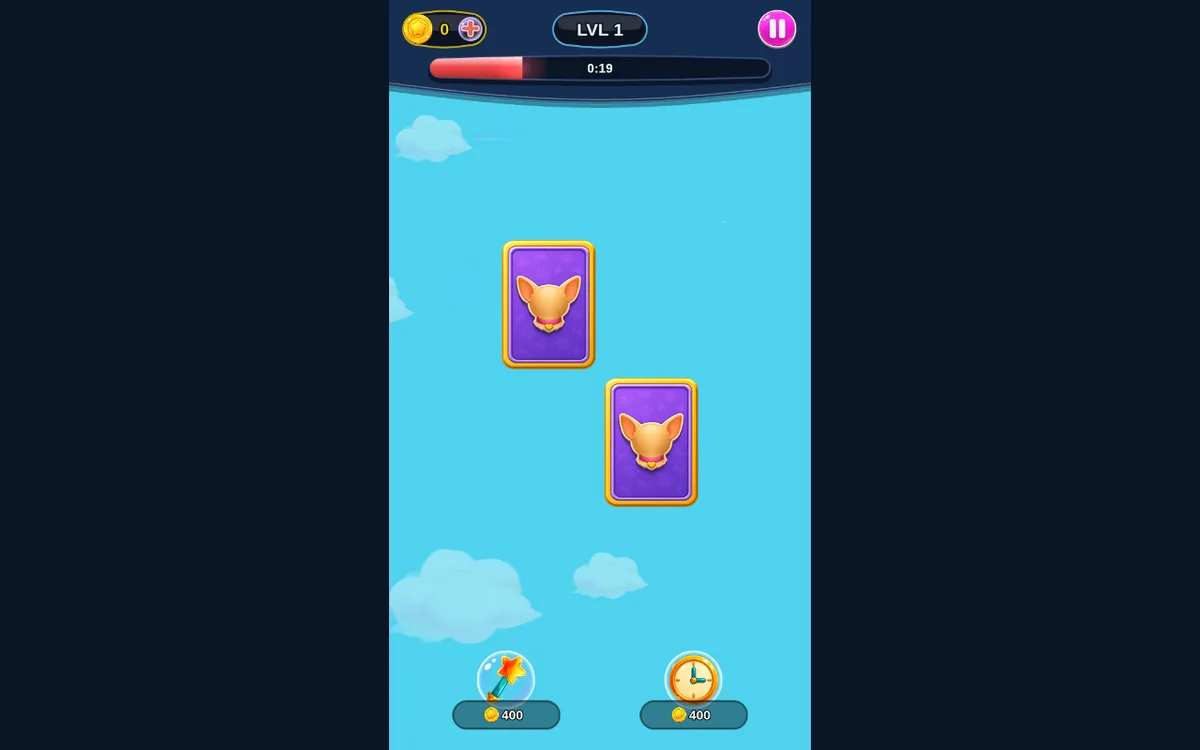
The desktop arrangement was different. Clicking the upper-right card revealed an owl, and choosing the lower-left match made those two cards disappear. Clicks and native touch taps both produced a matching removal, but neither session cleared all four cards. The timer continued falling during the observation pauses, and both attempts ended at 0:00 with GAME OVER. Those losses do not establish a winning sequence.
Allow for an opening wait: the phone’s loading art persisted beyond the first minute of captures. Later menu snapshots include observation pauses and do not establish exact readiness. Only the opening pair selections and timed results were checked; later levels, triples, two-player play, saved progress and replay were not tested.
Controls
| Action | Desktop | Mobile |
|---|---|---|
| Reveal a card, then select its matching animal to remove the pair. | Click the cards. The upper-right/lower-left owl pair was removed. | Tap the cards. The upper-left/lower-right toucan pair was removed. |
Why it's Chromebook-friendly
The measured entry-referenced core is 1.1 MB. Native touch and mouse selections each removed a matching animal pair from the opening four-card board. Neither recorded attempt cleared the board: the timer reached 0:00 and GAME OVER. Under the throttled phone test, loading art was still visible beyond the first minute; menu captures include observation pauses and do not measure exact readiness. A faint decorative line appears beside the final panel without covering its controls. Later levels, triples, two-player play, saved progress and replay were not tested.
Known quirks
- A faint vertical line appears near the left side of the GAME OVER overlay; the replay button and remaining card area stay visible.
Having trouble? Report a problem. Reloading may reset your progress.