Why it's Chromebook-friendly
The measured entry-referenced Math Squares core is 0.1 MB. Its six-tile Easy board responded to native touch and mouse selections, revealing numbers and returning to question marks after the neighboring selection. A successful pair, the arithmetic matching rule and a complete round were not verified.
About Math Squares
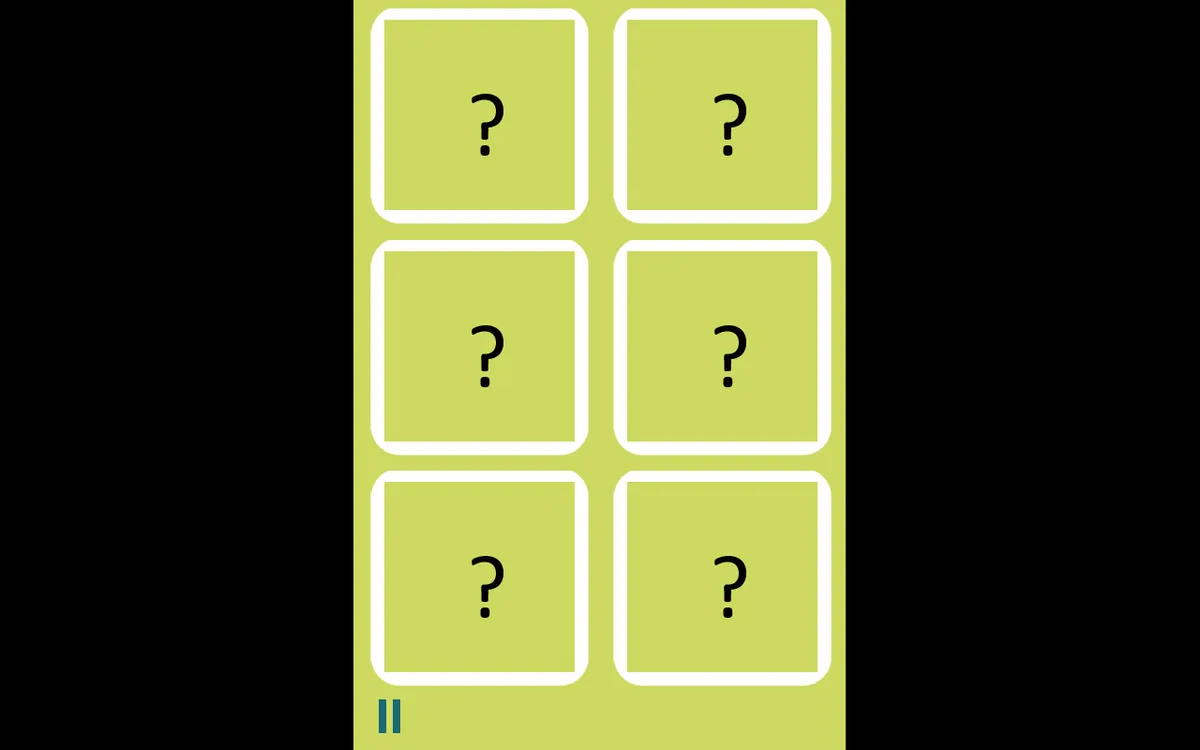
An 8 replaces the question mark when you tap the top-left square in our recorded phone session of Math Squares. Easy opens with six white-bordered tiles, arranged in two columns and three rows. Select one square, then another, and watch whether the revealed number stays or the question marks return.
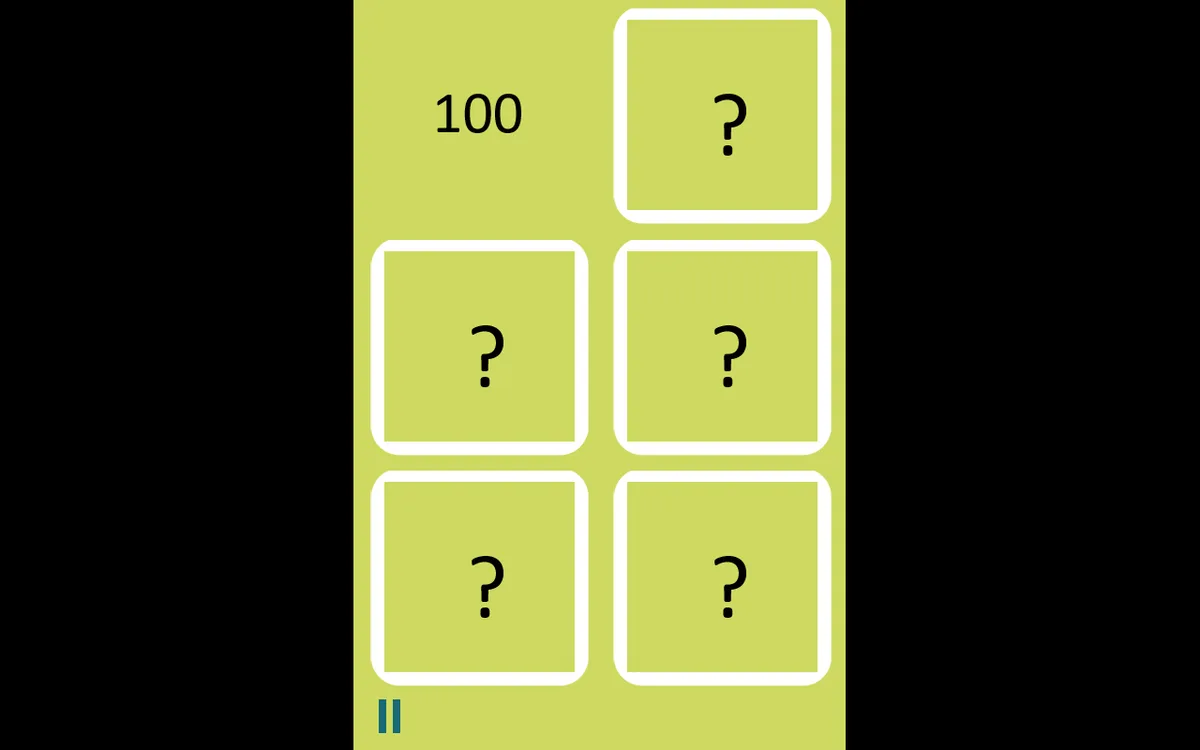
The first two phone selections returned the board to its hidden state. A third tap uncovered 10 in the middle-left position, which remained visible in the final capture. Mouse clicks worked on the desktop board too: the first uncovered 100, and choosing the neighbouring square brought back the question marks. These are observations from separate boards, rather than a fixed sequence to copy.
Easy was the only menu option exercised. Normal and Hard also appear, but their boards were not checked. We verified number reveals and resets, without confirming a successful pair, the arithmetic matching rule or a completed round. The pause and sound icons were left untouched.
Controls
| Action | Desktop | Mobile |
|---|---|---|
| Reveal a numbered card | Click a question-mark card with the mouse; select a second card to compare it. | Tap a question-mark card; select a second card to compare it. |
Playtest screenshots
Swipe or scroll to see all 3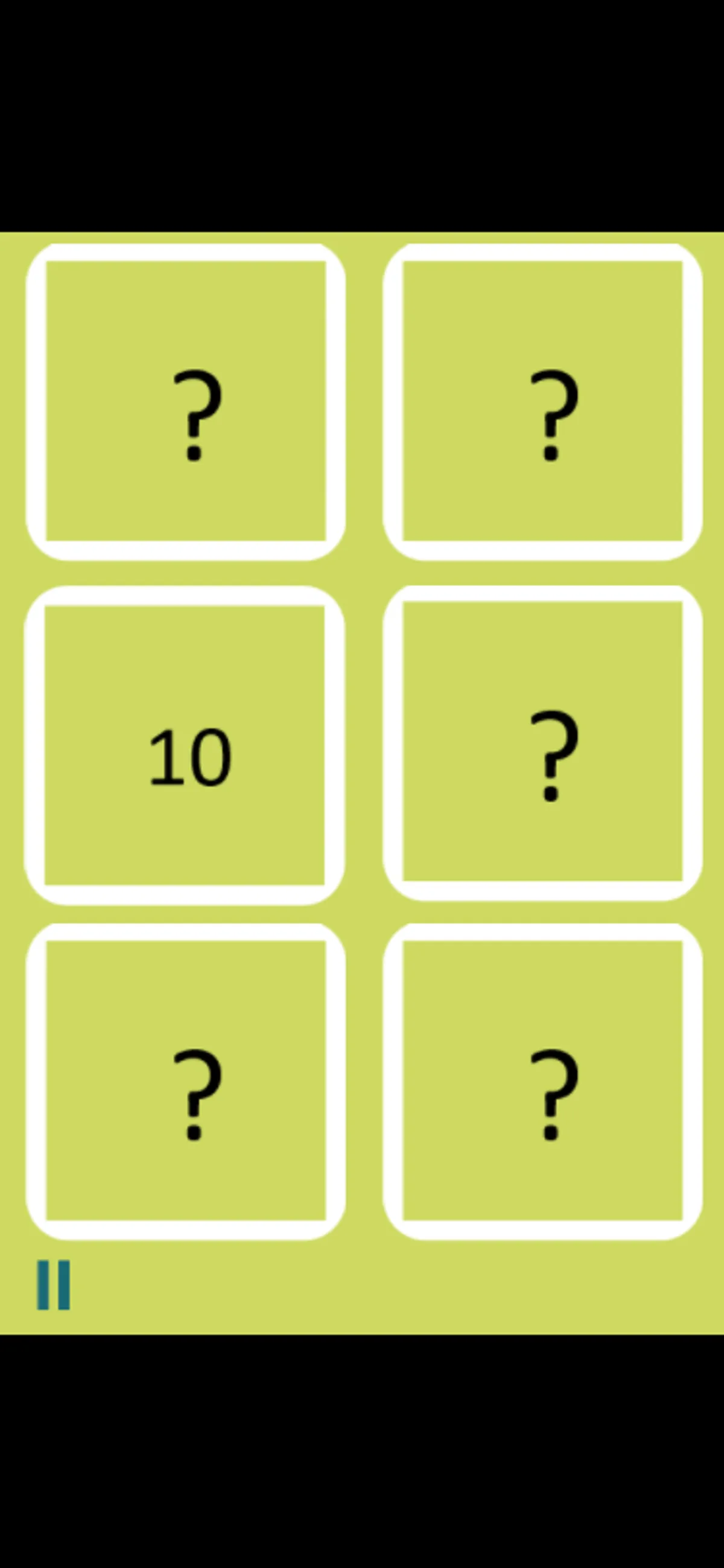
Having trouble? Report a problem. Reloading may reset your progress.