Playtest screenshots
Swipe or scroll to see all 2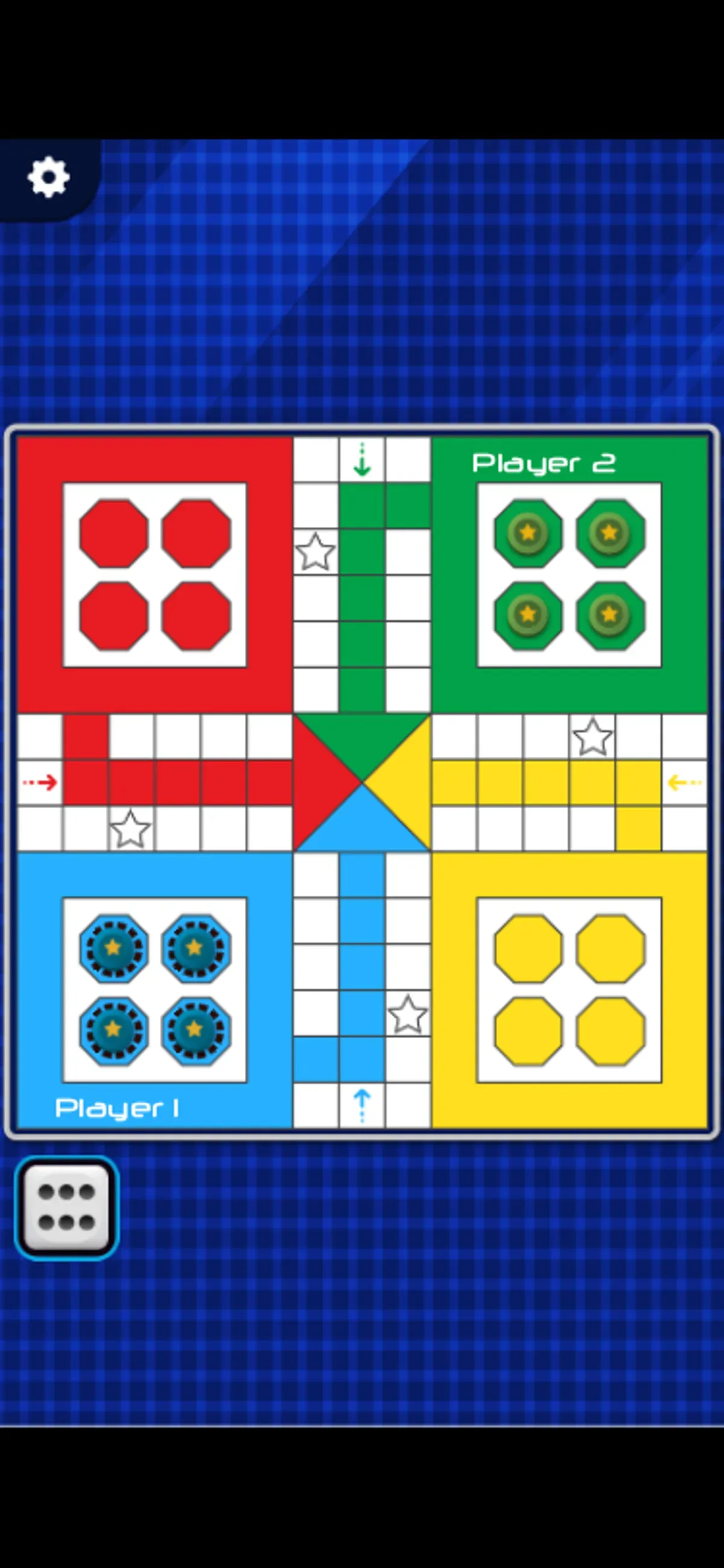
About Ludo Classic
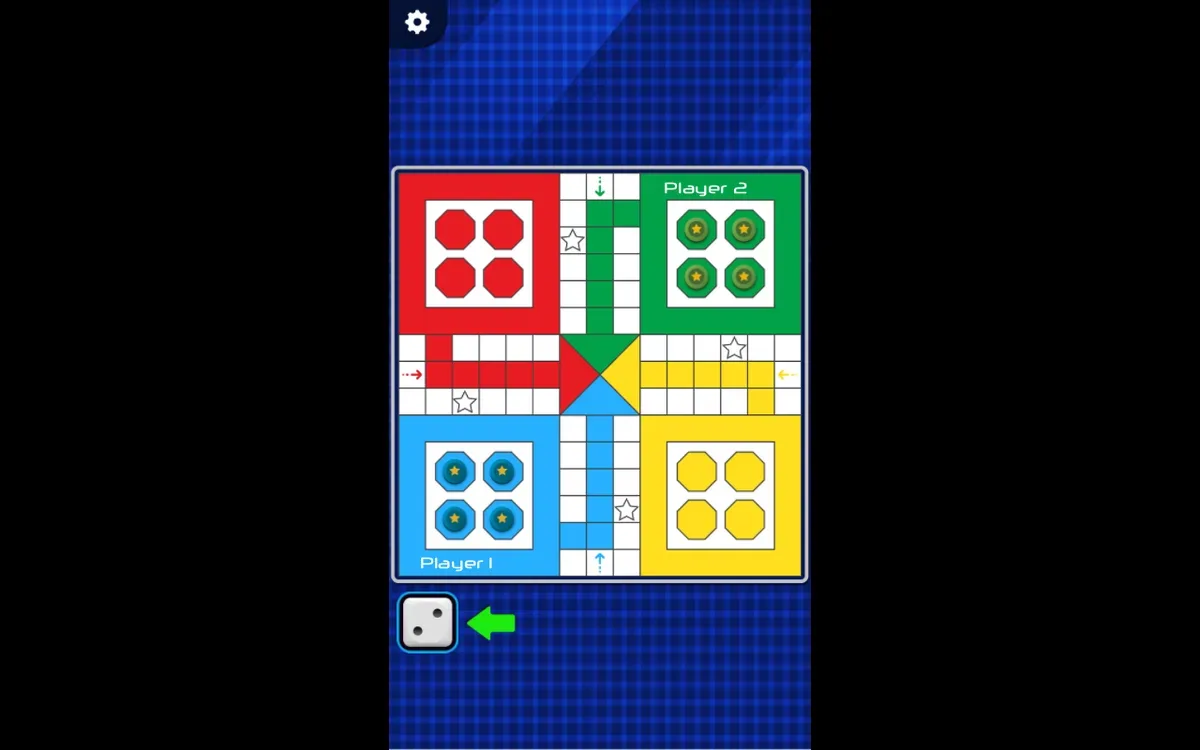
Ludo Classic puts player setup before the board. Select Player Number offers 2 Players, 3 Players and 4 Players, with a separate Select Player Color section. Our opening sessions kept the two-player setup: blue Player 1 and green Player 2. Pressing Play opened a four-color board with star-marked squares and four pawns in each active home area.
Tap or click the active die to roll. A native phone tap changed its face from one to six, and dashed outlines appeared around the blue pawns. Those outlines show a changed selection state; no pawn left home in the recorded sequence. On desktop, one mouse click changed the die from one to four. A later click on the green-side die produced two.
Watch the active die's position between actions instead of repeatedly clicking its old location. The tested opening shows local player setup and touch or mouse dice rolls, without establishing an online mode or computer opponent. Pawn movement, captures, finishing a match, three- or four-player sessions and sound quality remain untested.
Controls
| Action | Desktop | Mobile |
|---|---|---|
| Roll the active player’s visible die and check the new face. | Click the active die; two recorded rolls showed four and then two. | Tap the active die; the recorded roll showed six and blue pawn outlines. |
Why it's Chromebook-friendly
Native touch and mouse both rolled the active die in the tested local two-player setup. The phone roll showed six; desktop rolls showed four and two. Check the active die’s position before the next action. Pawn movement, a complete match, computer opponents, online play and sound quality remain untested.
More to explore
Tested 2026-10-20. Ludo Classic puts player setup before the board.
Having trouble? Report a problem. Reloading may reset your progress.