Why it's Chromebook-friendly
Native mobile tap selected one visible sigil into the previously empty rail with score0. A desktop mouse click produced a rail response; two symbols were visible afterward, without proving that one click transfers two tiles. Tutorial asks for three identical sigils; matching clearance, score gain or a winning route was not observed. Mobile timeout offered a video ad for an extra minute; the offer was left untouched, so restart and ad-free continuation remain unverified. Muted sessions required no sign-in or download; ordinary ad behavior was not assessed.
About Sigil Seeker
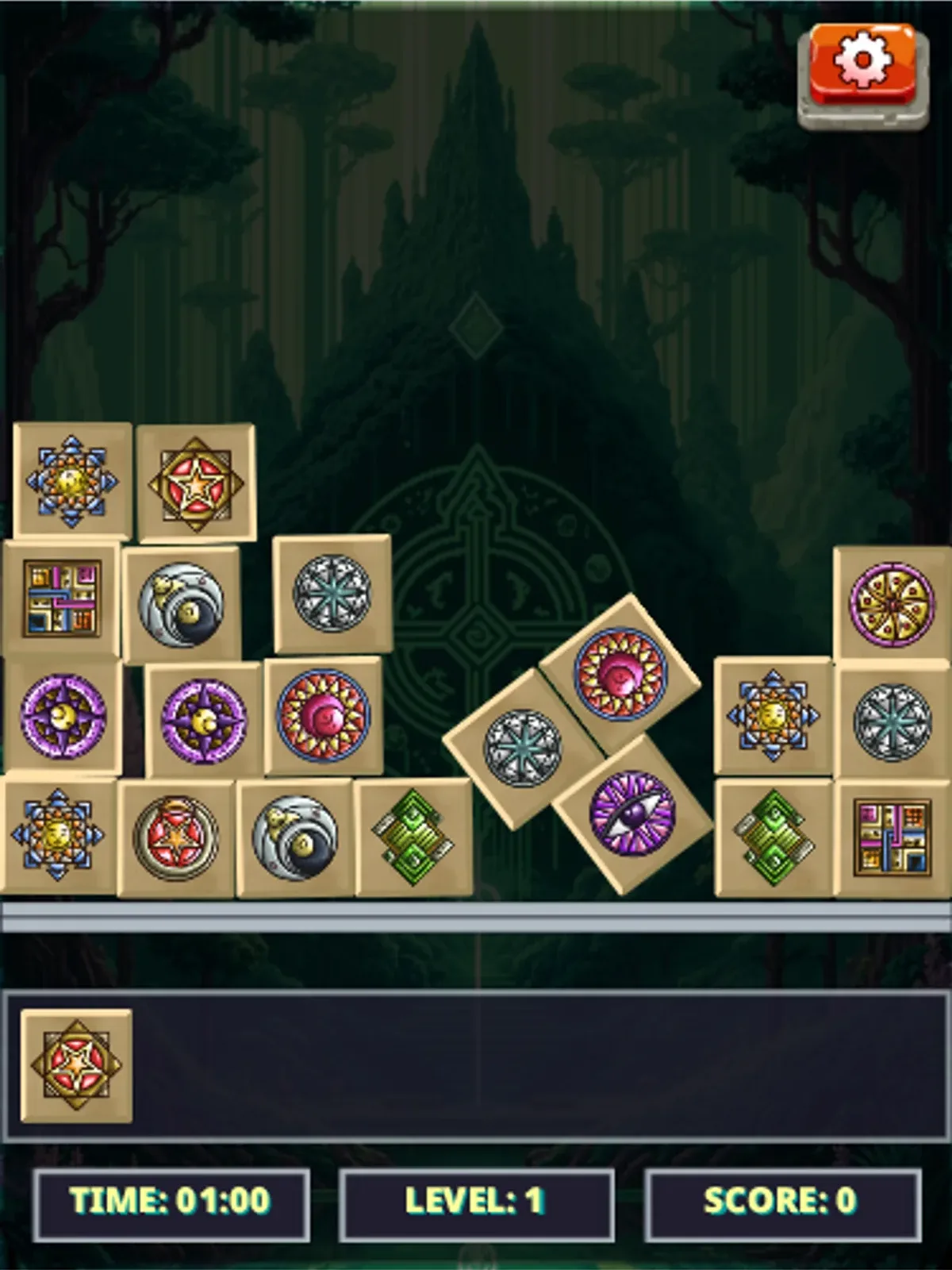
Tap a symbol tile to add it to the rail in Sigil Seeker. Colored circular and angular emblems sit on square tiles against a dark forest background. Beneath the board, a horizontal rail holds selected symbols; the timer, level number and score stay visible below it. The tutorial asks for three matching sigils and warns against filling the rail or running out of time.
During the recorded touch interaction, one native touch selected a red-and-gold star emblem. The previously empty rail then showed that tile, while the score stayed at 0. The desktop rail also responded to a mouse click, with two symbols visible in the subsequent screenshot. That image does not establish that one click always transfers two tiles. Other recorded attempts produced no clear response, so the verified control is limited to the selections described here.
Look for the same emblem rather than relying on color alone: the displayed tiles include several different purple circular designs. The tutorial’s three-symbol rule gives a starting goal, but we did not capture a matching clear, points gained or a winning route. When the mobile timer expired, the game offered an extra minute through a video ad. We left that option untouched; restarting and continuing without an ad were not verified. Sound was muted during the visible tile interactions, and the sessions required no sign-in or download. Ad-related network requests were denied, so the ordinary advertising experience remains outside these observations.
Controls
| Action | Desktop | Mobile |
|---|---|---|
| Select a sigil tile into the selection rail | Click a tile on the Level 1 board; one saved click was followed by a frame with two sigils visible in the rail, so exact one-click transfer was not established. | Tap a sigil tile; the recorded positive tap changed the visible rail from empty to one sigil. |
Playtest screenshots
Swipe or scroll to see all 2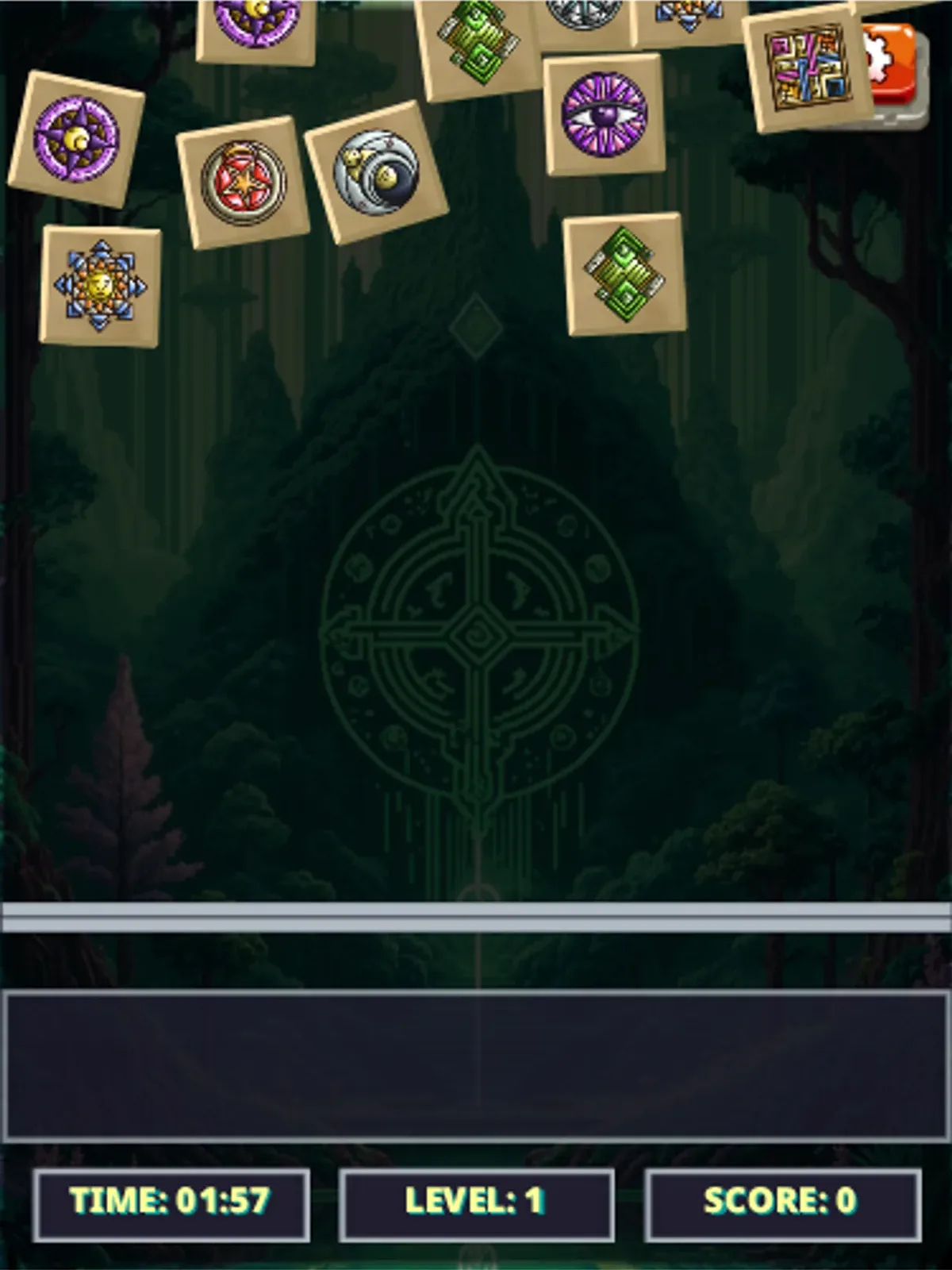
More to explore
The stored scan marked this title Chromebook-friendly; its playtest included both required viewports and recorded mouse controls.
The latest stored technical scan recorded a 0.6 MB core package, below the 5 MB collection threshold.
Having trouble? Report a problem. Reloading may reset your progress.