Why it's Chromebook-friendly
Phone taps inserted two central tiles into the first lower column. In a separate desktop opening, a brief mouse hold inserted a nine-dot tile into that column. The portrait phone view keeps the full landscape board visible, but its tile faces and arrow targets are small. Completing nine columns, winning a match, scoring rules and audio quality remain untested.
Known quirks
- The landscape board is small in portrait view, making tile faces and arrow targets harder to read.
About Tile Stack: Mahjong
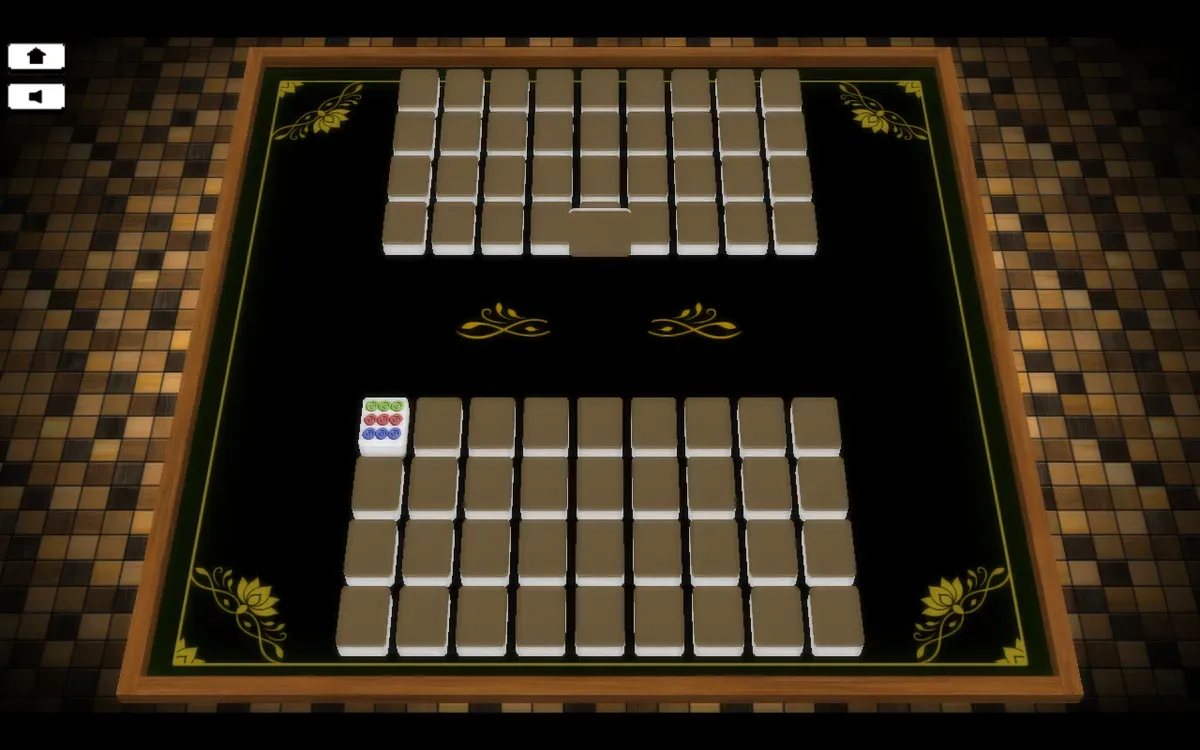
Choose a down arrow in Tile Stack: Mahjong to send the centre tile into your lower bank. Two banks of nine columns face one another across a dark, gold-trimmed table. The opening insertions changed the central face and shifted the chosen column, giving you two places to check before acting again.
On the phone, tapping the leftmost arrow moved an eight-dot tile into the first column. A second tap placed a green-ringed tile above it and shifted the column again. A separate desktop opening showed a nine-dot tile in the centre. Briefly holding the leftmost arrow with the mouse inserted that tile, and an eight-dot face appeared in its place. The phone and desktop boards began differently, so the tile faces here describe those openings alone.
The portrait layout places a small landscape table between two deep black bands. The full board stays visible, but individual symbols and arrow targets look small. Desktop gives the table more room. Column insertion responded on both devices. We did not finish nine columns or win a match, and neither the scoring rules nor the audio were assessed.
Controls
| Action | Desktop | Mobile |
|---|---|---|
| Insert the central tile into the first lower column | Briefly hold the down arrow for the first lower column with the mouse | Tap the down arrow for the first lower column |
Playtest screenshots
Swipe or scroll to see all 2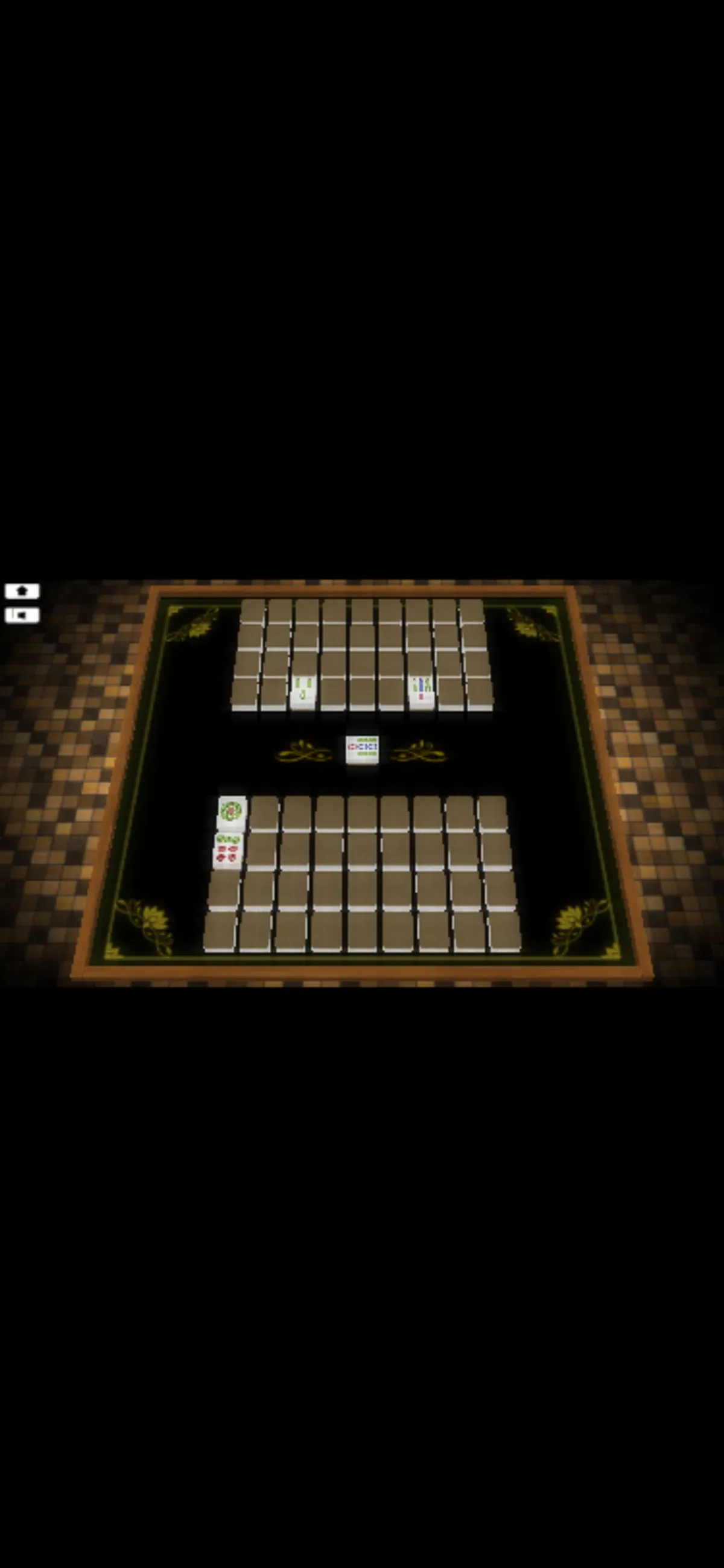
More to explore
Tested 2026-10-20. Choose a down arrow in Tile Stack: Mahjong to send the centre tile into your lower bank.
Having trouble? Report a problem. Reloading may reset your progress.