Playtest screenshots
Swipe or scroll to see all 2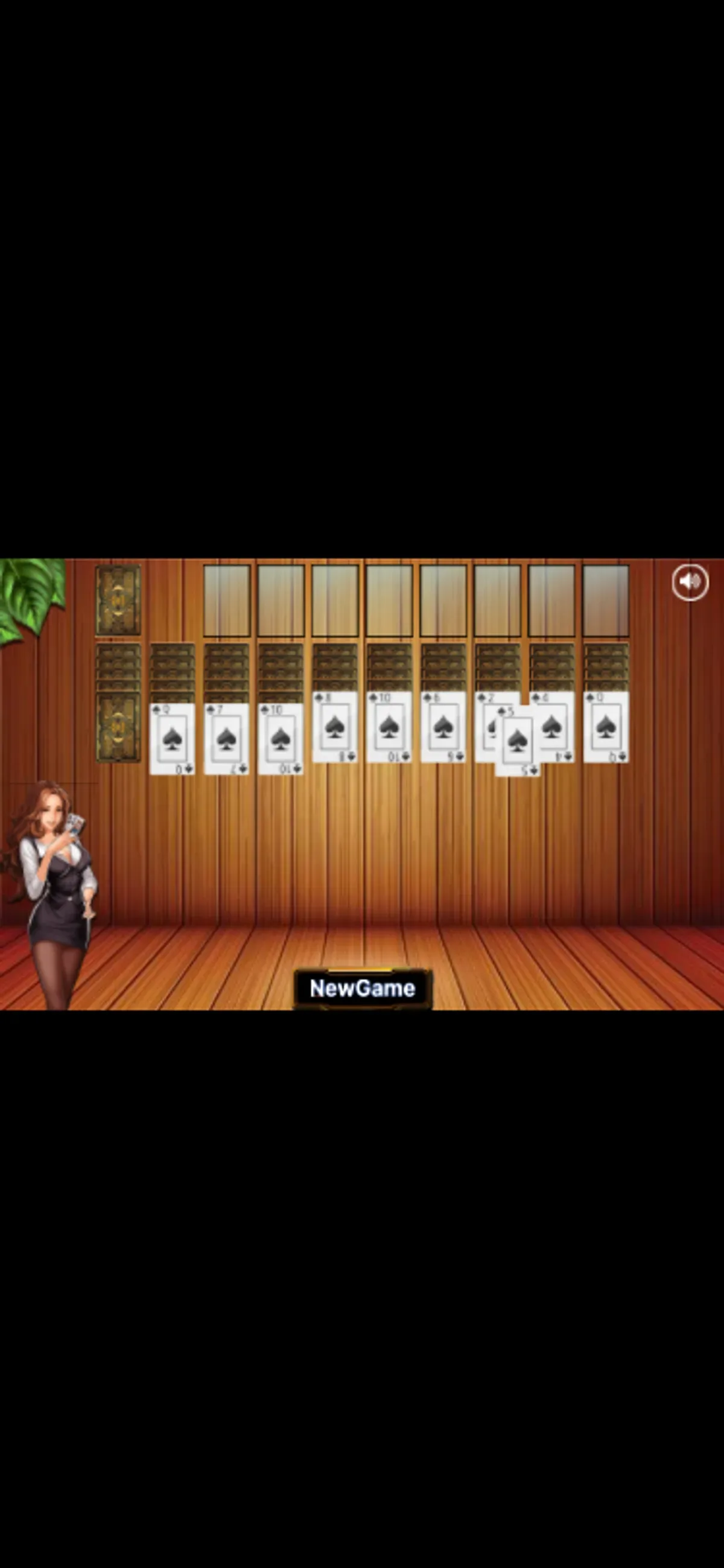
About Solitaire Quest
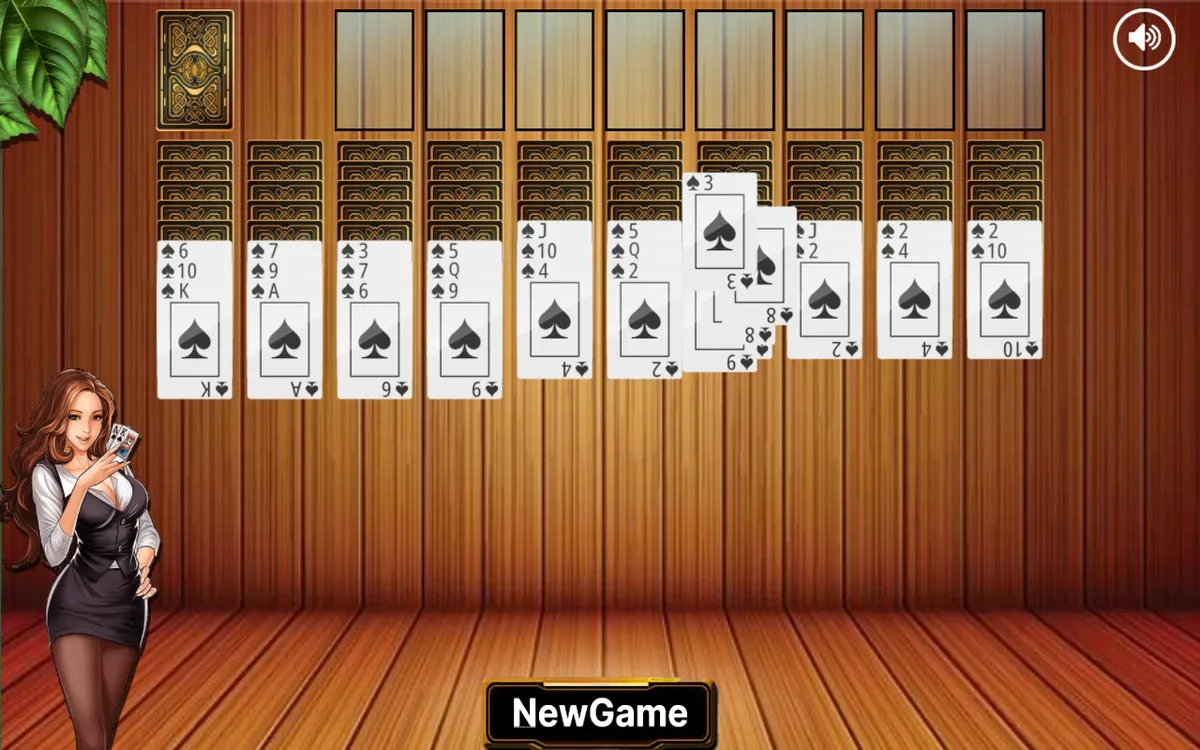
Press Play in Solitaire Quest to open a wooden card table with ten columns, a face-down stock at the upper left and empty outlined spaces across the top. Spade cards sit below patterned backs, while a NewGame button stays beneath the board. The desktop view gives the columns room across the screen; on a portrait phone, the landscape table occupies a narrow horizontal band with black space above and below.
A native phone drag picked up the five of spades from the first column and carried it toward the right-hand columns. A card back became visible underneath during the movement. On release, the five returned to its original position. That confirms touch pickup and movement. No successful placement was verified, and the reason for the return remains unknown. The small cards also make individual ranks harder to read on the phone.
On desktop, clicking the stock dealt ten new cards across the columns. A second click added another row, changing the first column's exposed card again. Watch the newly exposed faces after each draw before choosing another action. Completed sequences, winning a deal, mobile stock draws and sound quality remain untested.
Controls
| Action | Desktop | Mobile |
|---|---|---|
| Open the card table | Click Play | Tap Play |
Why it's Chromebook-friendly
Touch lifted the five of spades and carried it across the phone table before it returned to its source column. Two desktop stock clicks each dealt ten new cards. The portrait phone view keeps the landscape table small. A successful placement, completed sequence, win and sound quality remain untested.
Known quirks
- The landscape table is small in portrait view, making card ranks harder to read.
More to explore
Tested 2026-10-20. Press Play in Solitaire Quest to open a wooden card table with ten columns, a face-down stock at the upper left and empty outlined spaces across the top.
Having trouble? Report a problem. Reloading may reset your progress.