Why it's Chromebook-friendly
The measured Construct 3 core is 1.8 MB. Native touch and mouse clicks selected the right jar and transferred its single ball into the left jar, collecting all four yellow balls. Both recorded sessions displayed Level 1 complete without login or a separate download. Next-level entry, restart and mixed-color restrictions were not tested.
About Glass Ball Puzzle
Tap the right jar, then the left, to bring the four yellow balls together in Glass Ball Puzzle’s opening level. The starting arrangement puts three balls on the left and a single ball on the right. Selecting the right jar lifts that ball above its opening, making the selected piece visible before you choose its destination. The tutorial points toward the jars and tells you to transfer the ball to the other one.
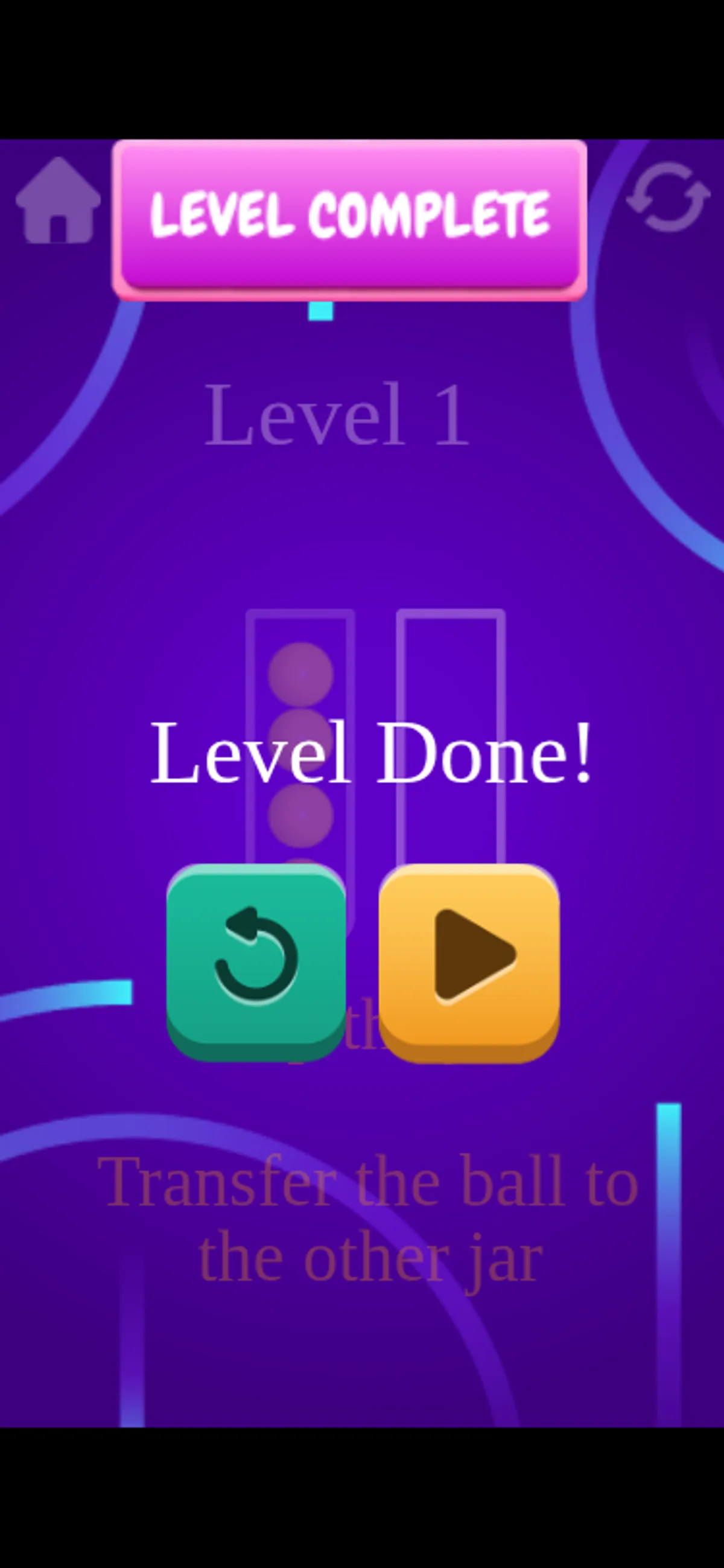
Our touchscreen run followed that two-tap sequence. After the left jar was selected, it held all four balls and the right jar stood empty. Yellow particles appeared above the filled jar, followed later by a Level Complete banner and a Level Done message. The desktop run reached the same result with two mouse clicks. The useful distinction here is between selecting the source and choosing the destination: the ball is lifted first, then transferred by the second input.
Both sessions covered this first, all-yellow arrangement. The completion screen showed two icon buttons, but we did not use either one, so the review does not establish what comes next or how restarting behaves. Mixed-color restrictions and losing conditions also remain untested. The screenshots show the selection, the filled jar and the completion message, giving you a concrete reference for that opening move.
Controls
| Action | Desktop | Mobile |
|---|---|---|
| Select a source jar, then transfer to the other jar | Click the right jar, then the left jar in the observed opening | Tap the right jar, then the left jar in the observed opening |
Playtest screenshots
Swipe or scroll to see all 2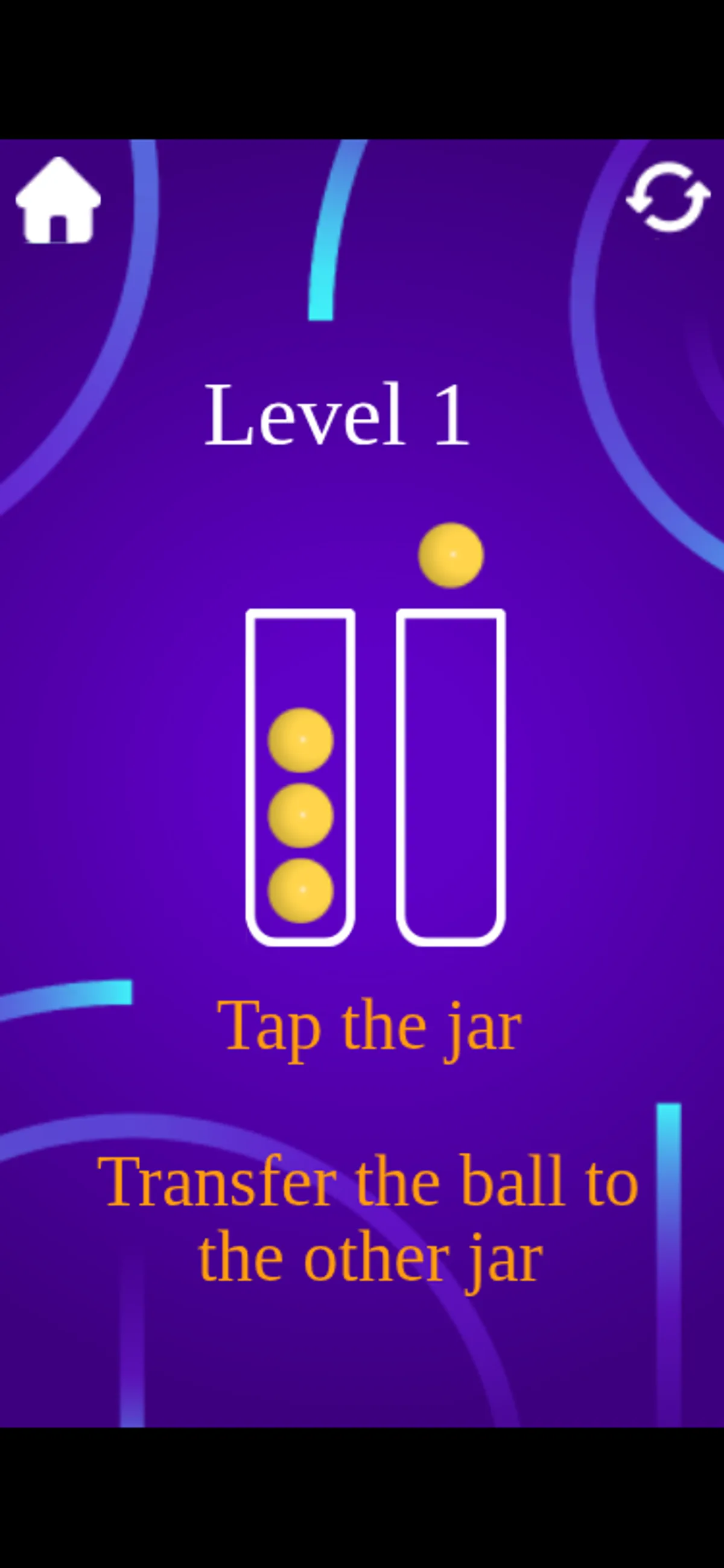
More to explore
Selecting the right jar lifted its yellow ball; selecting the left jar transferred it in both tested views.
The stored scan marked this title Chromebook-friendly; its playtest included both required viewports and recorded mouse, touch controls.
Having trouble? Report a problem. Reloading may reset your progress.