Why it's Chromebook-friendly
The measured Construct 2 core is 3.4 MB. One touch tap and one mouse click each launched a shot in their respective sessions. Both later frames showed STEP 1, a returned ball and an additional numbered triangle. Scoring, brick damage, power controls and restarting were not verified.
About Bricks Breaker
Tap inside the board to launch the waiting ball in Bricks Breaker’s Endless Mode. The tested opening showed STEP 0 and one ball resting along the bottom edge. A native touch tap sent it into the playfield; a separate desktop session did the same with a mouse click. The screenshots capture the ball away from its starting position, then back at the bottom after the shot had finished.
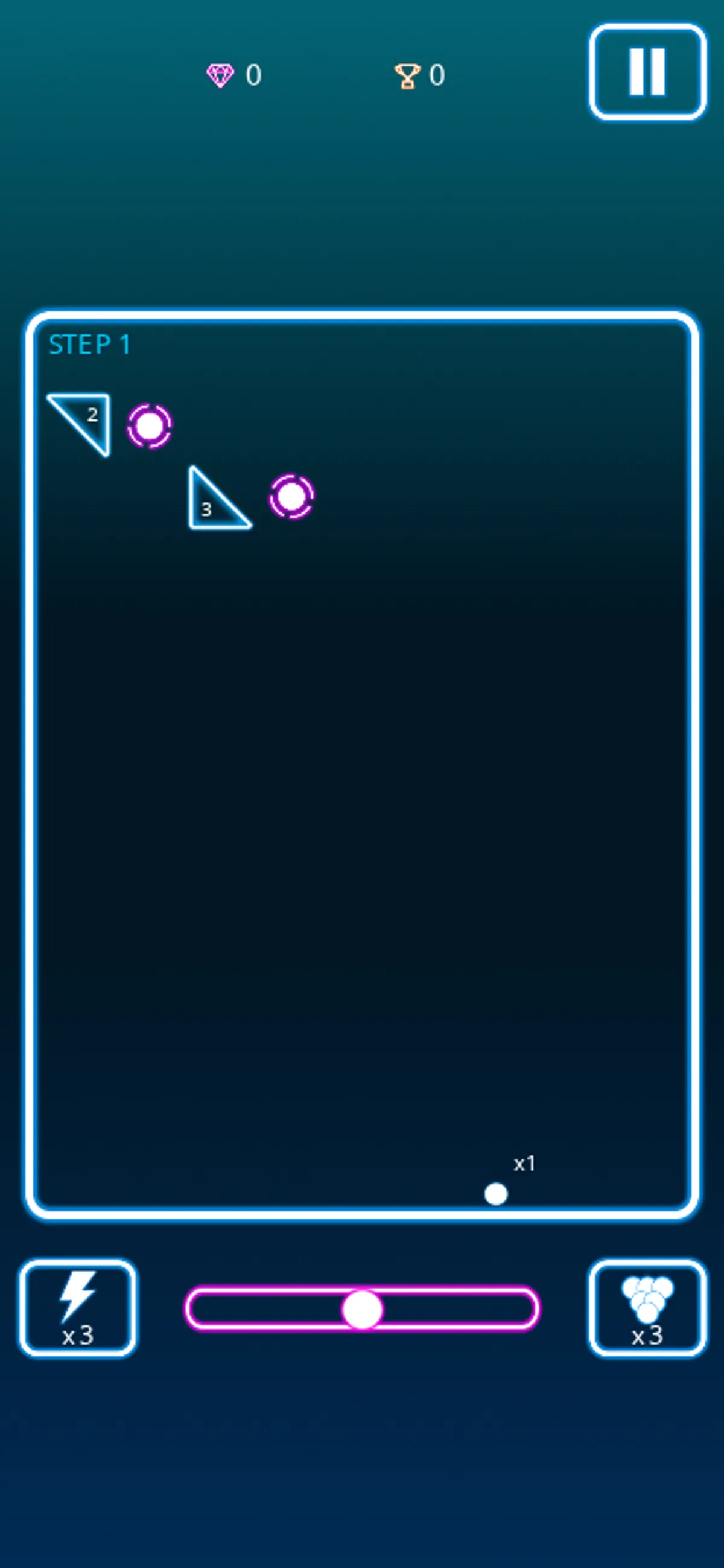
On the phone-sized board, the flight frame showed a triangular obstacle labeled 3. The later frame displayed STEP 1, triangles labeled 2 and 3, and the ball resting at a different position along the bottom. On desktop, the visible triangle carried a 4 during the shot; the following STEP 1 frame showed triangles labeled 4 and 5. These are the particular arrangements recorded in each session, rather than different rules for touch and mouse. In both cases, another numbered triangle was visible after the ball returned.
That first shot is the extent of the play covered here. The change from STEP 0 to STEP 1 gives you a visible reference for the completed turn, but it does not establish how points are awarded or how the numbers on bricks change when hit. We have not tested Levels Mode, brick damage, power controls, restarting or a losing state. The images below show the opening board and the later arrangement so you can compare the ball’s resting position and the added obstacle.
Controls
| Action | Desktop | Mobile |
|---|---|---|
| Launch the ball in Endless Mode | Click within the board; the tested click launched a shot | Tap within the board; the tested native touch tap launched a shot |
Playtest screenshots
Swipe or scroll to see all 2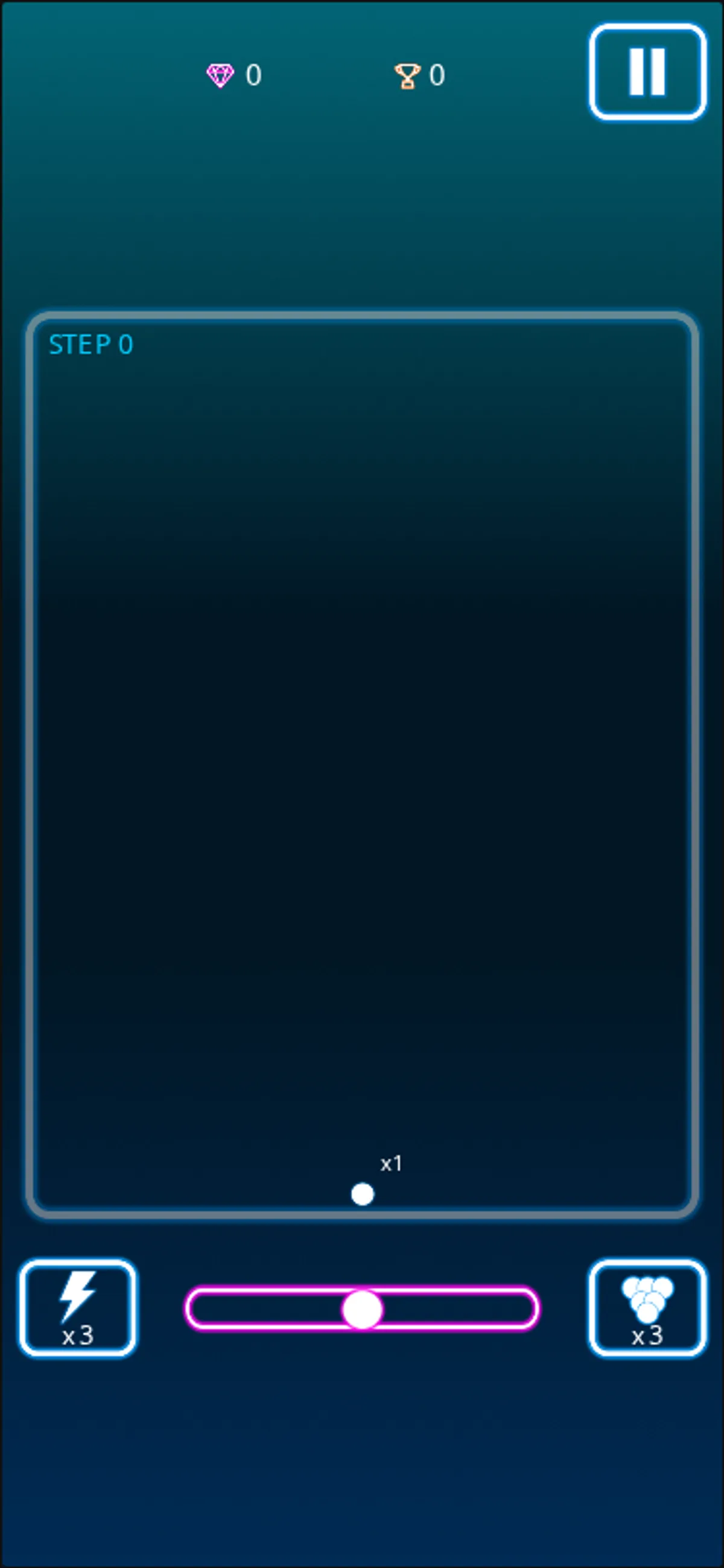
More to explore
One tap or click launched the ball from STEP 0; after its shot returned, the display showed STEP 1.
The stored scan marked this title Chromebook-friendly; its playtest included both required viewports and recorded mouse controls.
Having trouble? Report a problem. Reloading may reset your progress.