About Paletto
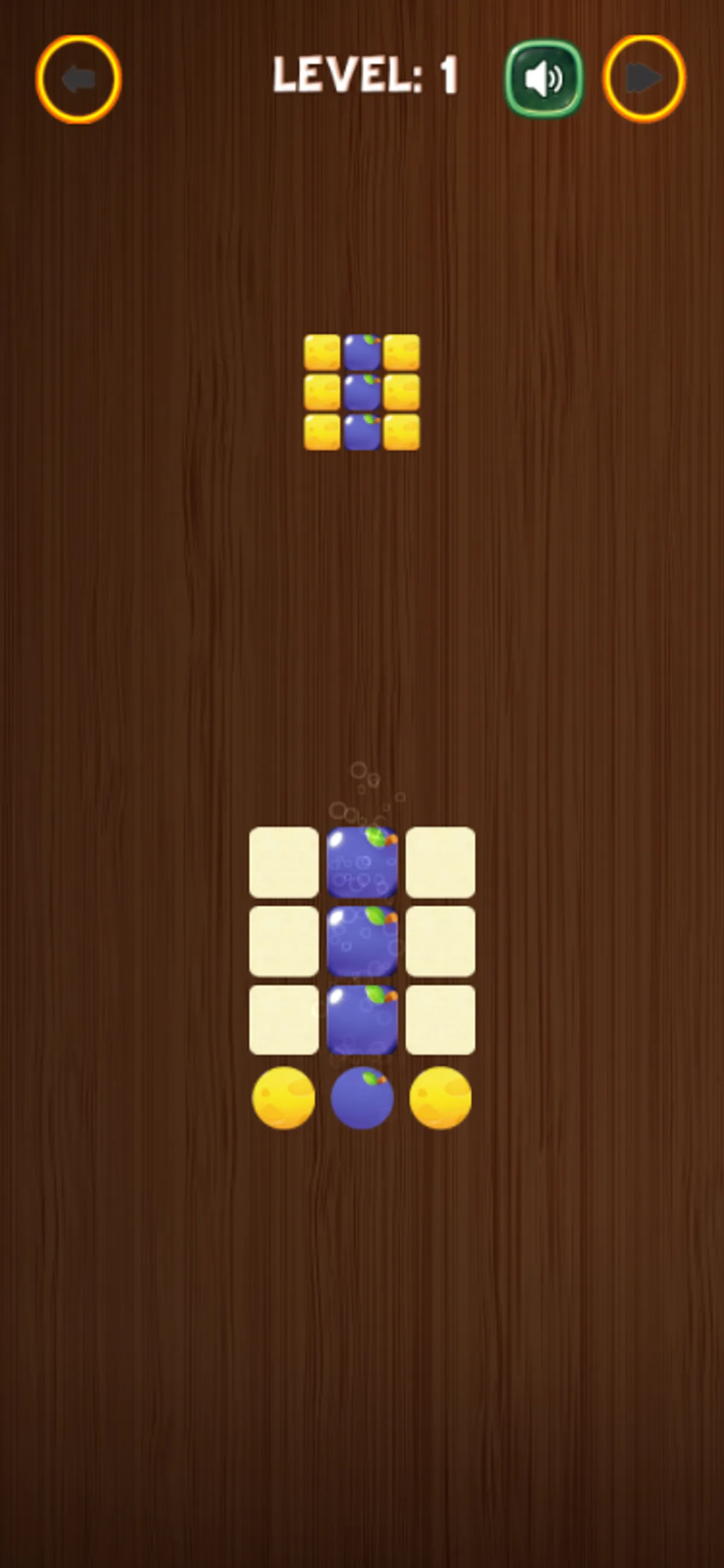
Tap the purple painter below Paletto's Level 1 board and the center column fills. The reference pattern above the three-by-three grid has yellow outer columns and a purple middle column. In the recorded phone session, the board started empty, so each new strip of color could be checked against that target before the next touch.
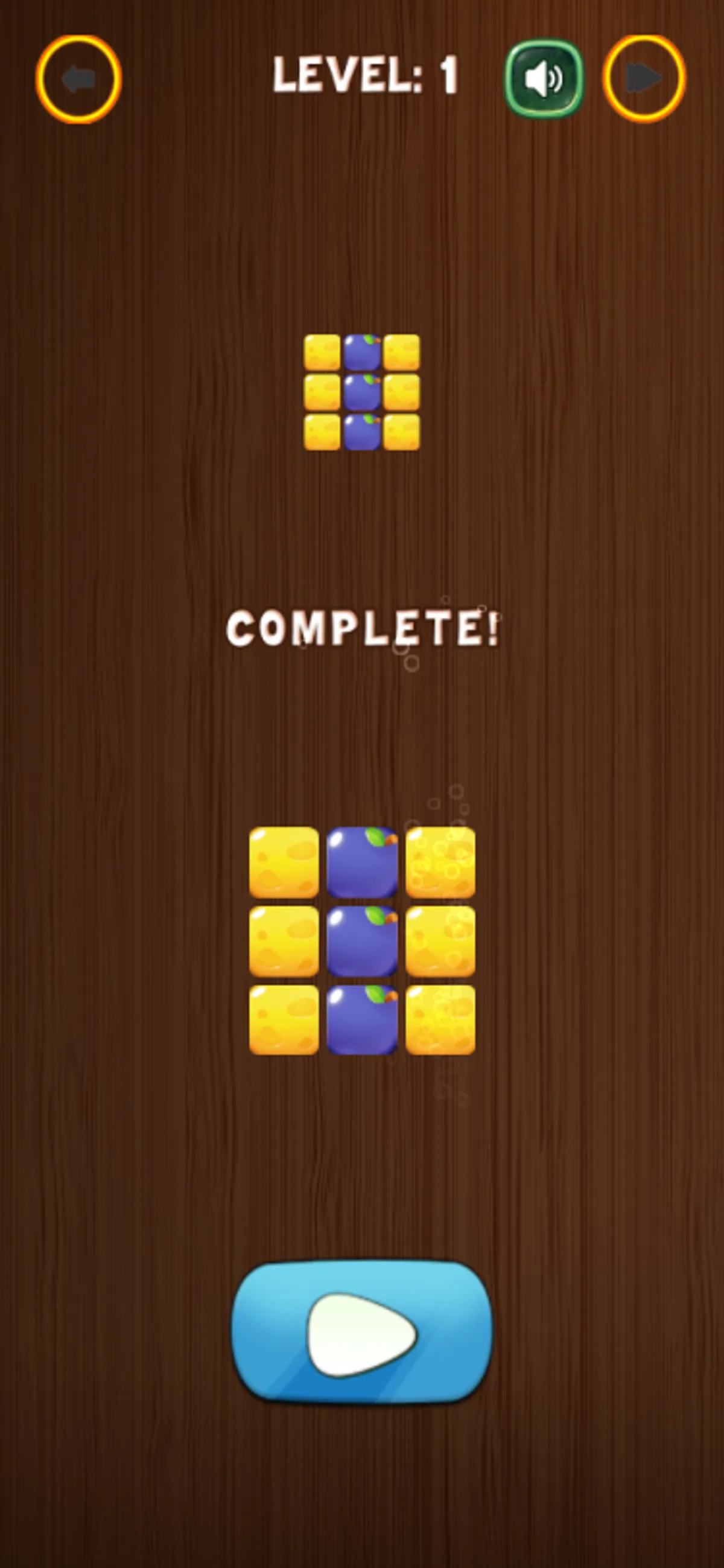
After purple, tapping the left yellow painter filled the first column. The right side was still blank until a final yellow tap completed the pattern and brought up COMPLETE. A separate desktop session used mouse clicks on the same painter controls and also reached the Level 1 completion screen. Matching one column at a time worked in both recorded runs; the target stayed visible above the grid as the colors changed.
The tested path covers the opening pattern, not the rest of Paletto. The phone's level picker showed Level 1 unlocked, and the tutorial hand pointed toward the painters. We did not check Level 2, saved progress, or sound output. If you lose track of the pattern, compare the target's columns with the board before choosing another painter.
Playtest screenshots
Swipe or scroll to see all 3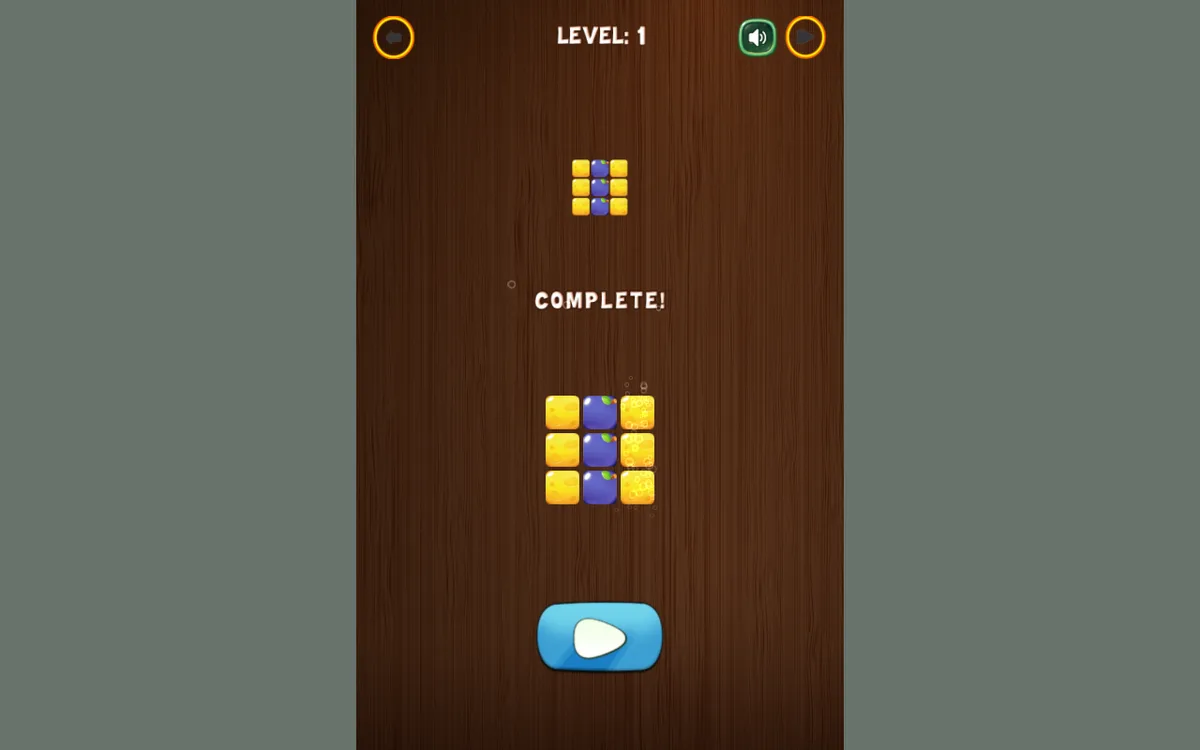
Why it's Chromebook-friendly
Our guarded phone touch and desktop mouse sessions both completed Paletto Level 1 by filling the yellow-purple-yellow columns. The target stayed above the three-by-three board while the painter controls changed it. Later levels, saved progress, audio output, physical devices, and ordinary advertising were not tested.
Controls
| Action | Desktop | Mobile |
|---|---|---|
| Match the three-column target using the round painter controls | Mouse clicks on the painter spheres produced a filled yellow-purple-yellow grid and COMPLETE. | Touch the painter spheres below the 3x3 board. In the observed Level 1, center purple followed by left and right yellow filled the matching columns and produced COMPLETE. |
Having trouble? Report a problem. Reloading may reset your progress.