Why it's Chromebook-friendly
Our guarded phone and desktop sessions reached Galaxy Pop Level 1 and showed two manual shots in each view. Both move counters fell from 25 to 23 while the alien rescue target stayed at 0/1. The run supports basic shooting and board response; it does not show a rescue, level completion, tested drag aiming, powers, later levels, saved progress, or normal ad behavior.
About Galaxy Pop
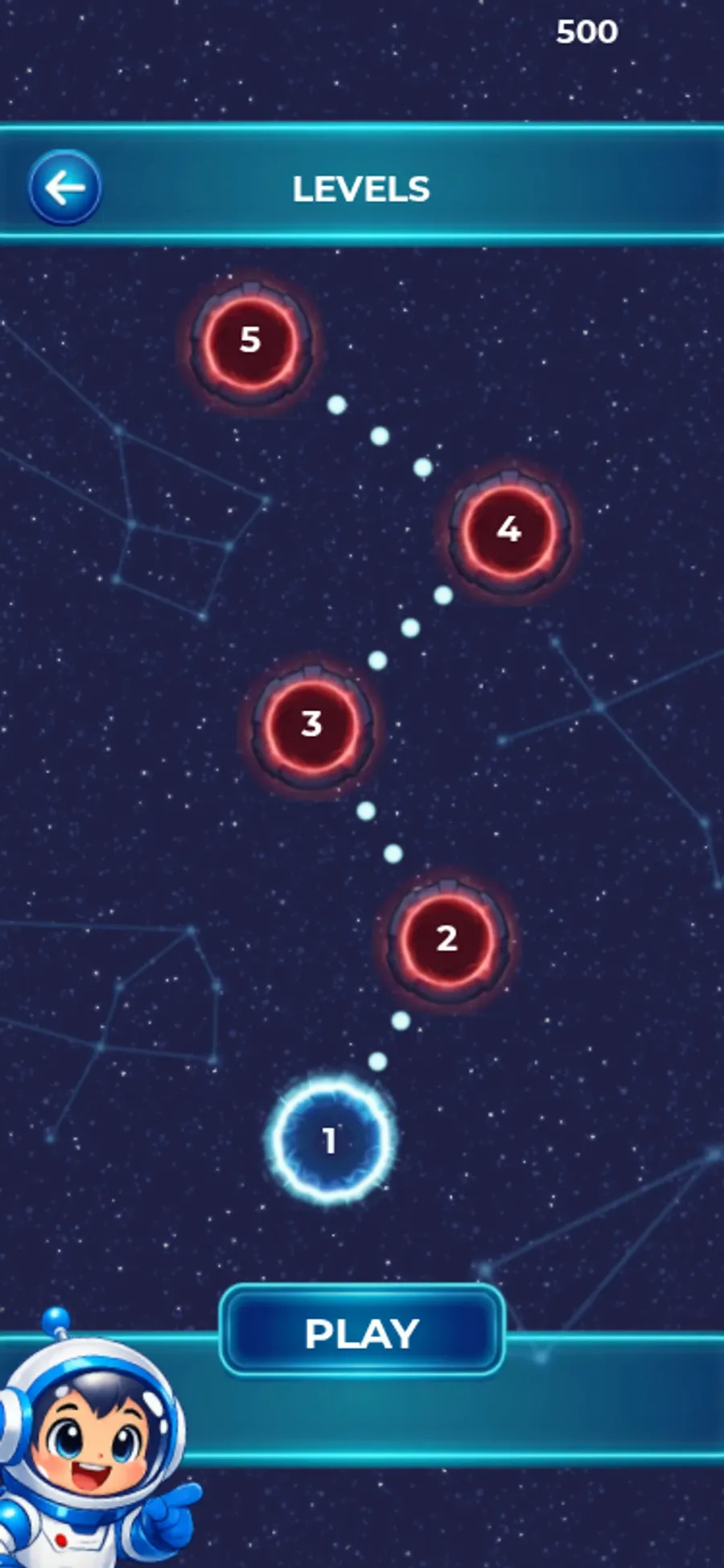
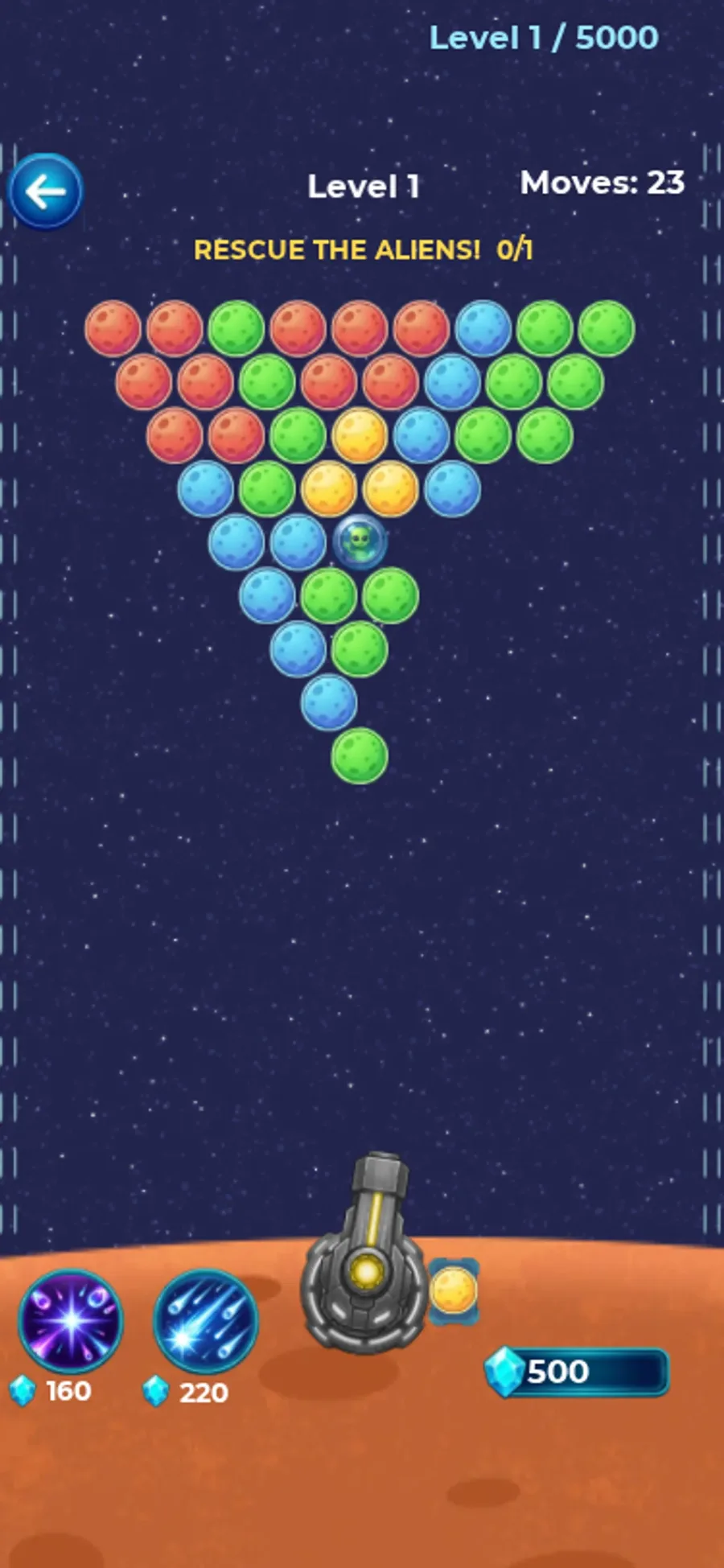
Galaxy Pop opens on a starfield with Play, Quests, a chest marked Collect and a spin wheel. Selecting Play leads to a numbered level map. In both tested browser views, level 1 opened with colored bubbles around one small alien, a launcher at the bottom and a rescue target of 0/1.
On the phone-sized board, two taps reduced the move count from 25 to 23. A red bubble joined the lower edge, then the red group on the right was no longer visible and the cluster changed. In a separate desktop sequence, two clicks left 23 moves, down from 25: a green bubble appeared below the cluster, followed by a red one. The alien remained in place and the target still read 0/1 in both views. These shots show a responsive board, not a completed rescue. Because these were separate runs, the bubble positions cannot establish a phone-versus-desktop difference. The paired counters give a narrower way to read the result: each input lowered Moves, but neither sequence changed Rescue the Aliens from 0/1.
Two priced power buttons and a 500 gem balance were visible. We did not buy a power, use Quests or Spin, or verify how gems are earned. The source instructions describe dragging to aim and releasing to shoot; our observed taps and clicks caused shots, but we did not verify the aiming gesture. Later levels and progress after a reload remain untested.
Controls
| Action | Desktop | Mobile |
|---|---|---|
| Select menu or level and fire a bubble | Click menu/level controls and click the Level 1 bubble field | Tap menu/level controls and tap the Level 1 bubble field |
Playtest screenshots
Swipe or scroll to see all 3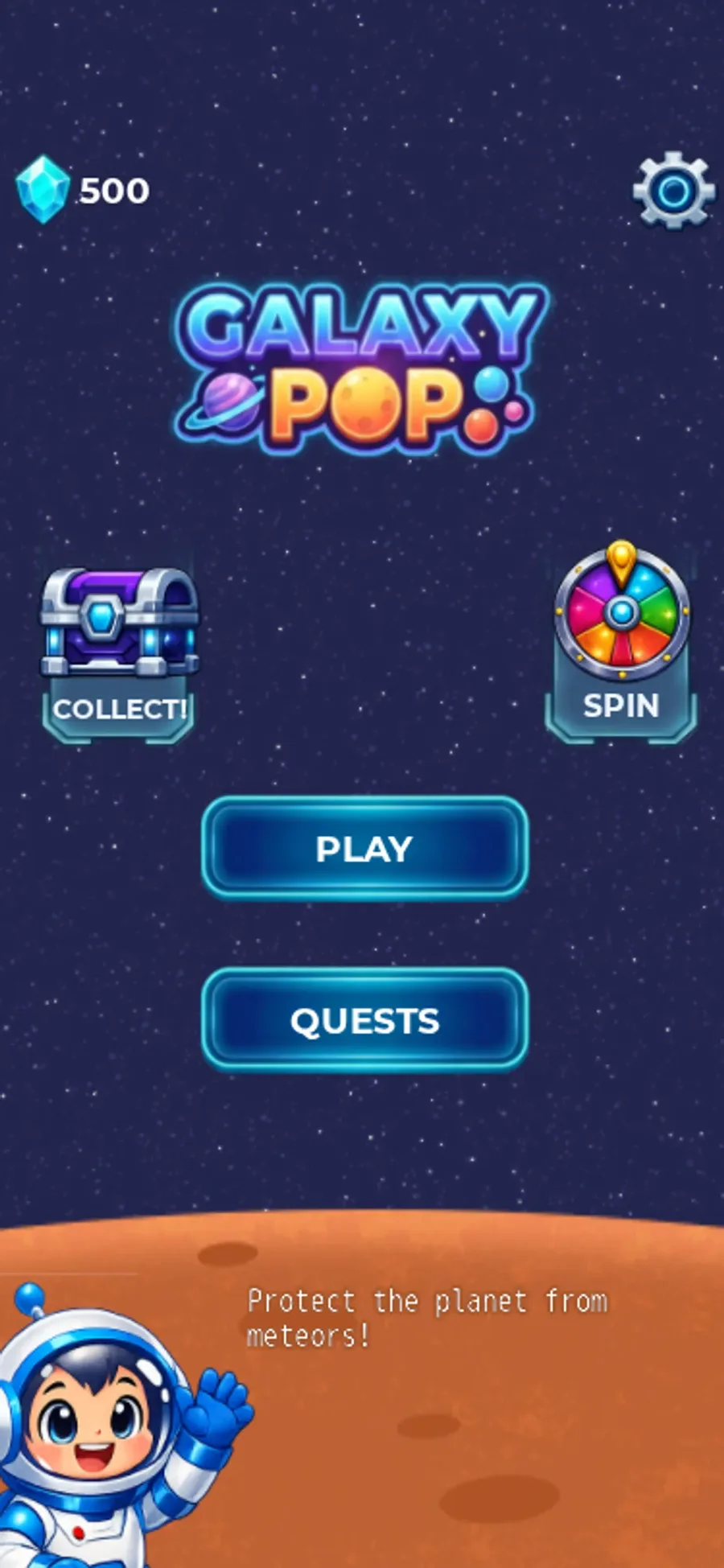
Having trouble? Report a problem. Reloading may reset your progress.