About Buddy Quest
Tap a wooden support in Buddy Quest to change the puzzle. Level 1 places a blue-and-white cat high above a girl, with green wood between them. Two spiked balls sit beneath the cat’s platform, and three stars appear down the stack. The displayed objective is to bring the cat into contact with the girl.
Choose Play, then level 1. In both tested views, tapping or clicking the horizontal wood directly below the cat left black cracks across it and scattered brown fragments nearby. On the phone-sized screen, the upper wood assembly and cat subsequently fell toward the lower right; that attempt ended with GAME OVER. The desktop click produced the same initial cracks, but its final recorded frame still showed the cat supported. We did not establish why those later outcomes differed.
The tested upper-support move is a warning rather than a winning route: watch the spiked balls beneath the cat before repeating it. A successful rescue or clearing order was not verified. The mobile failure screen offered a circular retry control, which we did not activate; later levels and saved progress remain untested. Menu navigation and the block interaction worked with native touch and mouse input, with sound muted and no sign-in or download required during our sessions. Advertising requests were blocked, so these tests do not establish ordinary ad behavior.
Playtest screenshots
Swipe or scroll to see all 2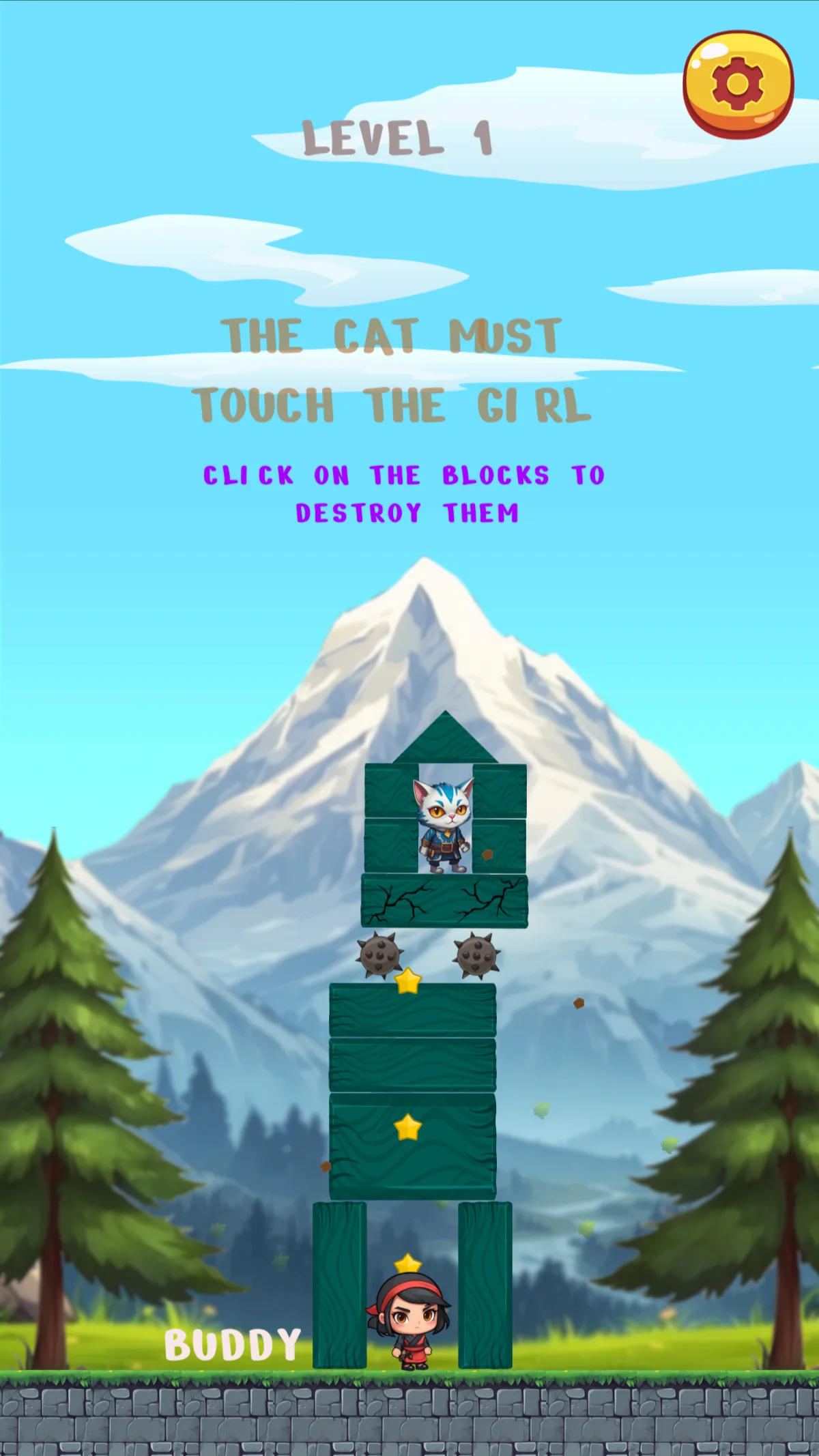
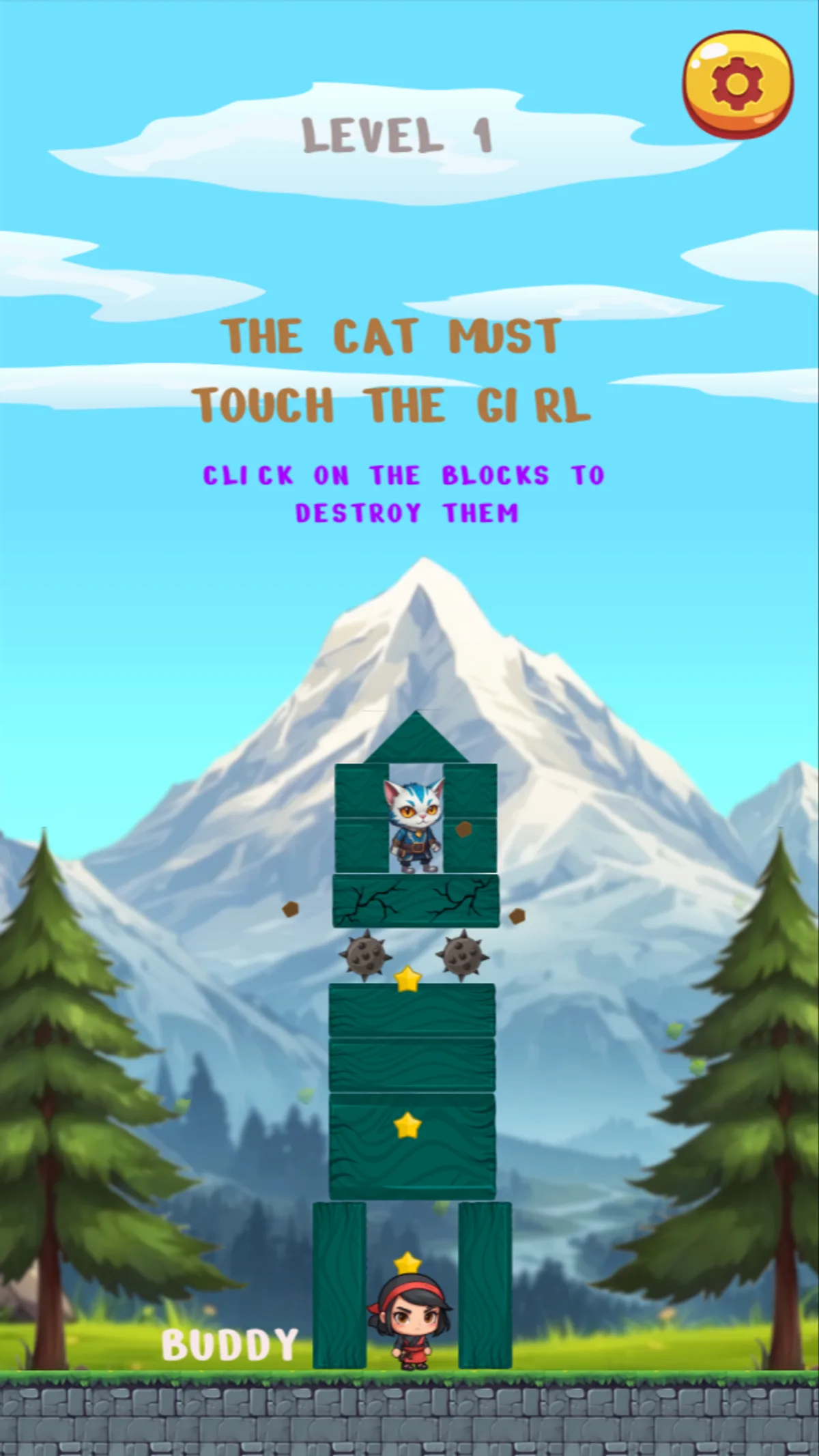
Why it's Chromebook-friendly
Native touchscreen taps and desktop mouse clicks opened level 1 and cracked the tested green support beneath the cat. The phone-sized attempt then showed the upper assembly and cat falling to the lower right, followed by GAME OVER; the desktop final frame still showed the cat supported on cracked wood. A successful rescue, effective clearing order, activated retry, later levels and saved progress were not verified. Sound was muted and no sign-in or download was required in these sessions. Ordinary ad behavior was not assessed because requests were blocked.
Controls
| Action | Desktop | Mobile |
|---|---|---|
| Open level 1 | Click Play, then the level-1 button. | Tap Play, then the level-1 button. |
| Interact with the tested upper wooden support | Click the horizontal green support directly under the cat; the observed response is black cracks and brown fragments, not verified full removal. | Tap the horizontal green support directly under the cat; the observed response is black cracks and brown fragments, not verified full removal. |
More to explore
The stored scan marked this title Chromebook-friendly; its playtest included both required viewports and recorded mouse, touch controls.
The latest stored technical scan recorded a 2.2 MB core package, below the 5 MB collection threshold.
Having trouble? Report a problem. Reloading may reset your progress.