About SweetFlip
Twelve pale pink cards fill a three-row grid in SweetFlip’s Easy mode. Tap or click a card to uncover a sweet, then choose another card to look for its partner. The pictures give you something concrete to remember: a doughnut, a chocolate bar, a cupcake or a multicoloured lollipop.
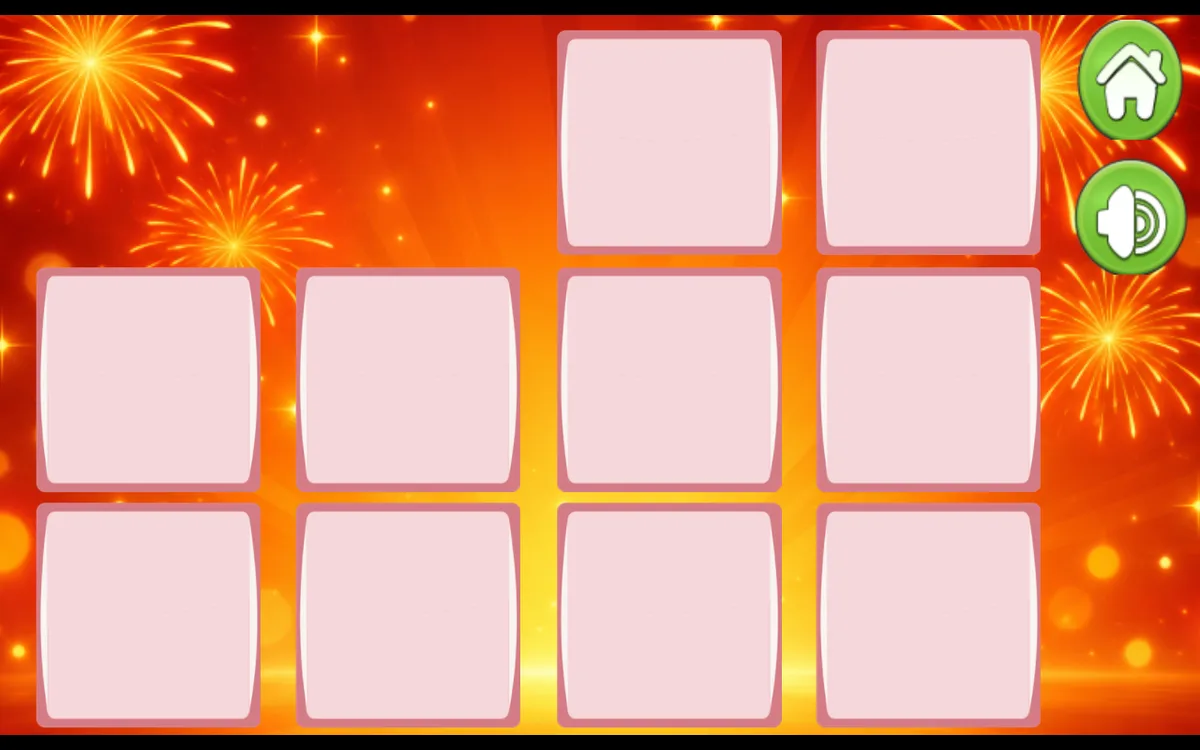
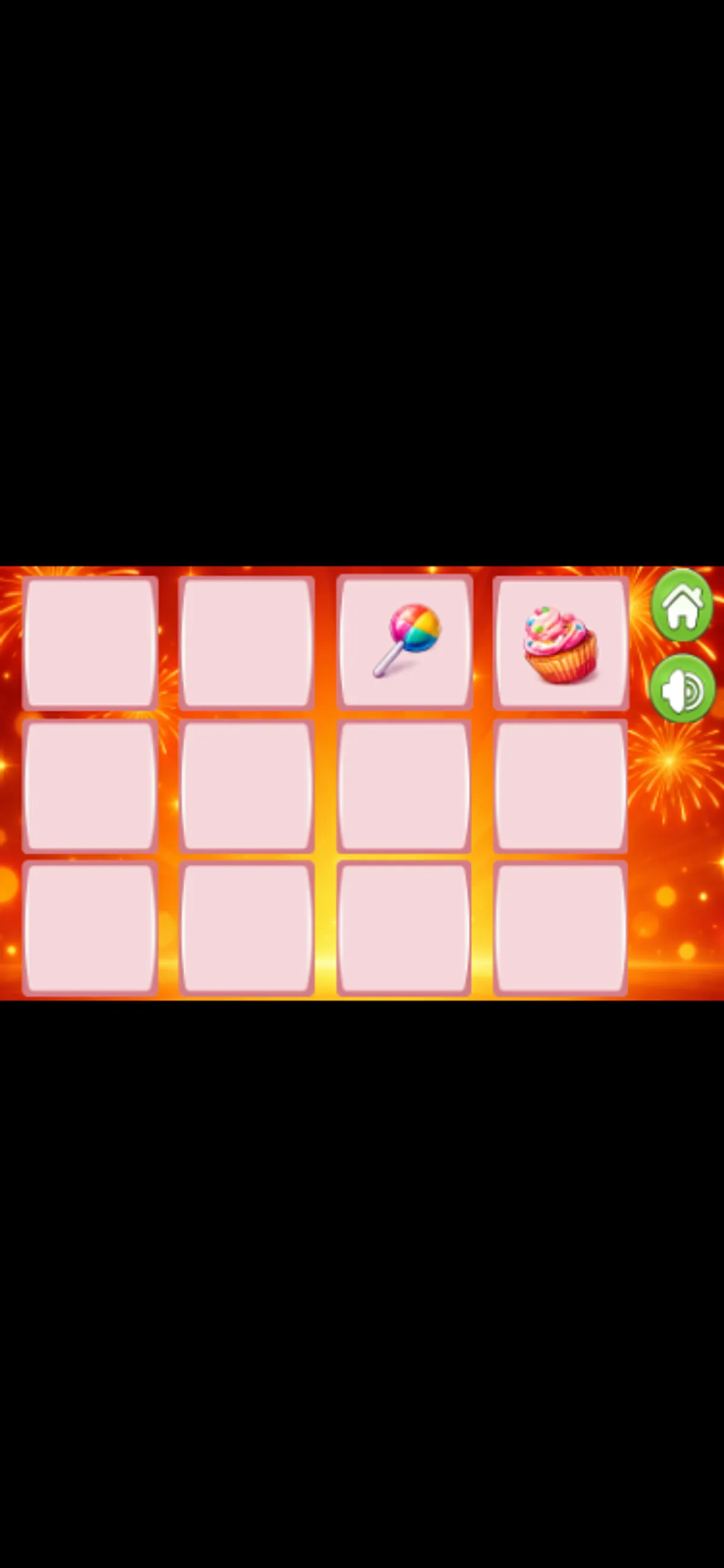
The desktop test began with a lollipop in the top-left slot. Selecting the card beside it made both matching cards disappear, leaving ten cards on the board. A phone-sized session dealt a different arrangement. Its first two selections revealed a doughnut and chocolate; that mismatched pair turned face down again. Another pair showed a lollipop and cupcake, which also turned back over. Remember each picture’s position before choosing your next card, rather than following a fixed sequence from the screenshots.
Only Easy mode was tested. The menu also lists Learning, Normal and Hard, but their layouts and rules remain unverified. A complete board clear and progress saving were not tested.
Playtest screenshots
Swipe or scroll to see all 3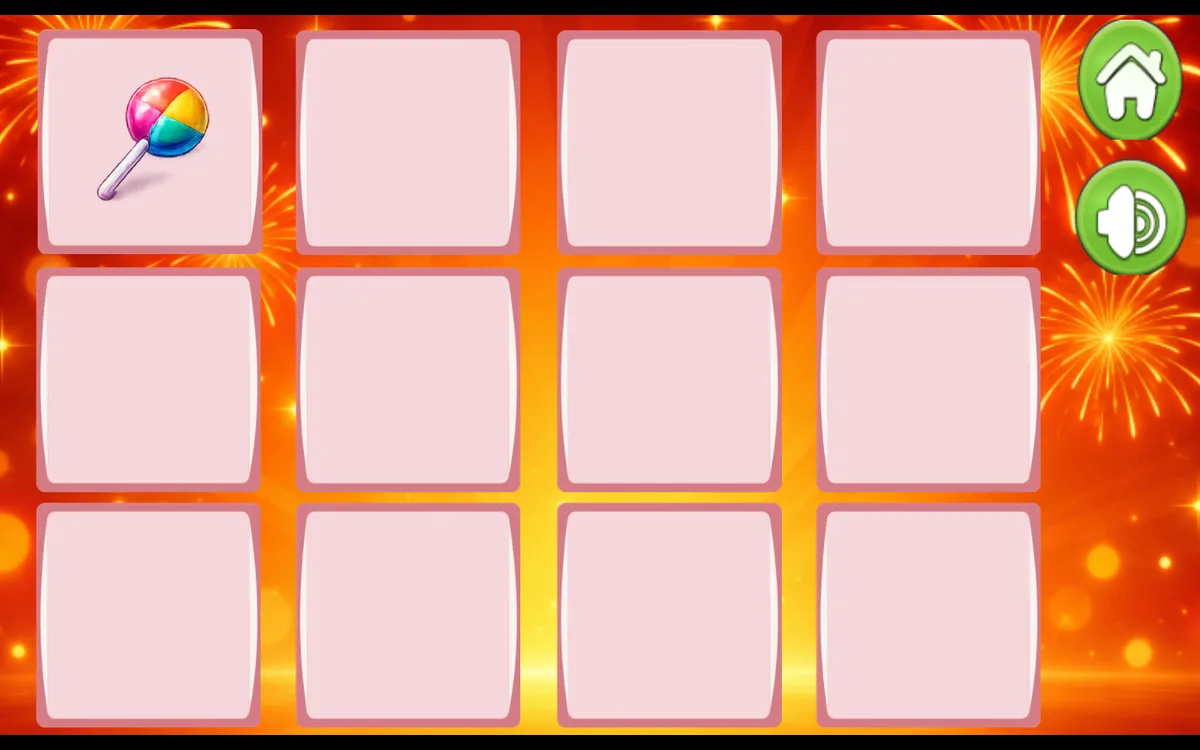
Why it's Chromebook-friendly
SweetFlip’s Easy mode showed twelve cards in a three-by-four grid. Mouse clicks cleared a matching pair; native touch taps revealed cards and mismatches turned face down again. The measured entry-referenced core is 0.1 MB, excluding dynamically loaded assets. Other difficulty modes and a complete board clear were not tested.
Controls
| Action | Desktop | Mobile |
|---|---|---|
| Reveal a face-down candy card | Click a face-down card with the mouse, then click a second card to compare the pictures. | Tap a face-down card, then tap a second card to compare the pictures. |
Having trouble? Report a problem. Reloading may reset your progress.