Why it's Chromebook-friendly
Guarded phone touch and desktop mouse sessions both cleared the observed first level by using red and yellow cannons against matching cube groups. The visible counter fell from 261 to zero in both sessions. The test did not activate bonus or ad-marked controls, check later levels, establish a scoring formula, or measure readiness on physical devices.
About Pixel Shooter Puzzle
Tap a red or yellow cannon and watch the matching cubes come away from the model. Pixel Shooter Puzzle opens Level 1 with 261 cubes, a red-and-yellow shape in the center, and cannons lined up beneath six empty slots. The on-screen lesson tells you to choose a front cannon whose color matches the exposed blocks. It also warns you to keep a slot free for the next cannon.
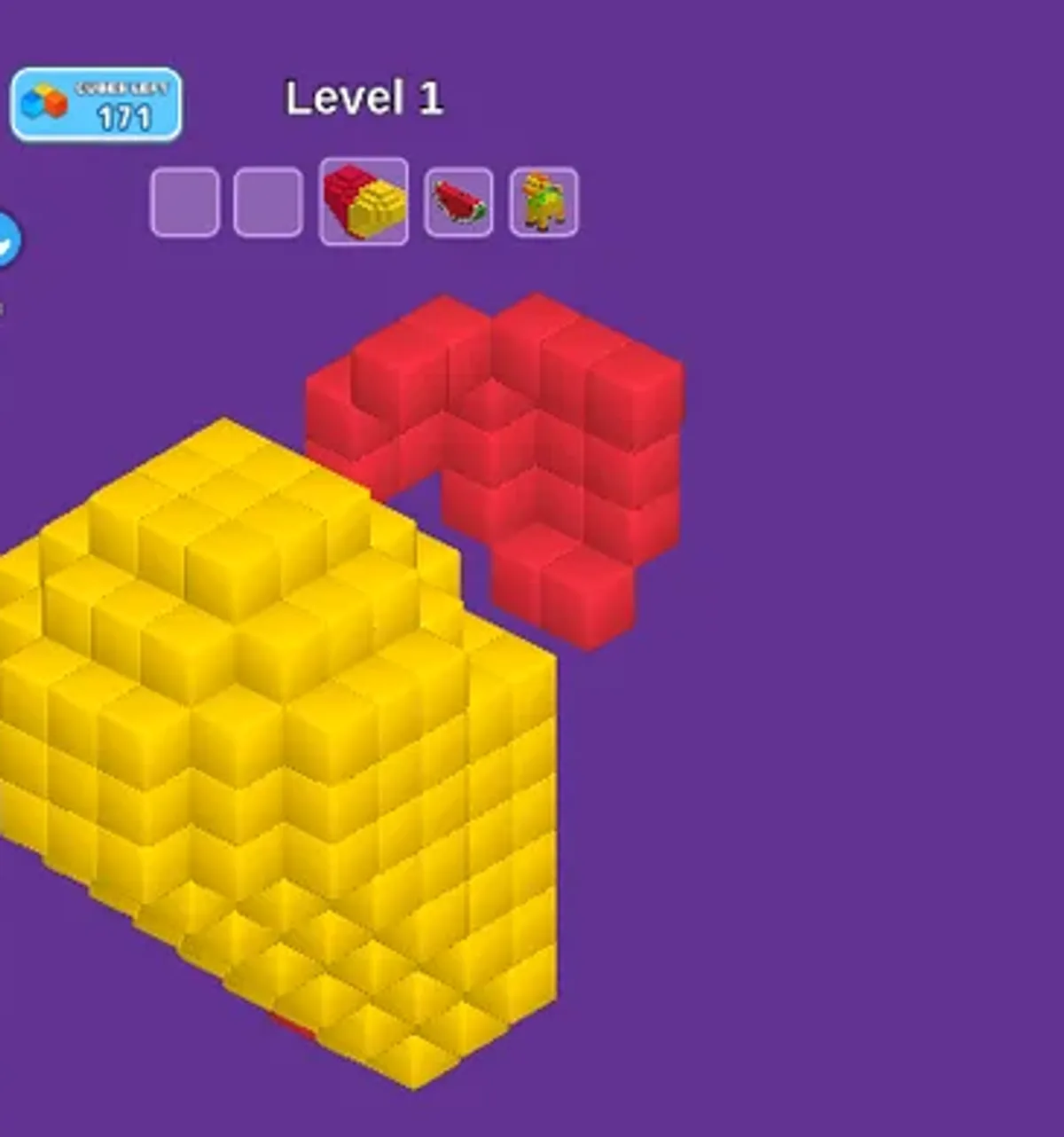
The recorded phone session included cannon taps. Later frames show the counter at 231 and then 201, with more of the yellow side exposed as the red section shrank. The separate desktop run included mouse clicks; later frames likewise show changes to the shape and counter. Both sessions ended on a Level Clear screen with zero cubes left. That is a concrete opening goal, rather than evidence of how later levels behave.
The useful habit is to check both the color facing you and the space available above the model before choosing another cannon. We observed the first level only. The visible bonus and ad-marked controls were left untouched, so their effects are unknown; neither session establishes a general scoring rule, repeatable solution, or the difficulty of the next stage.
Controls
| Action | Desktop | Mobile |
|---|---|---|
| Select a front cannon matching exposed cube color | Click a numbered front cannon | Tap a numbered front cannon |
Playtest screenshots
Swipe or scroll to see all 2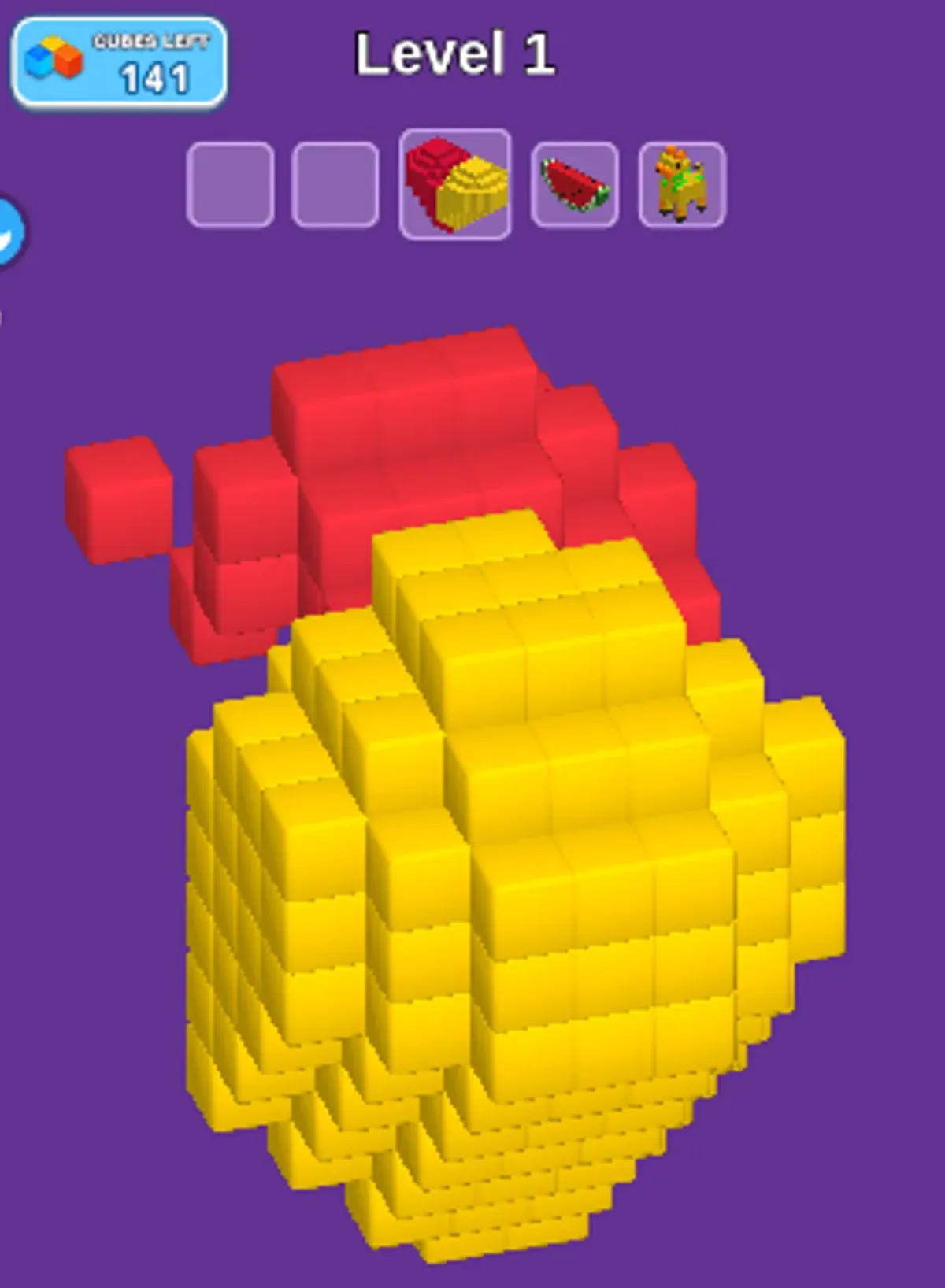
Having trouble? Report a problem. Reloading may reset your progress.