About Block Party Blast
A yellow four-cell piece occupied the left-middle grid in Block Party Blast, followed by a cyan piece on the right. Both came from the lower tray in FUN / Endless. The mobile coin counter rose from 0 to 4 to 8, while the separate score display stayed at 0.
Use a touch drag on mobile or hold the mouse button to carry a piece onto open cells. A useful first check is the one used in the mobile session: put the opening pieces in separate clear areas, then compare their outlines and the replacement pieces in the tray. That verified those placements without crowding them together; it does not establish an optimal strategy.
The desktop opening supplied a purple single square, a cyan 2×2 square and a green-and-purple L-shaped piece. Mouse drags placed all three, bringing the coin counter to 9. These observations cover only the opening arrangement. No row clear occurred, and the score remained 0 in both sessions. We did not test the LEVELS option, power-ups, a complete round or saved progress. The observed placements did not require audio.
Playtest screenshots
Swipe or scroll to see all 2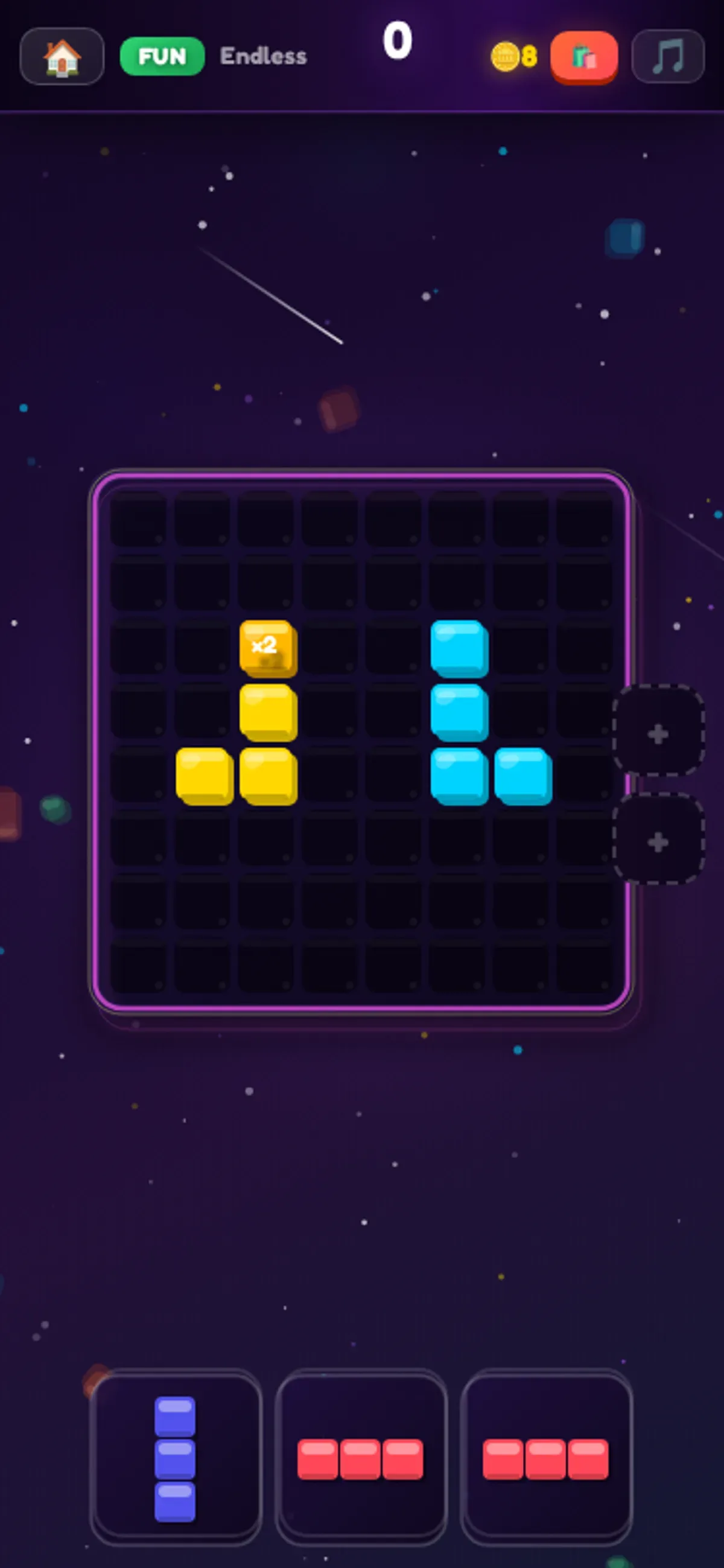
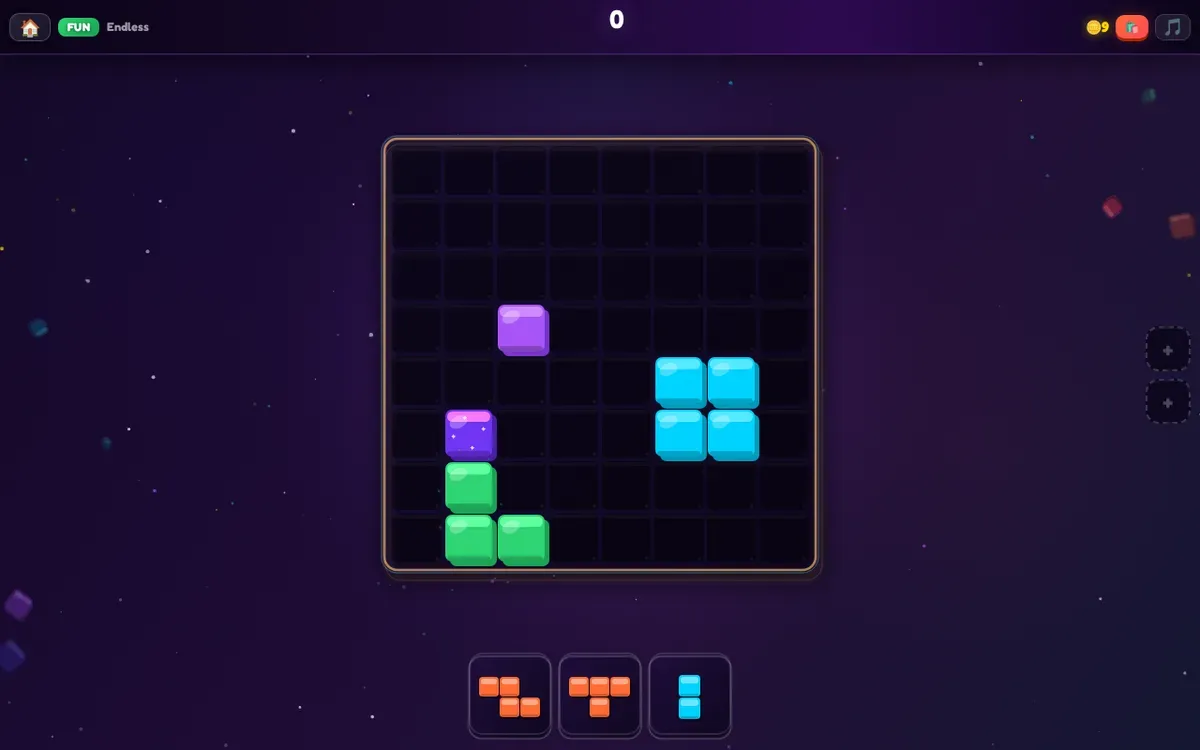
Why it's Chromebook-friendly
Touch and mouse drags placed pieces on the 8×8 FUN / Endless board. Only the opening positions were played; no row clear or completed round was verified.
Controls
| Action | Desktop | Mobile |
|---|---|---|
| Drag a block piece from the tray onto an open area of the board. | Hold the mouse button and drag a tray piece onto the board. | Touch and drag a tray piece onto the board. |
Having trouble? Report a problem. Reloading may reset your progress.